Preview Spaceship Interior
By RealityIDR
Community Rating
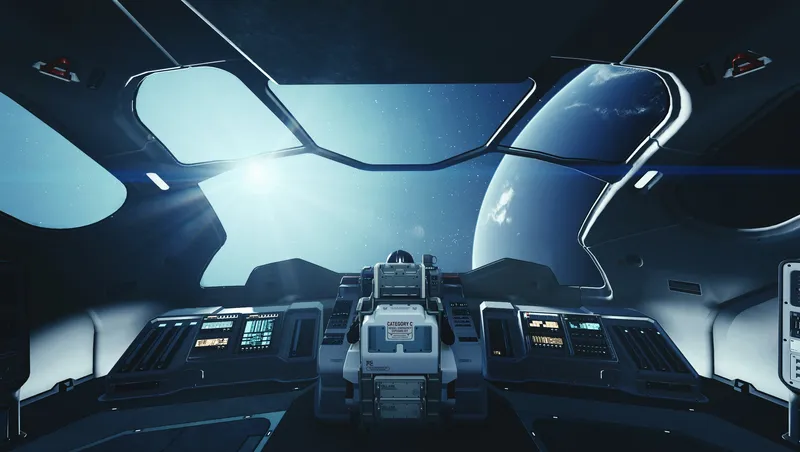
I always found it tedious to have to run back and forth from my Ship and a Ship Mechanic every time I wanted to make a change to my ship's interior and see it, so I decided to try and see if I could streamline this process and I am pretty happy with the results. I've spend a lot of time eliminating bugs during development, but I still recommend saving frequently.I always found it tedious to have to run back and forth from my Ship and a Ship Mechanic every time I wanted to make a change to my ship's interior and see it, so I decided to try and see if I could streamline this process and I am pretty happy with the results.
Instructions:
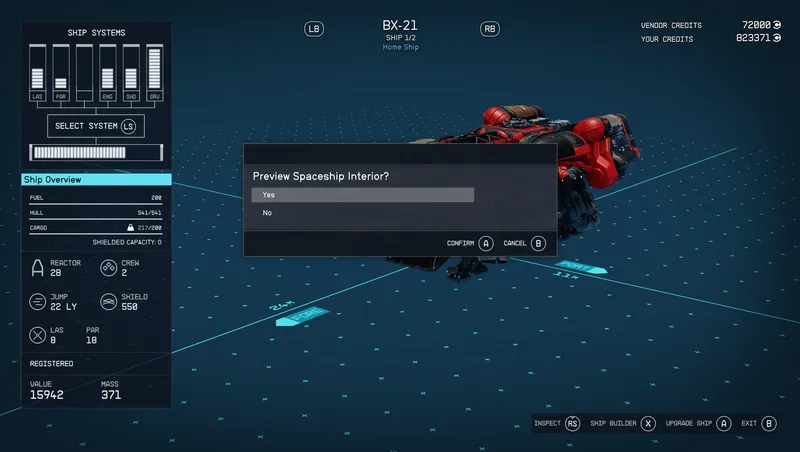
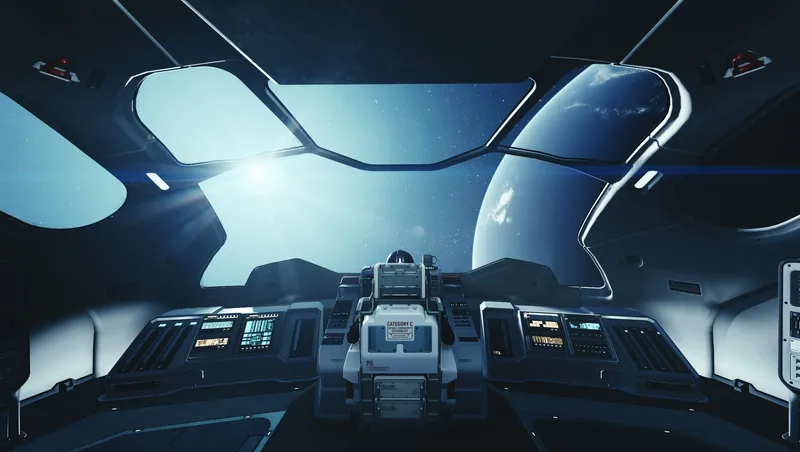
Enter the Ship Builder at any Ship Mechanic/Outpost Landing Pad and make a modification to your Home Ship. Once your modification is saved, you will see an option to Preview your ship's interior. Modifying a Spaceship that is not currently set as your Home Ship will not present the option to view it's interior. To return to the ship builder, simply open the pause menu and select yes in the message box. (This message box will only appear while previewing the interior)
Release notes
Xbox
-
1.21Previewing now works with the digital vendors at Stroud-Eklund at Neon.
Fixed a bug where the mod would become non-functional if the player takes off or leaves their ship during a preview.
Fixed a bug where the mod would become non-functional if the player enabled previewing for more than one modded ship builder. -
1.2Added compatibility with modded ship builders that do not use vanilla vendor scripts.
-
1.1Initial Creations Release
PC
-
1.21Previewing now works with the digital vendors at Stroud-Eklund at Neon.
Fixed a bug where the mod would become non-functional if the player takes off or leaves their ship during a preview.
Fixed a bug where the mod would become non-functional if the player enabled previewing for more than one modded ship builder. -
1.2Added compatibility with modded ship builders that do not use vanilla vendor scripts.
-
1.1Initial Creations Release
Additional Screenshots Available
This mod has 2 additional screenshots available on the official Bethesda.net page.
View All Screenshots on Bethesda.netYouTube Videos
Community Rating & Feedback
No reviews with comments yet.
Be the first to leave a review!
Related Starfield Mods
By GrizBane404 • 2 years ago
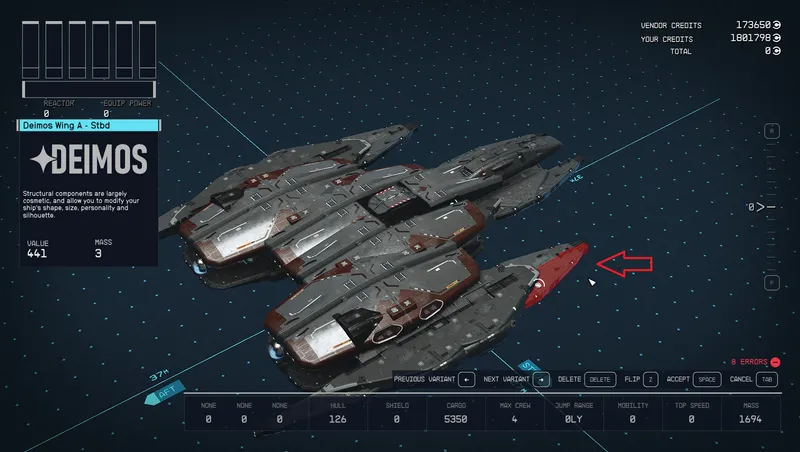
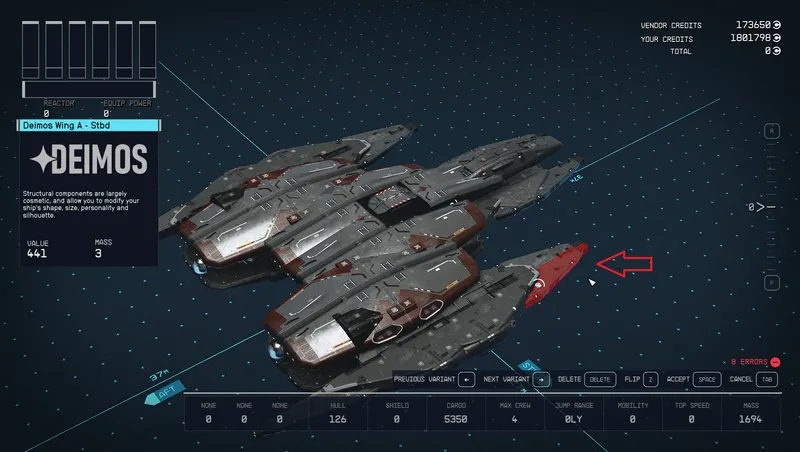
Allows one to customize most every aspect of Ship Building: overlapping modules, oversized ships, ship fleet size, vendor availability, UI behavior and more.
By GrizBane404 • 2 years ago
Enables construction of ships with merged/overlapping modules (without awkward "glitching" techniques), expanded part availability and a customized Ship Builder user experience.
Quick Actions
Your Rating
Sign in to rate and review this mod—your vote helps the community.
Community Rating
Mod Information
- Published
- Oct 29, 2024
- Last Updated
- Dec 04, 2024
- Platforms
- PC, Xbox
Search Mods

Related Starfield Mods