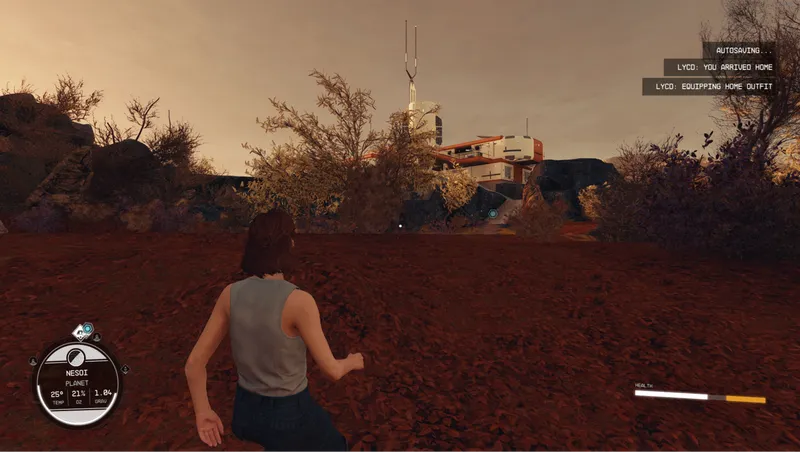
Let Your Coat Down for Starfield - Outfit Auto Swap and Wardrobe System
By samedog
Community Rating
!!!!!!!!!!!!!!!!!!!!!!!!!!!!!!!!!!!!!!!!!!!!!!!!!!!!!!!!!!!!!!!!!!!!!!!!!!!!!!!!!!!!!!!!!!!!!!!!!!!!!!!!!!!!!!!!!!!!!!!!!!!!!!!!!!!!!!!!!!!!!!!!!!!!!!!!!!!!!!!!!!!!!!!!!!!!! UPDATED TO 3.43
-Needs a SOFT RESET from the Main Menu (and maybe a save/reload).
-If the menus are broken aftrer the update make a save, change the load order(send the mod to the top or bottom of the list), load the game and select "CURRENT" when asked about the load order, that should fix it.
-On some cases the outfit lock could get stuck and the outfits won't change, just save and reload and it will fix itself.
If for some reason the mod breaks leave me a comment on nexusmods (https://www.nexusmods.com/starfield/mods/9825?tab=posts) !!!!!!!!!!!!!!!!!!!!!!!!!!!!!!!!!!!!!!!!!!!!!!!!!!!!!!!!!!!!!!!!!!!!!!!!!!!!!!!!!!!!!!!!!!!!!!!!!!!!!!!!!!!!!!!!!!!!!!!!!!!!!!!!!!!!!!!!!!!!!!!!!!!!!!!!!!!!!!!!!!!!!!!!!!!!!
CHANGES/FIXES:
- Fixed follower array functions to properly save gear from mods.
- Fixed follower equip gear functions to properly follow the player outfit changes.
- Fixed bug in weather detection that rendered it unusable.
TODO:
- Hostile POIs in "outside" locations should make the player equip the space suit (more armor).
- Weather change detection without needing to teleport.
- Swim detection (for some reason the OnPlayerSwimming() event just doesn't work).
- New Homestead reliable detection (I need to find a way to reliably determine when the player opens the airlock).
KNOWN ISSUES:
- Keywords are inconsistent between shipyards, space stations, large spaceships, and abandoned space POIs, causing some cases to trigger the wrong outfit change. I'm trying to iron out all edge cases.
- New Atlantis home stores the whole city as "home" as it is in the exterior city cell, nothing I can do about it.
HOWTO USE:
1- Save home locations in the Home location submenu with the provided "LYCD MAIN MENU" aid item (OPTIONAL). 2- Remove all Gear (SpaceSuit, attire and weapon). 3- Equip the outfit you want for a certain location (SpaceSuit, attire and weapon). 4- Save the outfit with the Outfit Submenu in the provided "LYCD MAIN MENU" aid item. 5- Repeat step 1, 2, 3 and 4 if needed. 6- Done.
HOWTO FOLLOWERS
1- Use the "LYCD ACTIVATE FOLLOWER MENU" aid item. 2 Look at follower, activate Follower menu (a new context button should appear next to talk) 3- Select "Add to system" fromt the menu. 4- Select "Start detecting outfit" 5- Equip/unequip the desired gear. 6- Re-open the follower menu. 7- Select save outfit 8- Repeat from step 3 as needed. 9- Done.
Video tutorial on the mod page.
TIPs:
- SAVE YOUR SPACE OUTFIT FIRST OR YOU'LL FIND YOURSELF NAKED IN SPACE (NOT OPTIMAL).
- BETTER IF HIDE HELMET AND HIDE SPACESUIT ARE DISABLED.
Release notes
Xbox
-
3.43- Fixed follower array functions to properly save gear from mods.
- Fixed follower equip gear functions to properly follow the player outfit changes.
- Fixed bug in weather detection that rendered it unusable.
I'm kinda back to starfield and so i'll be making some QoL updates to this mod. -
3.4Update 3.4 changes include:
- Added a Settings submenu to toggle empty outfit storing/equipping and to toggle auto outfit change, converting the mod into a "wardrobe".
- Added the option to store space outfits for specific space hazards (experimental, may fail on some conditions like multi hazards or mixed weathers) -
1.00== Describe this release ==
-
3.3- This hotfix shoud fix the typo on the Outside submeno as well as the Natural POIs triggering random outfit changes.
-
3.3-This should fix most cases of outside/space random changes, if you find lcoations causing random outfit changes please leave a comment on nexusmods with the planet or moon and POI causing the change.
- Player and followers will no longer equip "empty" outfits.
- Added a follower temporal outfit array so the player and followers no longer share the same array.
- The follower temporal outfit array will only reset when the follower menu is activated/deactivated.
- The player outfit temporal array will not reset when saving an outfit it would only reset on startup.
- Both previous changes will allow to save outfits faster as there will be no need to unequip/reequip everything for every outfit.
- Multiple code optimizations. -
3.22-Added options on the Outfits Menu to disabe/enable the auto outfit change.
-Added an option on the Outfits Menu to save the current equipped gear to all outfits. -
0.1DO NOT USE
-
3.21- Fixed the case of breathable but toxic atmospheres triggering an outfit change to *outside*.
-
3.2- Fixed extreme weather detection.
-
3.11- Fixed an issue with changing location on foot triggering nthe wrong outfit.
- Added a maintenance function that should help with new releases after 3.1.
- Cell change detection *kinda* works, getting to locations on foot still fail sometimes as keywords on the CK are very inconsistent. -
3.1- Fixed an issue with changing location on foot triggering nthe wrong outfit.
- Added a maintenance function that should help with new releases after 3.1.
- Cell change detection *kinda* works, getting to locations on foot still fail sometimes as keywords on the CK are very inconsistent.== Describe this release == -
3.0- Remade all core functions (gear detection, gear storing, location storing, location detection, etc.).
- Remade all the follower functions.
- Fixed all follower offsets and indexes.
- Added a home location array to store multiple home locations (New Atlantis home stores the whole city as "home" as it is in the exterior city cell, nothing I can do about it).
- Technically ANY location can be saved as "home" (the array holds up to 128 locations), so go wild, I guess ;).
- Homeship location is now automatic; added a menu entry just in case an edge case causes it to fail.
- Fixed Cydonia; outside is treated as Space and inside is treated as City.
- Remade all the player menus.
- Reordered and remade the follower menu.
- Added a function to auto-open the follower inventory when detecting outfits.
- Friendly and neutral space stations and ships are now treated as "outside."
- Some stations are detected as *city* because they use the city keyword; nothing I can do about it.
- Hostile space stations and ships are now treated as "space."
- Added extreme weather detection (on exiting the ship and teleporting locations).
- Made the extreme weather detection override any outfit and equip the space outfit.
- Removed the onCombat condition for outfit change as it interfered with ship boarding and made little sense, to be honest.
- Fast traveling from interior cells (including home locations) now properly determines the new and previous locations. -
2.22This should be the last hotfix on the 2.X branch (I hope)
-
2.21HOTFIX UPDATE FOR A WRONG SCRIPT ON 2.2
-
2.2*wrong script hotfix* Multiple code fixes for both player and follower systems
-
2.1This shuould fix the quest and script not properly initializing.
-
2.0- Implemented Follwers
- Gear now is equipped before exiting the ship
- Fixed the item duplication bug
- Multiple code fixes
-
1.2- Updated outfit menus with better descriptions.
- Added sleep outfit.
- Refactored all the code for easier future features implementation. -
1.1== Describe this release ==
Converted to esm, outfits and locations will need re-saving -
1.00== Describe this release ==
Initial release.
- Home and homeship location saving.
- Automatic space, city and outside detection
- Saving, deleting and equipping gear
PC
-
3.43- Fixed follower array functions to properly save gear from mods.
- Fixed follower equip gear functions to properly follow the player outfit changes.
- Fixed bug in weather detection that rendered it unusable.
I'm kinda back to starfield and so i'll be making some QoL updates to this mod. -
3.4Update 3.4 changes include:
- Added a Settings submenu to toggle empty outfit storing/equipping and to toggle auto outfit change, converting the mod into a "wardrobe".
- Added the option to store space outfits for specific space hazards (experimental, may fail on some conditions like multi hazards or mixed weathers) -
1.00== Describe this release ==
-
3.3- This hotfix shoud fix the typo on the Outside submeno as well as the Natural POIs triggering random outfit changes.
-
3.3-This should fix most cases of outside/space random changes, if you find lcoations causing random outfit changes please leave a comment on nexusmods with the planet or moon and POI causing the change.
- Player and followers will no longer equip "empty" outfits.
- Added a follower temporal outfit array so the player and followers no longer share the same array.
- The follower temporal outfit array will only reset when the follower menu is activated/deactivated.
- The player outfit temporal array will not reset when saving an outfit it would only reset on startup.
- Both previous changes will allow to save outfits faster as there will be no need to unequip/reequip everything for every outfit.
- Multiple code optimizations. -
3.22-Added options on the Outfits Menu to disabe/enable the auto outfit change.
-Added an option on the Outfits Menu to save the current equipped gear to all outfits. -
0.1DO NOT USE
-
3.21- Fixed the case of breathable but toxic atmospheres triggering an outfit change to *outside*.
-
3.2- Fixed extreme weather detection.
-
3.11- Fixed an issue with changing location on foot triggering nthe wrong outfit.
- Added a maintenance function that should help with new releases after 3.1.
- Cell change detection *kinda* works, getting to locations on foot still fail sometimes as keywords on the CK are very inconsistent. -
3.1- Fixed an issue with changing location on foot triggering nthe wrong outfit.
- Added a maintenance function that should help with new releases after 3.1.
- Cell change detection *kinda* works, getting to locations on foot still fail sometimes as keywords on the CK are very inconsistent.== Describe this release == -
3.0- Remade all core functions (gear detection, gear storing, location storing, location detection, etc.).
- Remade all the follower functions.
- Fixed all follower offsets and indexes.
- Added a home location array to store multiple home locations (New Atlantis home stores the whole city as "home" as it is in the exterior city cell, nothing I can do about it).
- Technically ANY location can be saved as "home" (the array holds up to 128 locations), so go wild, I guess ;).
- Homeship location is now automatic; added a menu entry just in case an edge case causes it to fail.
- Fixed Cydonia; outside is treated as Space and inside is treated as City.
- Remade all the player menus.
- Reordered and remade the follower menu.
- Added a function to auto-open the follower inventory when detecting outfits.
- Friendly and neutral space stations and ships are now treated as "outside."
- Some stations are detected as *city* because they use the city keyword; nothing I can do about it.
- Hostile space stations and ships are now treated as "space."
- Added extreme weather detection (on exiting the ship and teleporting locations).
- Made the extreme weather detection override any outfit and equip the space outfit.
- Removed the onCombat condition for outfit change as it interfered with ship boarding and made little sense, to be honest.
- Fast traveling from interior cells (including home locations) now properly determines the new and previous locations. -
2.22This should be the last hotfix on the 2.X branch (I hope)
-
2.21HOTFIX UPDATE FOR A WRONG SCRIPT ON 2.2
-
2.2*wrong script hotfix* Multiple code fixes for both player and follower systems
-
2.1This shuould fix the quest and script not properly initializing.
-
2.0- Implemented Follwers
- Gear now is equipped before exiting the ship
- Fixed the item duplication bug
- Multiple code fixes
-
1.2- Updated outfit menus with better descriptions.
- Added sleep outfit.
- Refactored all the code for easier future features implementation. -
1.1== Describe this release ==
Converted to esm, outfits and locations will need re-saving -
1.00== Describe this release ==
Initial release.
- Home and homeship location saving.
- Automatic space, city and outside detection
- Saving, deleting and equipping gear
Additional Screenshots Available
This mod has 8 additional screenshots available on the official Bethesda.net page.
View All Screenshots on Bethesda.netYouTube Videos
Community Rating & Feedback
No reviews with comments yet.
Be the first to leave a review!
Related Starfield Mods
By zone79 • 1 year ago
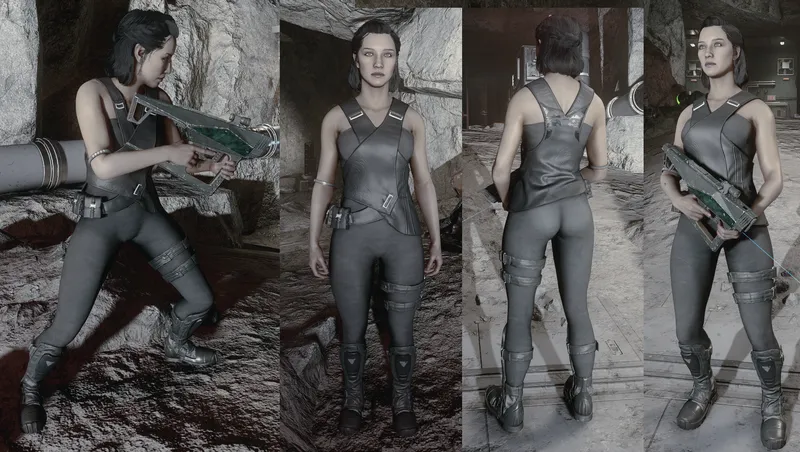
Changes Andreja's outfit

By 510deshawn • 1 year ago
Multiple Standalone Guns - Customizable - 4K Textures - Immersive
By SomberKing • 2 years ago
New standalone "Lasersaber" melee weapons and a perk tree that unlocks projectile deflection.
By zone79 • 2 years ago
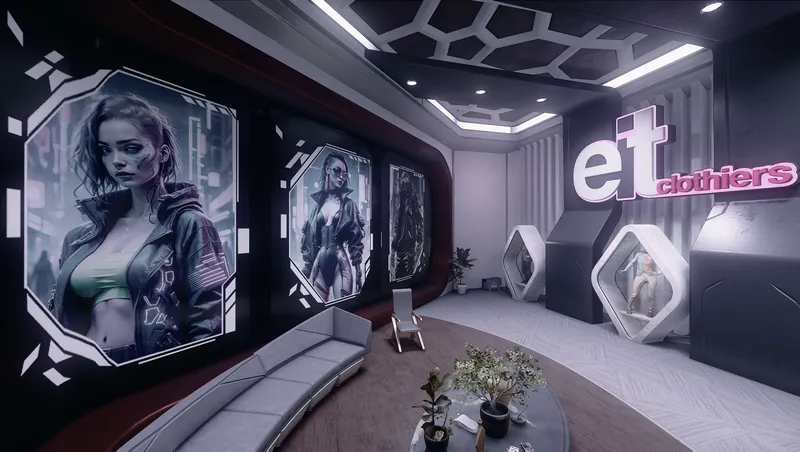
Adds a BUNCH of new MODULAR items to the Eit Clothiers shop for both male and female.
Quick Actions
Your Rating
Sign in to rate and review this mod—your vote helps the community.
Community Rating
Mod Information
- Published
- Jun 16, 2024
- Last Updated
- Jun 29, 2026
- Platforms
- PC, Xbox
Search Mods
Related Starfield Mods