Lazy Scav
By Aurelianis
Community Rating
Quick Start
- After installing Lazy Scav, a weapon (Lazy Scav Control) and aid item (Lazy Scav Loot Toggle) will automatically be added to your inventory. Favorite both for quick access.
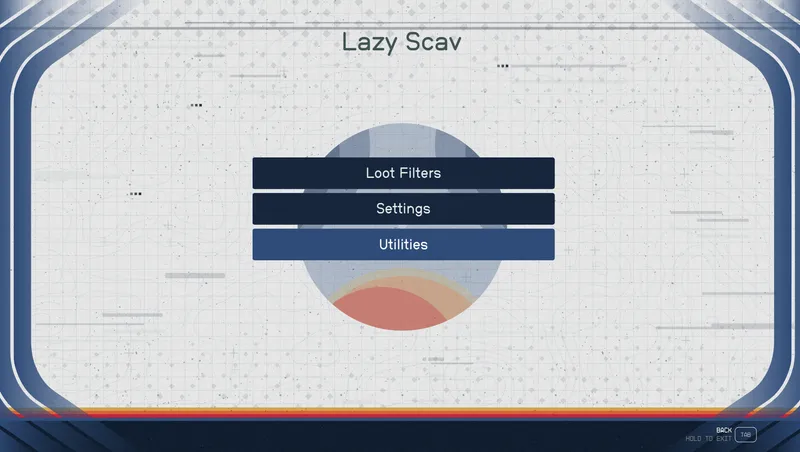
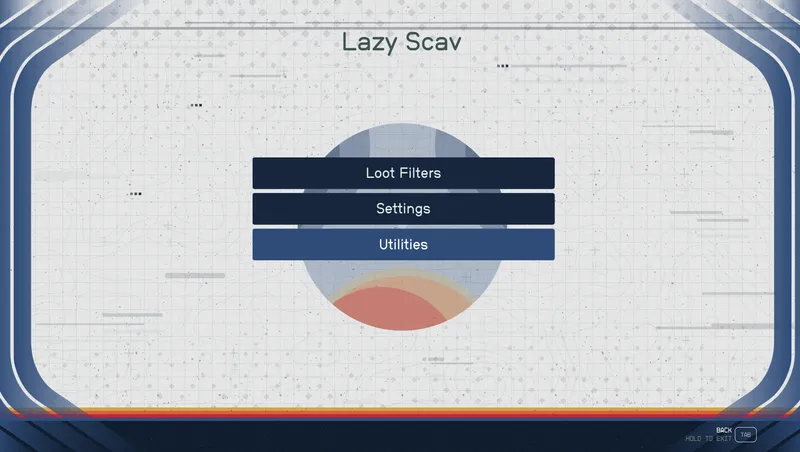
- Use Lazy Scav Control to open the terminal to turn on filters and set destinations. This tells Lazy Scav what to loot and where to send it.
- Use Lazy Scav Loot Toggle to toggle looting on/off.
Automatically Loots Items - I have added every bit of armor, weapons, junk, aid, chems, etc, etc that I could find.
Command Terminal - The terminal allows you to choose what items to loot and what items to leave behind. There are also other settings available (like allow stealing, or stealing is hostile).
Lodge Safe is Always Available - I made the safe in the player's room at the Lodge persistent, so you can always access it. Even before going to the Lodge.
Auto Unlock Containers - You have the option to auto unlock containers. If you choose to auto unlock, a digipick will be removed to unlock the container. If you do not have a digipick, it will search the Lodge safe and Lazy Scav for one. If none is found, the container will not be unlocked. You can also set it to check your Security rank before unlocking.
Destinations - You have the option to send different types of loot to yourself, to the Lodge Safe, to Ship Cargo, or to Lazy Scav. However, some loot will still go to specific places regardless of this setting. Items in containers follow the container destinations unless you turn Take All off. Some resources such as flora, mineral deposits, vents and seeps will go to the player as they are picked up by activation or using a spell (a copy of elemental pull).
Filter Items in Containers and Corpses - You can filter these items, but it is set to take all by default. Filtering items from containers and corpses slows down looting considerably as it has to remove one item at a time. If you do turn this off, don't complain about it taking a long time to loot containers and corpses. If filtered, items in containers/corpses will go to the specific item destination instead of the container destination. For example if corpses are set to go to the Lodge Safe and weapons are set to go to the player, any weapons the corpse has will go to the player.
Option to Remove Corpses - You can set Lazy Scav to remove corpses after looting.
It AUTO LOOTS - Ok, there's really not much else to say about it, but really, isn't auto looting enough?
Quest Items - Quest items are not picked up EXCEPT if the item is in a container or on a corpse and Take All is turned on. Containers include slate and key holders, so if you are in the middle of a quest and the quest marker suddenly moves to outside or to your ship (i.e. Entangled when needing to pick up certain keys, or Eren's Slate during Divided Loyalties), check Lazy Scav's Inventory for the quest item. You can just grab it from him and continue on.
Disembodied Heads - Not an issue. As of v1.5 you should no longer see disembodied heads. All corpses will be equipped with a body/underwear after looting.
Places Not Looted: The Lodge, Home Ship and Outposts are not looted by default. However, you can change that behavior in Settings > General.
Way More Loot - Since it removes all items from a corpse's inventory, even equipped items, you'll get way more loot than if you looted manually.
Release notes
Xbox
-
2.1-Added Installed Content Message.
-Added a notification when toggling looting that notifies the player if they are in a prohibited location (i.e. Player is at The Lodge and has not allowed looting there). Prohibited locations are The Lodge, Outposts and Player's Home Ship UNLESS they allow looting there by changing the settings in the terminal.
-Added a notification when the player enters/leaves prohibited locations to inform them that looting is paused/resumed.
-Added Gameplay Options for players to remove the weapon and aid item that are added to the player's inventory by default if they prefer using console commands.
-Added a workaround to the looting script to allow looting in The Almagest. Using the player as a reference for finding loot close by did not work here so instead the script will use a reference inside The Almagest if it determines that the player is in that location.
-Crafting resources (i.e. Coffee bag, Tranquilitea Classic Pack, etc) will now be moved to the ship when using Move Resources to Ship.
-Removed a non-functioning terminal entry for filtering Containers for ships that the player destroyed.
-Removed all Debug.Notification functions in all scripts and replaced them with Message.Show(). Hopefully this will fix the issue of messages not showing up on Xbox.
-Removed Scripts from BA2 that are not in use. -
2.0== Describe this release ==
PC
-
2.1-Added Installed Content Message.
-Added a notification when toggling looting that notifies the player if they are in a prohibited location (i.e. Player is at The Lodge and has not allowed looting there). Prohibited locations are The Lodge, Outposts and Player's Home Ship UNLESS they allow looting there by changing the settings in the terminal.
-Added a notification when the player enters/leaves prohibited locations to inform them that looting is paused/resumed.
-Added Gameplay Options for players to remove the weapon and aid item that are added to the player's inventory by default if they prefer using console commands.
-Added a workaround to the looting script to allow looting in The Almagest. Using the player as a reference for finding loot close by did not work here so instead the script will use a reference inside The Almagest if it determines that the player is in that location.
-Crafting resources (i.e. Coffee bag, Tranquilitea Classic Pack, etc) will now be moved to the ship when using Move Resources to Ship.
-Removed a non-functioning terminal entry for filtering Containers for ships that the player destroyed.
-Removed all Debug.Notification functions in all scripts and replaced them with Message.Show(). Hopefully this will fix the issue of messages not showing up on Xbox.
-Removed Scripts from BA2 that are not in use. -
2.0== Describe this release ==
Additional Screenshots Available
This mod has 12 additional screenshots available on the official Bethesda.net page.
View All Screenshots on Bethesda.netYouTube Videos
Community Rating & Feedback
No reviews with comments yet.
Be the first to leave a review!
Related Starfield Mods
By Aurelianis • 2 years ago
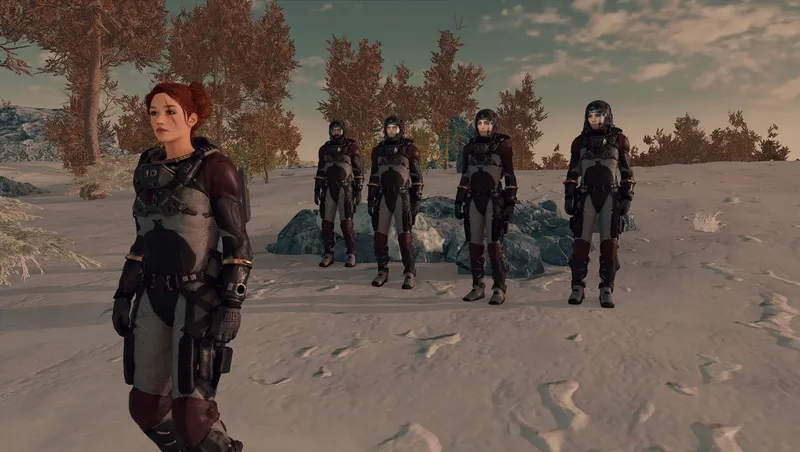
Allows multiple companions and crew as followers.
By shadedness • 2 years ago
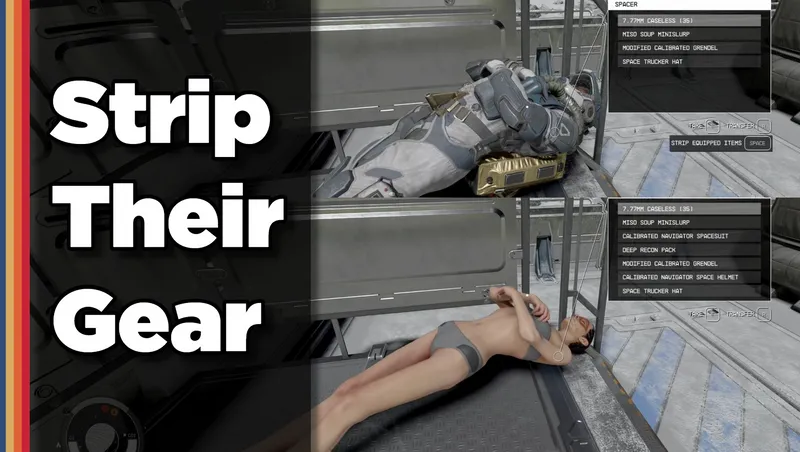
Strip any equipped armor or clothes from your fallen foes! Or simply loot-all with 1 button. Steal items from knocked-out targets instead of pick-pocketing and waking them up!
By xtcrefugee • 2 years ago
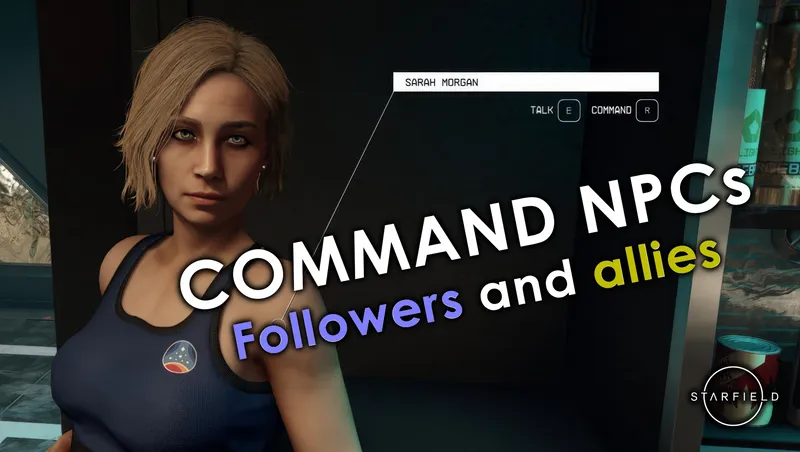
Allows the player to command followers and other allies to do things, as was possible in previous Bethesda games. Also allows you to access the inventories of unnamed crew.

By JaeDL • 2 years ago
The #1 Leveled Enemies mod on Nexus (via inclusion in Royal Galaxy) finally comes to Creations! Enemies you come across will be unique and fun to fight, even at high levels.
Quick Actions
Your Rating
Sign in to rate and review this mod—your vote helps the community.
Community Rating
Categories
Mod Information
- Published
- Jun 22, 2025
- Last Updated
- Jul 10, 2025
- Platforms
- PC, Xbox
Search Mods
More by Aurelianis







Related Starfield Mods