![Horizon [BETA]](https://starfieldunity.com/storage/mods/1e28f638-238a-42a1-bddd-8552d8361e00.webp)
Horizon [BETA]
By architectt
Required mods
Install these creations before using this mod on Bethesda.net.
Community Rating
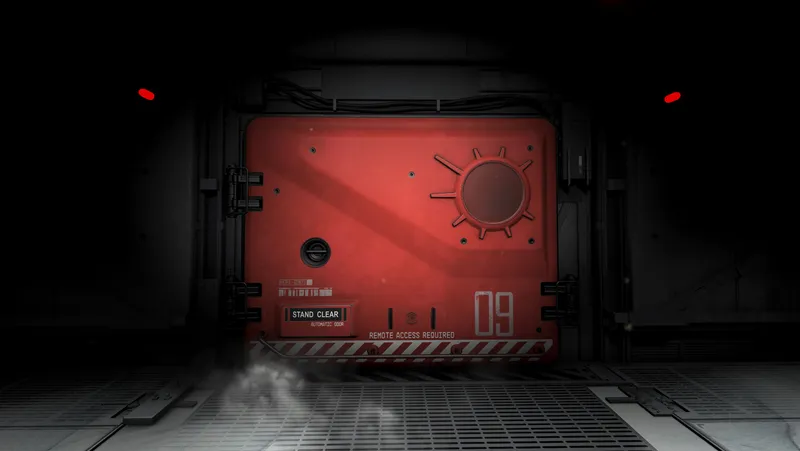
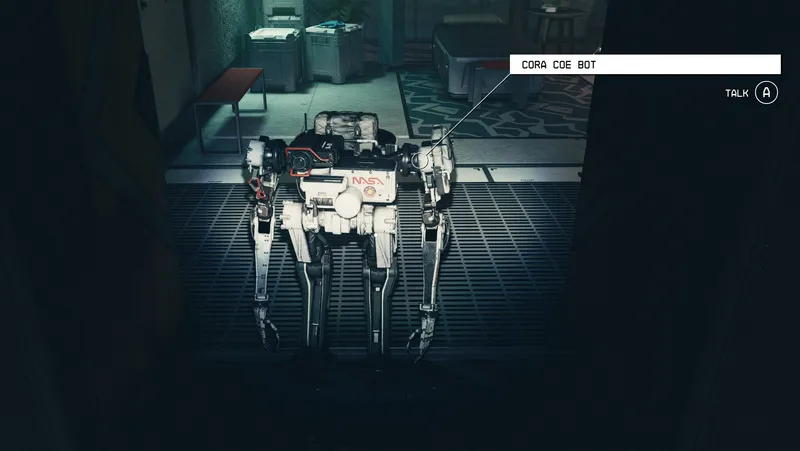
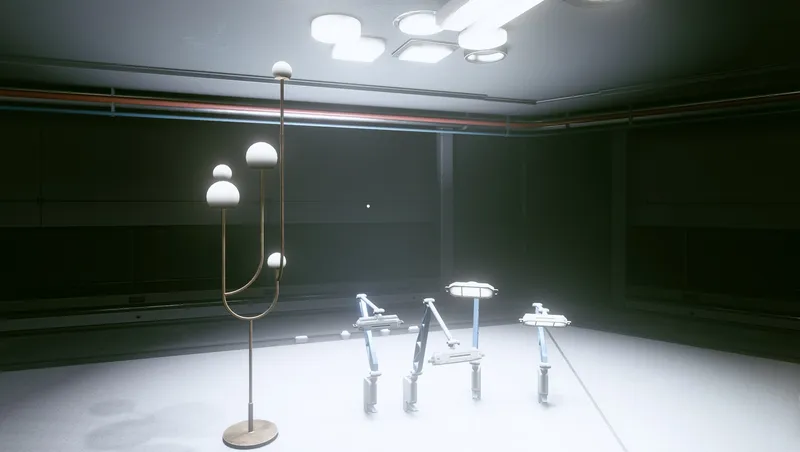
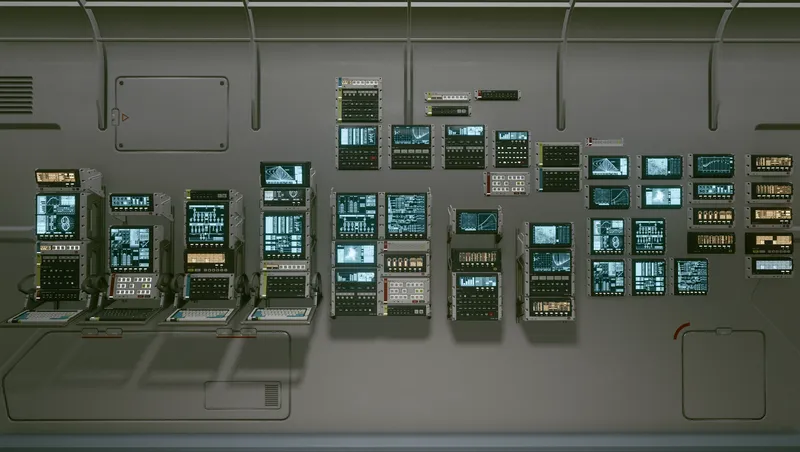
Horizon is an immersive Starfield mod that introduces a dynamic, jump-capable starstation, placing players in the heart of the unknown with each leap across the universe. Fully customizable, the station allows for interior decoration, medical services, crafting, personal storage, and even appearance changes with its ENHANCE! pod. Survival elements, like fueling the station with Helium-3, add optional challenge, while retro-futuristic details create a visually striking environment. Key features include an armory, a ship builder, a library with a functional armillary simulation, and convenient portals for navigation.
IMPORTANT NOTE - If you have stored items in the Armory prior to this release, move all items back into your inventory. The armory has been revamped and therefore any items left in the old armory will be lost.
IF YOU EXPERIENCE INCORRECTLY PLACED ITEMS - Go to the Mainframe and use the Reset Station option.
== FEATURES ==
- An unpredictable jump drive that takes you to a random orbit each time you press the JUMP button.
- Optional survival mechanics: Fuel the station with at least 100 Helium-3 to keep it jumping.
- Access to parts of Habitation Level B including the Oxygen Garden and Mainframe.
- Armory to store your favorite armors and weapons
- A retro-futuristic neon vibe with attention paid to small details (like light switches and window shades).
- Build it your way - You can use the decorator interface inside the station. In some rooms, you're even able to move or delete pre-placed furniture and equipment so that you can furnish things just how you like them.
- A visual "simulation" of the armillary in the main Library Observatory dome allows the observer to turn the simulation on and off at any time by simply interacting with the dais at the center of the room.Use the library computer for a extra surprise.
- Ship builder for all your ship customization needs. Currently mirrors parts available in New Atlantis.
- Use ENHANCE! at your leisure with a private Enhance pod just for those on board Horizon Station.
- The medical bay is fully equipped and fully functional. Just take a lay in one of the surgical beds and you'll wake up feeling brand new.
- Crafting stations
- Trade Authority kiosk to sell your goods
- A spacious captain's cargo locker lets you store up to 10K of things.
- Portals as shortcuts to different parts of station. Makes it easier to get around.
- Cargo + Cargo Hold interface (does not show up in inventory transfer menus – game limitation at the moment)
== INSTALLATION == Can be used on a new game or existing save game.
After you install the mod, you will find Horizon station in orbit around the gas giant Leviathan V. Simply dock your ship and start exploring. There are some slates that can be found around the station that gives you a peek into what has happened onboard so far. The story of Horizon is still being finalized and will include a questline at full release.
Once onboard, the Library is where you can trigger the station to jump. There's a table in the back of the room with the jump button, displays and a remote control slate. The remote slate lets you summon the station to wherever you are with your ship-- this is useful in case you forget where in the galaxy map the station is.
You can make the station follow you when you jump in your ship by enabling Station Follow at the Mainframe terminal on Level B.
== UNINSTALL == Before removing the mod, be sure you're not onboard the station, and you're not in the same orbit as the station.
== BETA NOTE == Important: This mod is considered beta as there are many features I would like to add but wanted to get an initial version out to gather feedback.
Feedback can be left on the Reddit thread here: https://tinyurl.com/horizonv110
== GOOD TO KNOW =
- The Armillary on the station is simply for visual purposes. It does not contain your artifacts. The logic behind all the artifact stuff is complicated and I didn't want to mess with it for this initial version.
- The data core and fuel port in Engineering is used to fuel the station with Helium-3 if you decide to enable the fuel mechanic. [Disabled by default]. To enable, use a terminal in the mainframe hub or flip the switch in the Fuel Port. A notification will appear informing you about fuel mechanic status. You can see current fuel counts at a new counter added to the control table in the Library.
- Horizon requires Shattered Space due to using some activators and special FX from it.
- If you're having issues docking with the station upon discovering it, try moving Horizon to top of your load order.
- You can make the station follow you when you jump in your ship by enabling Station Follow at the Mainframe terminal on Level B.
== CREDITS == Major thank you and props to JMPZ11 for helping me figure out a bunch of stuff including how to make the station jump properly, helping me with some customized door models, and a lot more.
You can subscribe to my Kofi page if you want to follow along as the mod evolves and features get added: https://ko-fi.com/architectt

Release notes
Xbox
-
1.10.3- Provides the player with a new station remote upon game load. The remote is now under Aid items and can be favorited. Removes old non-functionality remote note from inventory.
- Lighting tweaks, visual tweaks.
- Improved Reset option in Mainframe. The process now takes less than a minute instead of up to 5 minutes. Thanks to JMPZ11 for all the help here.
- General bug fixes and optimizations -
1.10.2- Adds new station remote device. It is now under Aid items and can be added to favorites.
- Adds new Reset Station option that will fix any incorrectly placed items after a Horizon mod update. Available at the Mainframe terminal.
- Removes collision from planets in the solar system mode of the Library holographic projector.
- Moves crafting stations in the Armory to be together instead of opposite ends of the hab.
- Minor general tweaks and bug fixes.
- Added light switches to Oxygen Garden.
- Switched out some doors -
1.10.1- Minor bug fixes to missing barricade on closet door of Executive Suite bedroom.
- Ensuring door to unfinished area is locked.
- Moving crafting stations in Armory to be closer together. -
1.10**MAJOR RELEASE**
• Adds portals as shortcuts to different parts of station. Makes it easier to get from Level A to B or vise versa. Also portals to the north and south airlock halls.
• Adds Cargo + Cargo Hold interface (does not show up in inventory transfer menus – game limitation at the moment)
• Adds additional habs including guest quarters, additional crew quarters, science hab, storage, and more.
• Adds "station follow" toggle option to Mainframe. This will make the station auto-jump to your location.
• Adds "reset station" option to Mainframe. This will attempt to reset the station's interior cell to fix things like items being in incorrect positions due to their previous pos
• Fixes bug with fuel being deducted from fuel storage even if fuel mechanic is turned off
• Unifies design of keyhole window seating
• Keyhole windows will no longer cause character to get trapped in them
• Keyhole windows can properly be used to sit by the player and NPCs
• Adjusts chair positioning across the station to avoid any clipping when characters sit in said chairs.
• Refreshes the original Quarters by unifying wall padding design/style, adjusts some finishes.
• Unifies keyhole transition pieces to be standard and share design language, including for windows.
• Replaces previous heavy vault door for access to mainframe. Instead, a sliding door is now used. This should prevent obstruction of NPCs/player around the previously open door.
• Added planetarium option to the armillary simulator in the Library. Use the newly accessible terminal on the desk in the library to make your selection.
• Lighting + materials unification / refresh
• Introduces new furnishings and layout for the Dining Hall.
• Unifies orbital door + hallway design
• Overhauls the utility hab into a proper armory.
• Overhauls the medical hab to be more consistent with the rest of the station design.
• Refreshes design and layout of Dining Hall hab
• Adds executive suite/quarters to Level B. -
1.9- Adds access to some areas in Habitation Level B via elevators: Oxygen Garden, Mainframe hub.
- Adds optional survival fuel mechanic (see Good to Know section for details)
- Adds armory that replaces previously storage area in Utility hab.
- Tweaks and polish to lighting. -
1.8.3- Enables Trade Authority kiosk for selling items
- Changes look of Enhance pod to bring it more inline with others in the game
- Tweak to armillary script to hopefully prevent it from going into a non-animated state.
- Tweaks and polish to interior set dressing
- Lighting adjustments
- Fresh pass at cleaning up ESM master to remove minor dirty edits -
1.8.2- Tweak to gravity switch so that it doesn't trigger a cell reset when gravity is switched back on and player leaves station.
- Added gravity switch on control table in library.
- Added customized activate labels for some switches and equipment so that the player can better understand what each is for.
- Added Trade Authority kiosk (not yet enabled for use)
- Additional set dressing and lighting adjustments. -
1.8.1- Tweak to bug fix for "invisible metal box" to prevent player ship from appearing clipped through the station for a brief moment after the station has jumped.
- Added gravity switch
- Additional set dressing -
1.81. Fixes strange "player ship is in invisible metal box" bug when jumping away from the station in your ship after jumping the station.
2. Added some clearer labels for some switches
3. More set dressing and polish.
4. Lighting pass in the command hab
5. WIP updates to utility hab. -
1.7- Docking permissions tweak
-
1.61. More set dressing fixes and polish.
2. Fix to Armillary display script so that it remains active if the player has activated it, and also lets the player toggle it off.
3. Changed lighting scheme for armillary stand surround to avoid confusion
4. Fix to Engineering door not requiring ID card to open
5. Furniture and fittings in Quarters 1 and Lab can now be moved or deleted so that the player can decorate these areas themselves. More areas to come.
6. Small change to docking permissions. -
1.5- Fixes meshes for Xbox users
- Additional set dressing and styling -
1.4- Enables ENHANCE! at the medical scanner in the Medical bay.
- Enables the surgical bed in the Medical bay to heal the player when they lay in it.
- Enables the decorator panel.
Next update, I will make it so that you are able to delete most placed furniture from the station and furnish it in your own style. -
1.3- Fixes to styling and placement of some objects.
-
1.2- Fixes issue with exterior porthole windows
-
1.00== Describe this release ==
-
1.1Initial Release
PC
-
1.10.3- Provides the player with a new station remote upon game load. The remote is now under Aid items and can be favorited. Removes old non-functionality remote note from inventory.
- Lighting tweaks, visual tweaks.
- Improved Reset option in Mainframe. The process now takes less than a minute instead of up to 5 minutes. Thanks to JMPZ11 for all the help here.
- General bug fixes and optimizations -
1.10.2- Adds new station remote device. It is now under Aid items and can be added to favorites.
- Adds new Reset Station option that will fix any incorrectly placed items after a Horizon mod update. Available at the Mainframe terminal.
- Removes collision from planets in the solar system mode of the Library holographic projector.
- Moves crafting stations in the Armory to be together instead of opposite ends of the hab.
- Minor general tweaks and bug fixes.
- Added light switches to Oxygen Garden.
- Switched out some doors -
1.10.1- Minor bug fixes to missing barricade on closet door of Executive Suite bedroom.
- Ensuring door to unfinished area is locked.
- Moving crafting stations in Armory to be closer together. -
1.10**MAJOR RELEASE**
• Adds portals as shortcuts to different parts of station. Makes it easier to get from Level A to B or vise versa. Also portals to the north and south airlock halls.
• Adds Cargo + Cargo Hold interface (does not show up in inventory transfer menus – game limitation at the moment)
• Adds additional habs including guest quarters, additional crew quarters, science hab, storage, and more.
• Adds "station follow" toggle option to Mainframe. This will make the station auto-jump to your location.
• Adds "reset station" option to Mainframe. This will attempt to reset the station's interior cell to fix things like items being in incorrect positions due to their previous pos
• Fixes bug with fuel being deducted from fuel storage even if fuel mechanic is turned off
• Unifies design of keyhole window seating
• Keyhole windows will no longer cause character to get trapped in them
• Keyhole windows can properly be used to sit by the player and NPCs
• Adjusts chair positioning across the station to avoid any clipping when characters sit in said chairs.
• Refreshes the original Quarters by unifying wall padding design/style, adjusts some finishes.
• Unifies keyhole transition pieces to be standard and share design language, including for windows.
• Replaces previous heavy vault door for access to mainframe. Instead, a sliding door is now used. This should prevent obstruction of NPCs/player around the previously open door.
• Added planetarium option to the armillary simulator in the Library. Use the newly accessible terminal on the desk in the library to make your selection.
• Lighting + materials unification / refresh
• Introduces new furnishings and layout for the Dining Hall.
• Unifies orbital door + hallway design
• Overhauls the utility hab into a proper armory.
• Overhauls the medical hab to be more consistent with the rest of the station design.
• Refreshes design and layout of Dining Hall hab
• Adds executive suite/quarters to Level B. -
1.9- Adds access to some areas in Habitation Level B via elevators: Oxygen Garden, Mainframe hub.
- Adds optional survival fuel mechanic (see Good to Know section for details)
- Adds armory that replaces previously storage area in Utility hab.
- Tweaks and polish to lighting. -
1.8.3- Enables Trade Authority kiosk for selling items
- Changes look of Enhance pod to bring it more inline with others in the game
- Tweak to armillary script to hopefully prevent it from going into a non-animated state.
- Tweaks and polish to interior set dressing
- Lighting adjustments
- Fresh pass at cleaning up ESM master to remove minor dirty edits -
1.8.2- Tweak to gravity switch so that it doesn't trigger a cell reset when gravity is switched back on and player leaves station.
- Added gravity switch on control table in library.
- Added customized activate labels for some switches and equipment so that the player can better understand what each is for.
- Added Trade Authority kiosk (not yet enabled for use)
- Additional set dressing and lighting adjustments. -
1.8.1- Tweak to bug fix for "invisible metal box" to prevent player ship from appearing clipped through the station for a brief moment after the station has jumped.
- Added gravity switch
- Additional set dressing -
1.81. Fixes strange "player ship is in invisible metal box" bug when jumping away from the station in your ship after jumping the station.
2. Added some clearer labels for some switches
3. More set dressing and polish.
4. Lighting pass in the command hab
5. WIP updates to utility hab. -
1.7- Docking permissions tweak
-
1.61. More set dressing fixes and polish.
2. Fix to Armillary display script so that it remains active if the player has activated it, and also lets the player toggle it off.
3. Changed lighting scheme for armillary stand surround to avoid confusion
4. Fix to Engineering door not requiring ID card to open
5. Furniture and fittings in Quarters 1 and Lab can now be moved or deleted so that the player can decorate these areas themselves. More areas to come.
6. Small change to docking permissions. -
1.5- Fixes meshes for Xbox users
- Additional set dressing and styling -
1.4- Enables ENHANCE! at the medical scanner in the Medical bay.
- Enables the surgical bed in the Medical bay to heal the player when they lay in it.
- Enables the decorator panel.
Next update, I will make it so that you are able to delete most placed furniture from the station and furnish it in your own style. -
1.3- Fixes to styling and placement of some objects.
-
1.2- Fixes issue with exterior porthole windows
-
1.00== Describe this release ==
-
1.1Initial Release
Quick Actions
Your Rating
Sign in to rate and review this mod - your vote helps the community.
- Published
- Nov 08, 2024
- Last Updated
- Jan 29, 2025
- Platforms
- PC, Xbox
Explore more Starfield creations for Ships. Browse all Ships mods →
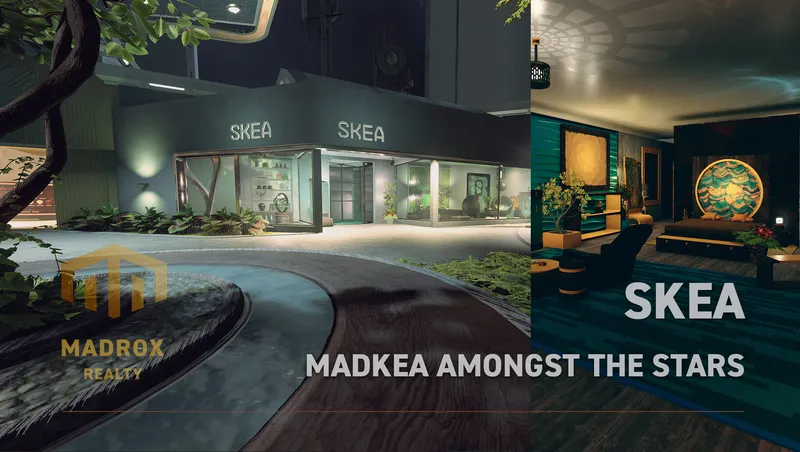
SKEA
SKEA is the place to be for your original decoration needs. More then 8.000 unique buildables are waiting for you to use in your ships, outposts and homes.
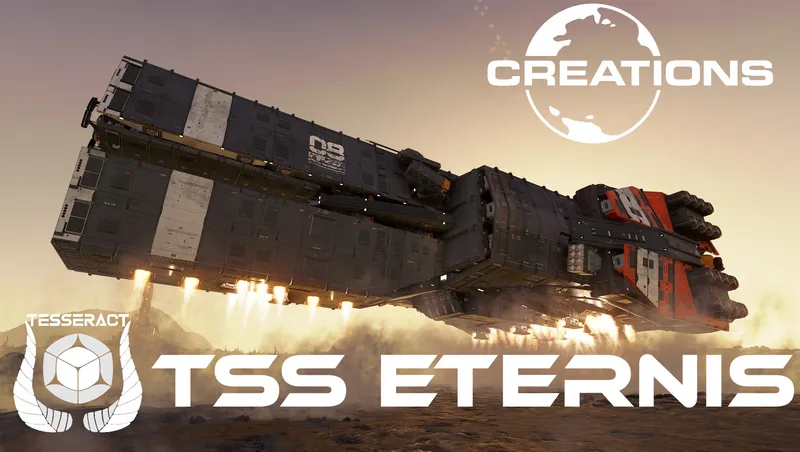
TSS Eternis - Va'Ruun Covert Ops Frigate (Ship Vendor Framework)
Introducing the "TSS Eternis" a covert ops frigate built by the Va'Ruun to hunt down heretics who escaped into the Settled Systems.
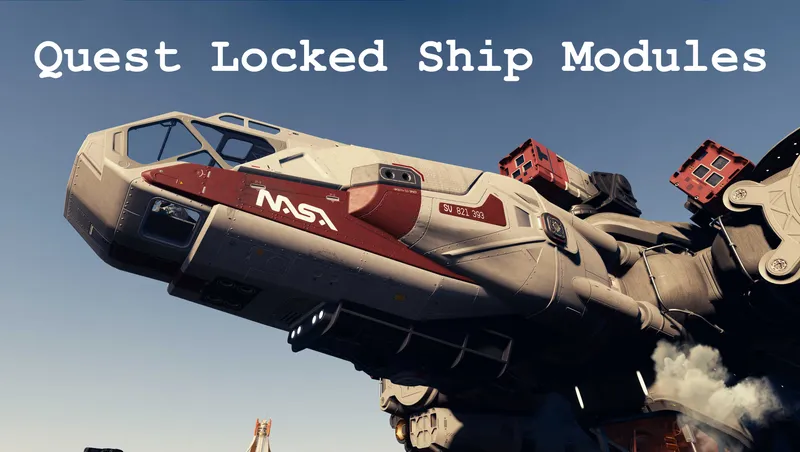
Quest Locked Ship Modules
Makes available various ship parts that are locked behind quests
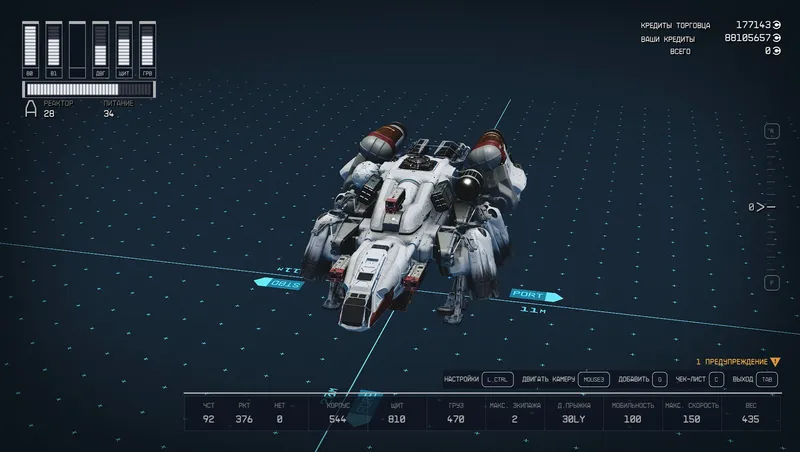
Upgraded Frontier
Simply an upgraded standard start ship Frontier. More powerfull ship from start.
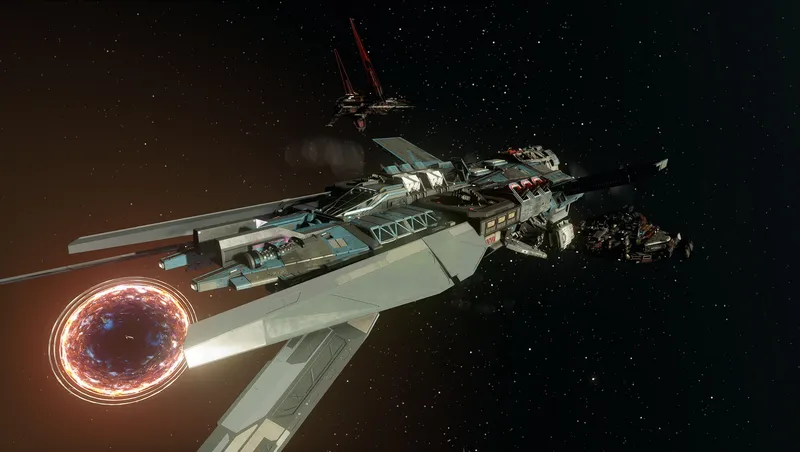
TN's Class Warfare
Class Warfare aims to add meaningful changes to the different ship classes so that M and C class ships are much more tanky and slow, while A class ships are much more nimble.

Mercury Atelier Ship Habs Vol.2
Mercury Atelier Themed Ship Habs are designed by an Old-Earth designer group from parallel universe “Mercurius”, who brings creative visual language for spaceship modules.
Explore more Starfield creations for Gameplay. Browse all Gameplay mods →
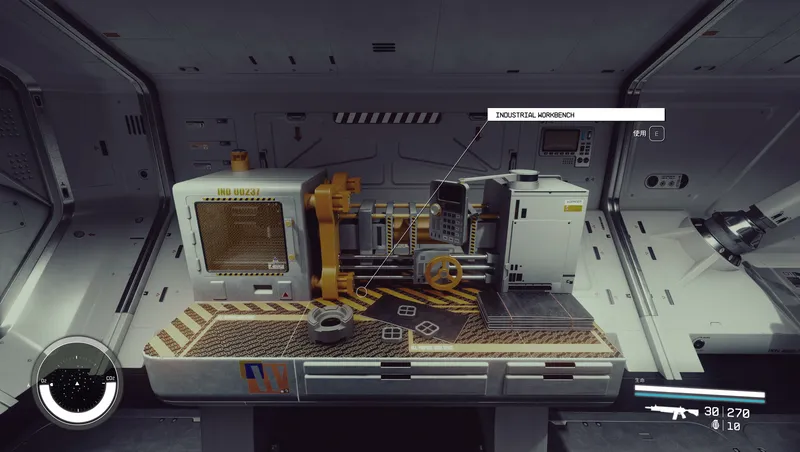
Craftable Gear Upgrade Modules
Build upgrade modules for ranged weapons, melee weapons and spacesuit defenses at the industrial workbench.

Dead Man's Slate
Rare slates on hostile humans reveal level-aware cache routes. Tune drop frequency and reward rarity in Gameplay Options.
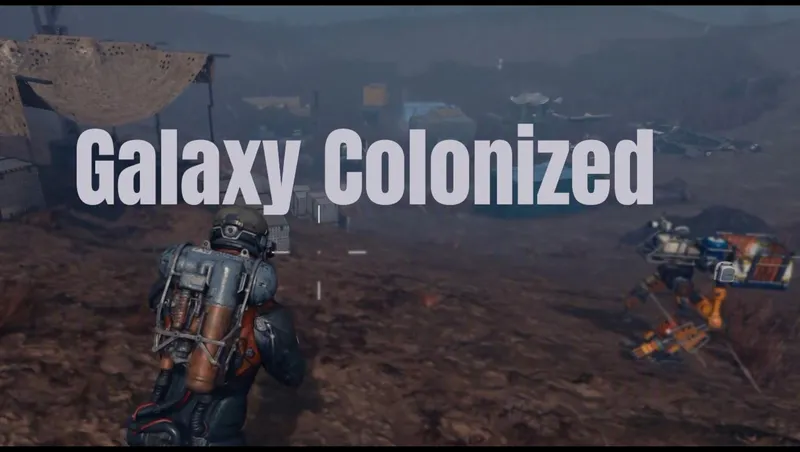
Galaxy Colonized
Galaxy Colonized overhauls planetary surface POI density and adds new Cave Encounters.
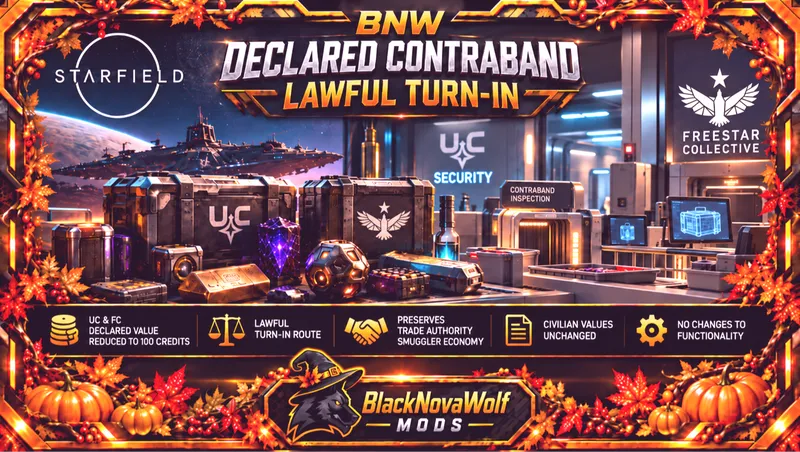
BNW Declared Contraband - Lawful Turn-In
Changes UC and Freestar Collective declared contraband from a base value of 5,000 credits to 100 credits.
Quest Locked Ship Modules
Makes available various ship parts that are locked behind quests

Explore more Starfield creations for Homes. Browse all Homes mods →
SKEA
SKEA is the place to be for your original decoration needs. More then 8.000 unique buildables are waiting for you to use in your ships, outposts and homes.
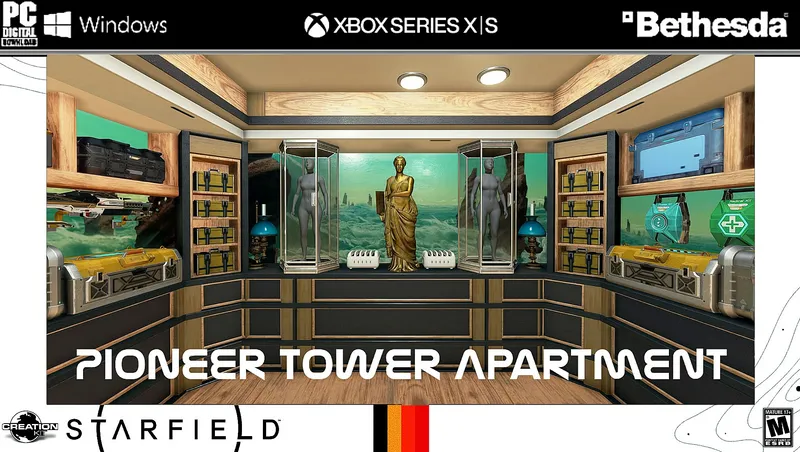
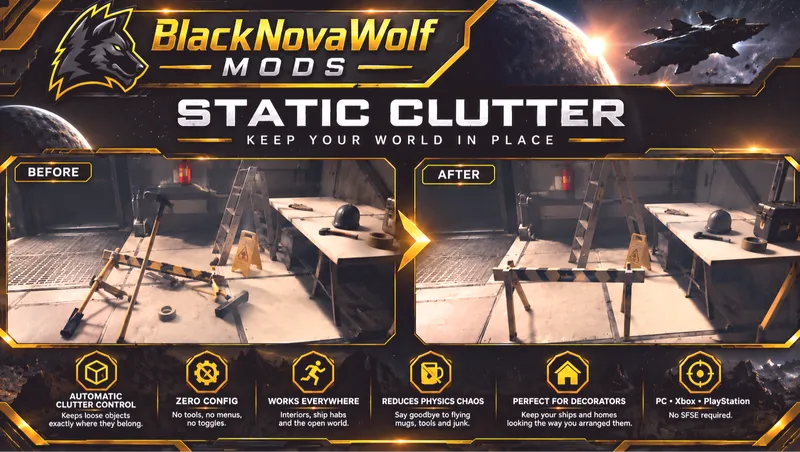
BNW Static Clutter
BNW Static Clutter automatically prevents ordinary loose clutter and miscellaneous world objects from being knocked around by physics.
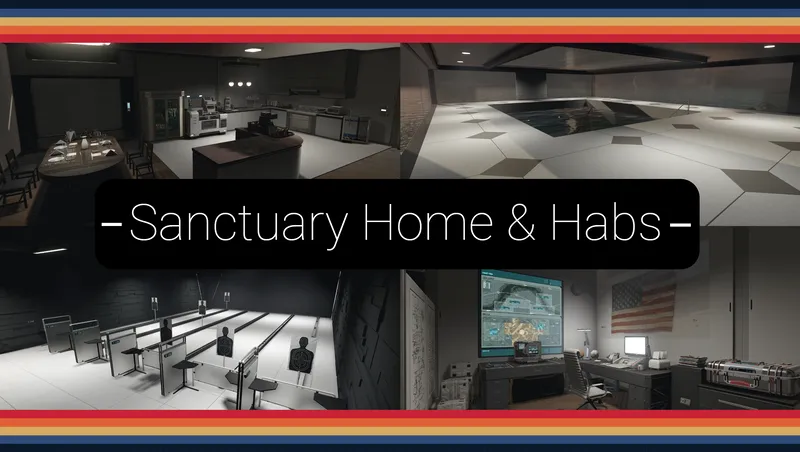
Sanctuary - Home and Outpost Habs.
A F04 lightly inspired player home and outpost hab set; with working/animated features: Showers, Bathtub, Jukebox, Kitchen Appliances, Auto-Doc, Shooting Range, Pool House, ect.

Parenthood: Child Adoption
Adopt one or both of two fully-voiced kids and welcome them aboard your ship. Travel the Settled Systems together, share stories from your adventures, and grow closer over time.