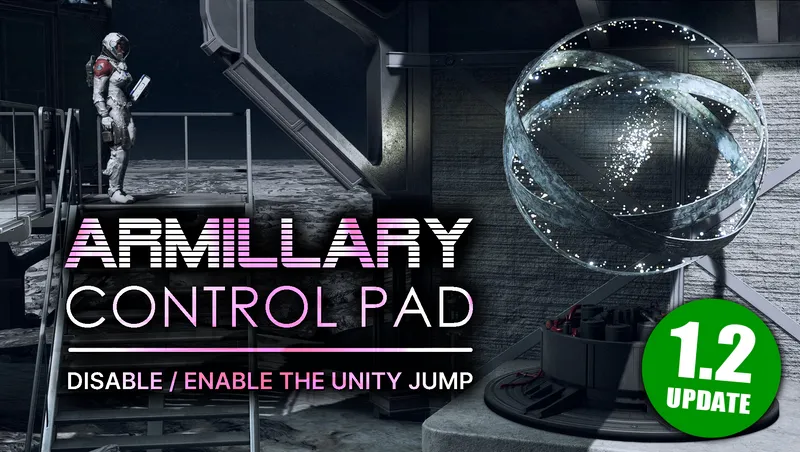
Armillary Control Pad - Disable the Unity jump
By xtcrefugee
Community Rating
PLAYSTATION UPDATE AND 1.16.242.0 (FREE LANES) COMPATIBILITY This creation requires no changes for the new game update, PC and Xbox players can continue to use the existing version.
DESCRIPTION Have you ever wanted to build the Armillary at one of your outposts, without being forced to jump to Unity when you next use your grav drive? Or keep it on your ship even when it's finished to increase the chances of Starborn ship battles? Or maybe you just don't want all those artefacts cluttering up your inventory? The Armillary Control Pad allows you to build a pad or panel to disable the jump to Unity with a completed Armillary. Rebuilding the Armillary will re-enable the Unity jump again. See the original demo video for examples of manual use.
UPDATE Version 2 can detect ship changes (switching and modifications) and will ask whether you want to disable the Unity jump when those happen, if your Armillary is on your ship. This means the previous more complex workarounds for forced ship changes, like the prison shuttle and prototype ship, should no longer be needed. Note that you must build at least one new pad or panel in your ship or at an outpost using the decorator/build menu before the new automatic ship change detection is enabled.
Other changes in the update include a new display texture (see images) which better matches the vanilla cargo and Armillary panels, a material swap for the pad, and a second variant of the wall panel version which should look better on some surfaces.
INSTRUCTIONS You can make the Armillary Control Pad or a wall mounted Armillary Control Panel with either the ship decorator or your outpost builder, they will be in the Miscellaneous tab. You can make as many as you like, they require 2 iron and 1 zero wire. A portable version of the control pad can be made at an industrial workbench for 100 credits, and will be in the misc section of your inventory.
If you are at the point in the main quest where you have built a fully completed Armillary, activating the pad will give you the choice to disable the jump to Unity when using your grav drive. Activating the pad again after disabling the jump will confirm that it is disabled. If you do this before entering Unity, you'll see that your quest objectives for "One Giant Leap" will roll back, just as if you had built and then scrapped an Armillary. To re-enable the Unity jump, simply scrap and rebuild your Armillary. See the original mod video for a demonstration.
Bear in mind that where you have built the Armillary affects Starborn attacks, including outpost attacks and ship encounters.
CHANGING SHIPS WITH AN ARMILLARY ON BOARD Switching to a different home ship or making structural changes to it in the ship builder will re-enable the Unity jump if your Armillary was built on the ship. With version 2 of the mod, as long as you have built at least one pad or panel on your ship or at an outpost, the pad will be automatically triggered on such changes, and you will be able to disable the jump again. The version of the pad that you can build at industrial workbenches and is accessed from your inventory does not support this feature.
When claiming a ship via a boarding action I still recommend manually setting it as your home ship in the data menu when sat in the pilot's seat, as shown in the version 2 demo video. It would also be a good idea to make a save right before any forced ship change just to be safe.
The automatic ship change detection can be disabled in Gameplay Options, and there's also an option to adjust the timeout when looking for a completed Armillary on changing ships. The default of 10 seconds should be sufficient for most systems, but if you're playing on a slower machine like a PC handheld, you may need to increase this to 15 or 20 seconds for reliable detection. The timeout also affects how fast you can manually switch between ships.
If you manually switch between home ships too quickly, before the game has had a chance to transfer the Armillary and the control pad has detected the change, you will see an error dialog informing you that the ship change detection has been disabled. If that happens, just manually use your pad/panel after waiting for a few seconds and this will be corrected. See the end of the version 2 demo video for an example of this.
SPECIAL NOTE FOR QUESTS THAT FORCE A SHIP CHANGE If you've built your Armillary on your home ship, disabled the Unity jump there, and do a quest that forces you to switch to a new ship it will again advance the "One Giant Leap" quest to the point where your next grav jump takes you to Unity. Quests that force a ship change include Starjacker from the Tracker's Alliance questline, as well as two forced changes that happen with the prison shuttle and prototpe ship in the Crimson Fleet questline.
These should now be properly handled as long as you have built at least one pad or panel on your ship or at an outpost after updating to version 2 of the mod, and have not disabled the automatic ship change detection in Gameplay Options. If you already have a quest that forces a ship change in progress before updating to version 2 and cannot get to your ship decorator to build a new pad/panel, the old workaround instructions for disabling the Unity jump can now be found here: https://www.nexusmods.com/starfield/articles/1014
CREDITS/ABOUT Many thanks to Dave Hedgehog for finding and reporting the issue with the prison shuttle and the prototype ship, and for helping to test the version 2 ship change detection.
I can be reached at Nexus Mods.
Release notes
PC
-
2.0PlayStation release.
-
2.0Now includes automatic ship change checking, new textures, and a second panel option. The same as version 2 on Nexus Mods in **xtcrefugee's miscellaneous small mods**.
-
1.211.21 is a minor update; combined both ship/outpost items in the builder menu, fixes to icon sizes and added the missing workbench icon, and I put something on the panel version's screen instead of it being blank (a graph of two GRV curves, which seems appropriate.)
-
1.20This version adds a portable version of the pad, which the player can craft at an industrial workbench and activate from their inventory. Please see the description for a specific case where this new pad is required.
-
1.10Added a wall mounted panel version, by request.
-
1.00Initial release for Creations
Xbox
-
2.0PlayStation release.
-
2.0Now includes automatic ship change checking, new textures, and a second panel option. The same as version 2 on Nexus Mods in **xtcrefugee's miscellaneous small mods**.
-
1.211.21 is a minor update; combined both ship/outpost items in the builder menu, fixes to icon sizes and added the missing workbench icon, and I put something on the panel version's screen instead of it being blank (a graph of two GRV curves, which seems appropriate.)
-
1.20This version adds a portable version of the pad, which the player can craft at an industrial workbench and activate from their inventory. Please see the description for a specific case where this new pad is required.
-
1.10Added a wall mounted panel version, by request.
-
1.00Initial release for Creations
Playstation
-
2.0PlayStation release.
Additional Screenshots Available
This mod has 9 additional screenshots available on the official Bethesda.net page.
View All Screenshots on Bethesda.netYouTube Videos
Community Rating & Feedback
No reviews with comments yet.
Be the first to leave a review!
Related Starfield Mods
By xtcrefugee • 1 year ago
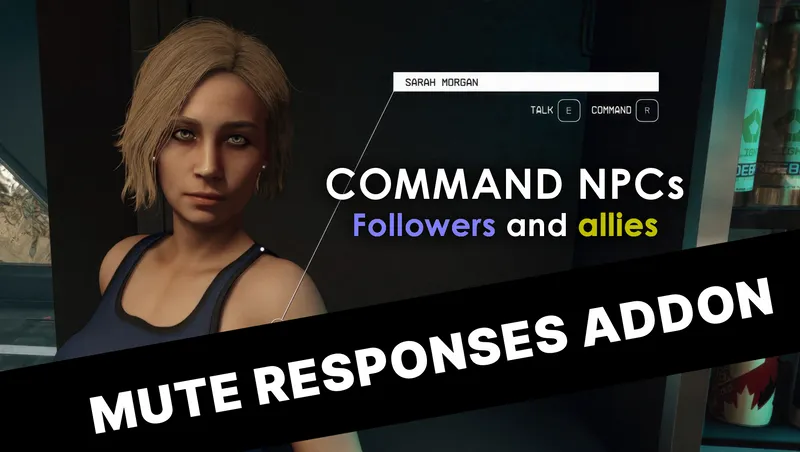
Allows the player to command followers and other allies to do things, as was possible in previous Bethesda games. Also allows you to access the inventories of unnamed crew.
By xtcrefugee • 2 years ago
Alters two vendors, Monika Blum and Daisuke Levitz, to allow them to buy contraband and stolen goods, and increases their credits to the same level as a Trade Authority vendor.

By xtcrefugee • 2 years ago
Gives Rosie Tannehill doctor dialogue, so she can heal you & provide medical supplies. She won't occupy a crew slot, and this small plugin won't count towards your master limit.
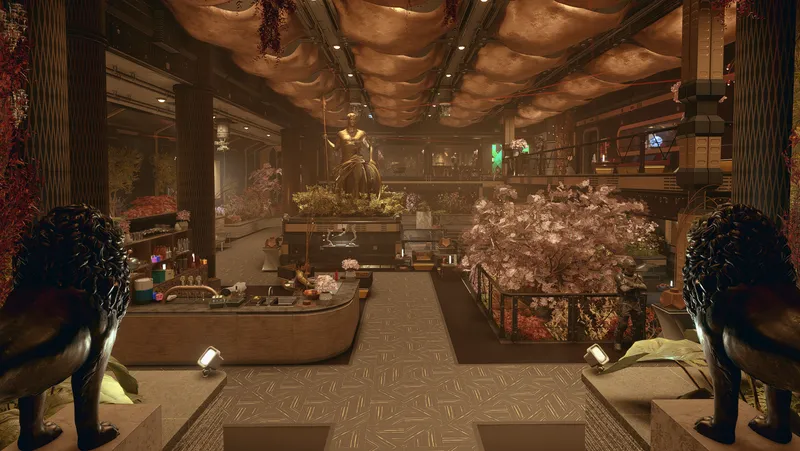
By Dialectric • 1 year ago
Player Home with rich Merchants, Custom Player Ship, pre-existing unique Companion, 300 buildable Outpost objects, 11 pre-existing quest starters, All Backgrounds & Traits.
Quick Actions
Your Rating
Sign in to rate and review this mod—your vote helps the community.
Community Rating
Categories
Mod Information
- Published
- Nov 04, 2024
- Last Updated
- Jun 03, 2026
- Platforms
- Playstation, PC, Xbox
Search Mods
More by xtcrefugee

Related Starfield Mods