Living Outposts
By LarannKiar
Community Rating
Lets you assign crew members to beds and jobs with selectable work and sleep schedules, adds Trade option, 80 assignable activity markers and also buildable DJ and sound systems.
Bed and Job Assignments:
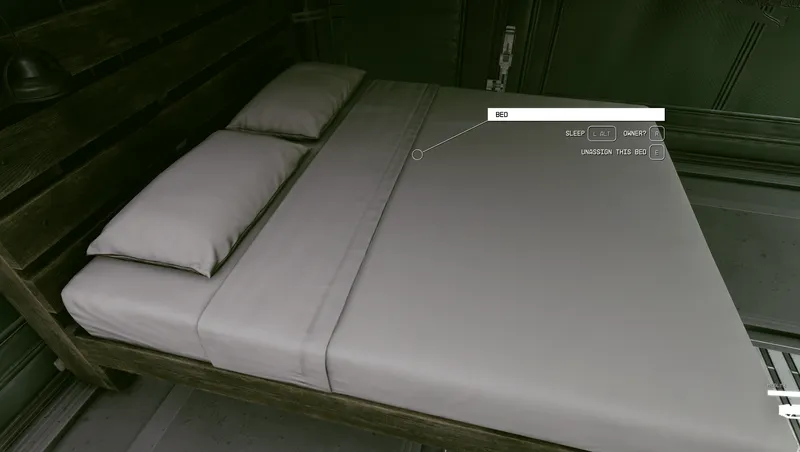
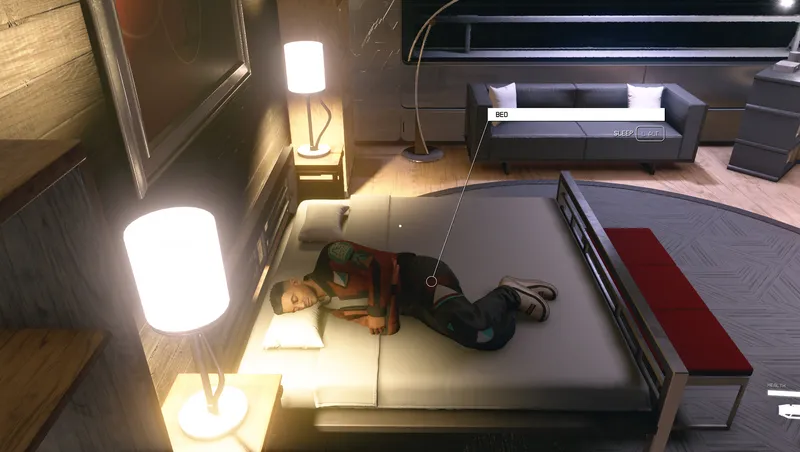
You can assign crew members to one jobs and beds. One crew member can be assigned to one furniture and one bed. "Job" can be any furniture in the Outpost. ("Outpost" includes Player Homes as well).
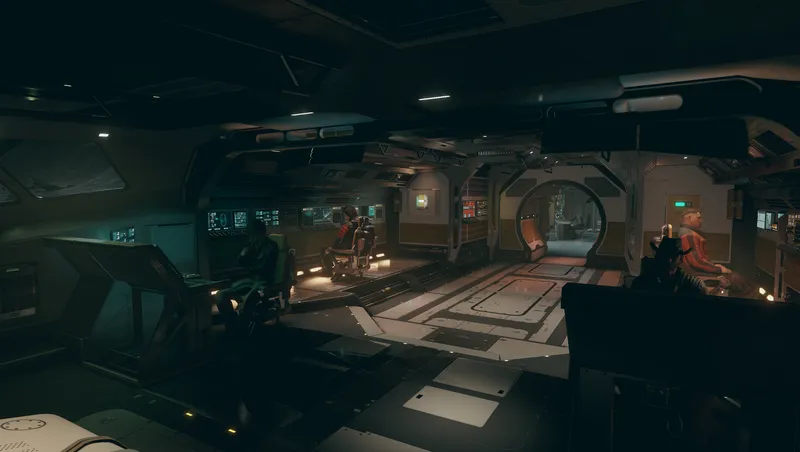
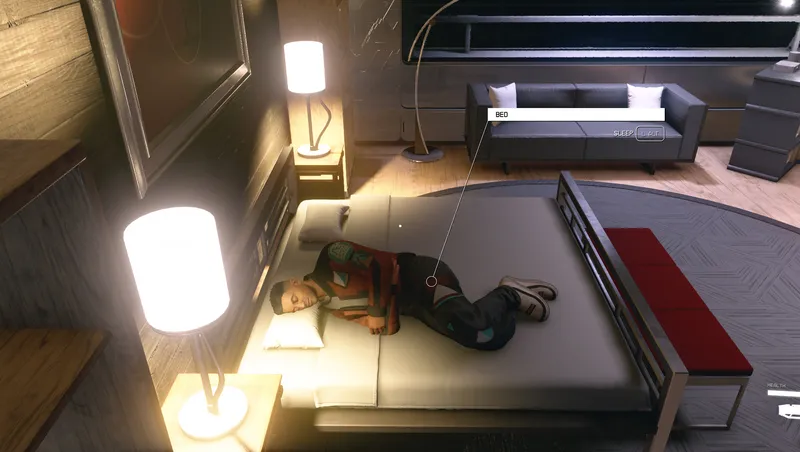
Assigned crew members during working hours work at their assigned furniture. When off-shift, they wander around and may randomly use free (unoccupied and unassigned) furnitures. At night, they go to sleep in their own beds.
Assign someone to job or give them a bed:
-
Enable "Living Outposts" in the Gameplay Options menu to unlock this Creation's all features (e.g. the ability to assign crew members in Outposts, the buildable Assignment mats in the Miscellaneous category and so on).
-
Visit an Outpost.
-
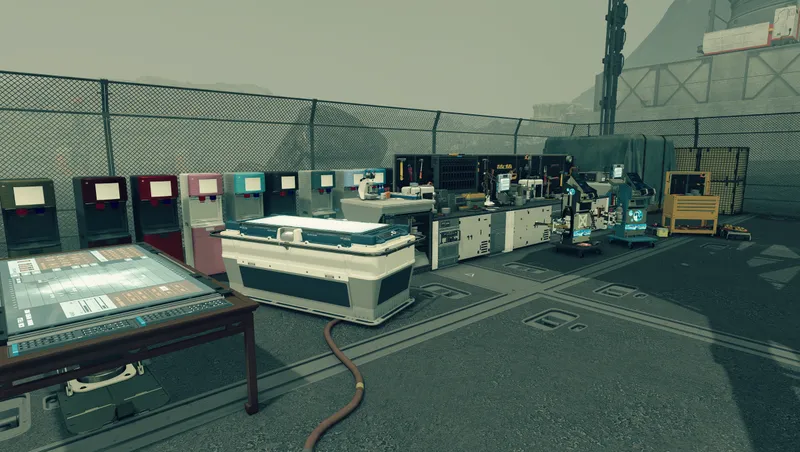
(Optional). Open Build Mode, navigate to the Miscellaneous category and build an Assignment mat ("activity marker"). These mats are visible while in Build Mode and when the Living Outposts setting is enabled in the Gameplay Options menu. They act as a furniture. Each one has a different animation property (e.g. raking, thinking pose, praying, dancing).
-
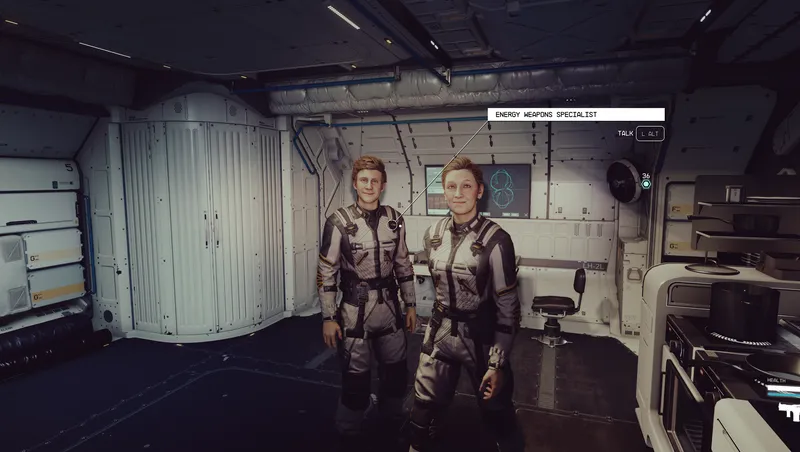
Approach a crew member and press the secondary activate choice "Assign". This will highlight this person and make them assignable.
-
Approach a furniture then press "Assign To This Object" or "Assign To This Bed" (depending on the furniture) to establish the assignment.
-
(Optional). If you're not satisfied with the assignment and would like to reassign the job or the crew member, you can do so by approaching either of them and selecting from one of the activate choices.
-
You can now turn off "Living Outposts" in the Gameplay Options menu to hide the custom activate choices and the Assignment mats.
Trade option:
A simple feature that allows you to change crew members' gear, give them weapons and so on.
-
Enable "Living Outposts" in the Gameplay Options menu.
-
Visit an Outpost, approach someone and press the "Trade" activate choice to open their inventory.
Configurable work and sleep schedules:
Work and sleep schedule settings (like "Living Outposts - Sleep End") are accessible in the Gameplay Options menu. The schedules are in local time.
By default, assigned crew members work: 8am - 4pm, sleep: 10pm - 6am. When they don't sleep or work, they wander around in the Outpost and may randomly use free (unassigned and unoccupied) furnitures.
DJ and sound systems:
There are two ways to set up sound systems:
-
Build a "Speaker" (to play music without a DJ).
-
Build an "Assignment - DJ" (to assign someone to an actual DJ job who plays music)
Approach the assigned DJ or the built speaker and press the "DJ Options" or the "Audio Menu" activate choice. Both would open the Audio Menu where you can start/stop/change music this DJ or speaker plays. (Astral Lounge and several other vanilla party, techno and dance music are available in this Creation's soundbanks).
One Outpost can have multiple DJs and Speakers. (There's no restriction beyond the total build limit of the Outpost).
Assignment Peek:
If enabled, the crew member who just got assigned immediatelly travels to the assigned furniture then use it for a short time, regardless of working or sleep hours.
(This feature can be used to quickly see whether the crew member can properly access the assigned furniture and to preview how they would perform in their new role).
Companion Wander at Outposts:
If enabled, your companion is allowed to wander around in the area and randomly use nearby furnitures while both of you are at an Outpost even when you're not in Build Mode.
(This feature can be toggled independently of the main Living Outposts setting and it doesn't require the companion to be assigned).
Assignment Distance:
Determines how far a crew member can randomly wander off from their Assignment during working hours to work at other nearby objects.
(This feature practically makes it possible to let someone "manage" the area around their Assignment).
Default is 0 meter: they must stay at their Assignment.
To set/change Assignment Distance, approach an assigned crew member and press the "Distance" activate choice.
Notes: this feature requires the crew member to be assigned to an Assignment mat, i.e. not any other kind of furniture object; it doesn't support DJs.
Release notes
PC
-
3.00Added new feature: Assignment Distance.
Various 3D spatialization and the attenuation improvements for Speakers and Assignment DJ mats for better surround sound.
Moderately increases the max sound distance of Speakers and Assignment DJ mats.
Added 16 new music tracks to the audio library.
The default volume level of newly built Assignment DJ mats and Speakers is now 25%. (Previously built ones are not be affected by this change).
Audio Menu: menu entries are left-aligned for better usability. -
2.00Fixes a bug that could cause z-fighting if Assignabled were placed on top of each other.
Fixes a bug that could occasionally prevent the new buildable items from showing up in Build Mode.
The Build Mode icons now correctly show the orientation of Assignable mats.
New feature: Assignment Peek.
New feature: Companion Wander at Outposts.
The volume of Speakers and DJs can be separately changed.
General performance improvements and code optimizations. -
1.00Initial release.
Xbox
-
3.00Added new feature: Assignment Distance.
Various 3D spatialization and the attenuation improvements for Speakers and Assignment DJ mats for better surround sound.
Moderately increases the max sound distance of Speakers and Assignment DJ mats.
Added 16 new music tracks to the audio library.
The default volume level of newly built Assignment DJ mats and Speakers is now 25%. (Previously built ones are not be affected by this change).
Audio Menu: menu entries are left-aligned for better usability. -
2.00Fixes a bug that could cause z-fighting if Assignabled were placed on top of each other.
Fixes a bug that could occasionally prevent the new buildable items from showing up in Build Mode.
The Build Mode icons now correctly show the orientation of Assignable mats.
New feature: Assignment Peek.
New feature: Companion Wander at Outposts.
The volume of Speakers and DJs can be separately changed.
General performance improvements and code optimizations. -
1.00Initial release.
Additional Screenshots Available
This mod has 6 additional screenshots available on the official Bethesda.net page.
View All Screenshots on Bethesda.netYouTube Videos
Community Rating & Feedback
No reviews with comments yet.
Be the first to leave a review!
Related Starfield Mods
By Miss_o • 1 year ago
Build outposts like ships, with these new furnished and unfurnished habs, structural parts, and more for Outposts
By StackGX • 2 years ago
Better Living adds 700+ various objects from the base game to the outpost, player home, and ship building menus, including buildings, decor, furniture, and many more.
By Betamax76 • 1 year ago
Adds over 1,000 mostly functional decorations for outposts, player homes, and ships.
Quick Actions
Your Rating
Sign in to rate and review this mod—your vote helps the community.
Community Rating
Categories
Mod Information
- Published
- Apr 29, 2025
- Last Updated
- Oct 28, 2025
- Platforms
- PC, Xbox
Search Mods
More by LarannKiar
Related Starfield Mods