Quick Control - Summon Hovering Ships
By 7StarC
Community Rating
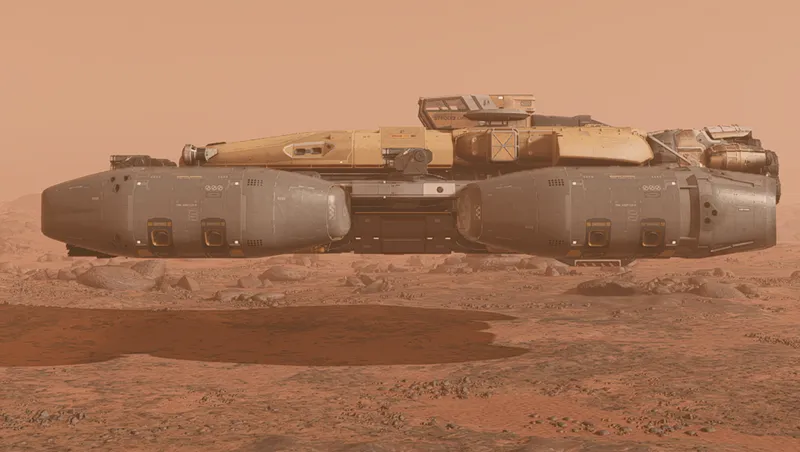
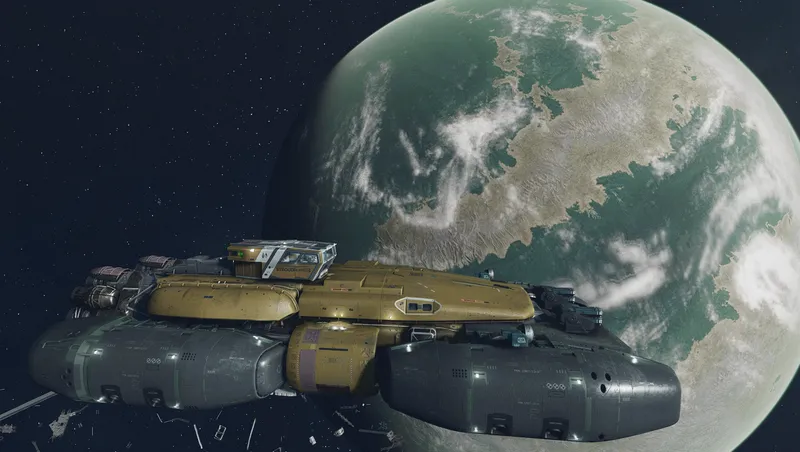
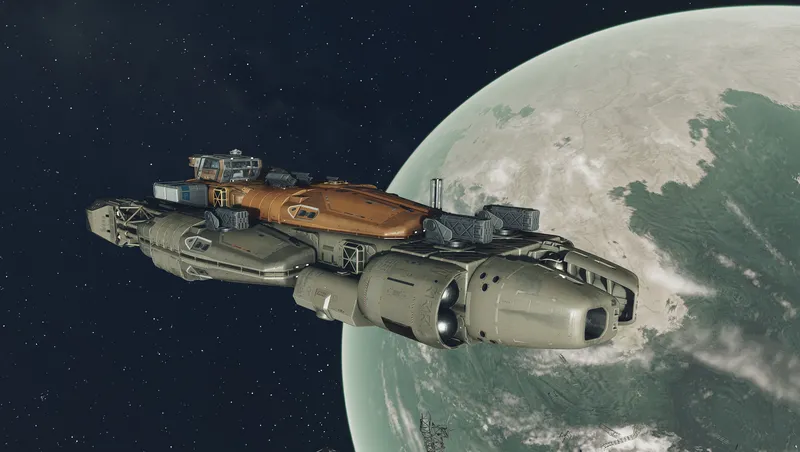
Quick Control is another way to call, summon, or land your home ship remotely. This feature itself isn't new, but with Quick Control it becomes a fire-and-forget feature. Quick Control can land your ship almost everywhere without clipping, and it allows your ship to hover over rough terrain.
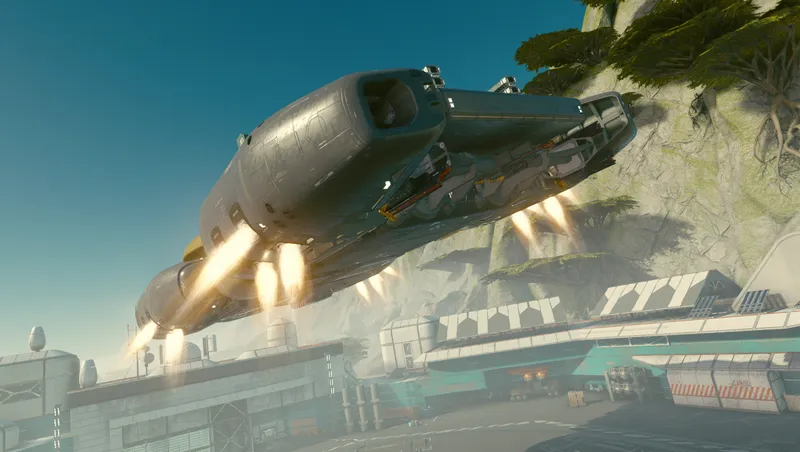
Quick Control will introduce hover landings to your game. During hover landings, the ship hovers above the landing site with its landing gear retracted. The ship's landing engines are off by default setting (i.e., the ship hovers silently like a Starborn ship). In the gameplay options, you can activate the landing thrusters. You can choose whether the ship should hover like a dropship with its thrusters running before taking off again (after a set time). Or whether the ship should always hover with its thrusters running during a hover landing.
Hover landing is supported by all ships, but some landing gear modules won't stay retracted during hover landings (i.e. Deimos 220CB, Nova NG 10, Hope 55, and Hope 5). Quick Control provides identical replacement 'VTOL Landing Gear' for these landing gear modules as new ship parts in the ship builder. The new 'VTOL Landing Gear' modules will fully support normal landing (with extended landing leg) and hover landing (with disabled landing leg). USE THESE ON YOUR HOME SHIP!
Quick Control (as message menu) is activated by quickly turning the scanner on and off. It can be also activated (as terminal menu) via a Control Tablet that can be assigned in the favorites menu.
EXIT SHIP TO ACTIVATE QUICK CONTROL FOR THE FIRST TIME. Check out the gameplay options for individual configuration.
PLEASE NOTE:
Quick Control is available if you are outdoors on a planet or moon (no inside or airlock area) AND if you are inside of your home ship.
The functionality of Quick Control is focused on summoning the home ship (Call Ship) and related functions (Take-Off, Lock/Unlock, Engines Off, Board Ship and Call Vehicle). When you call your home ship, Quick Control searches for the nearest available landing site (within a 200m radius) and lands the ship there. If no landing site is available, a new one is cleared IN FRONT OF THE PLAYER. Depending on the surface conditions, the ship will then either land or hover at the new landing site.
"Call Ship" is only available outdoors and additionally requires that you are not under a roof or shelter. Same applies for "Board Ship", which will be only available in case of a hover landing (do not stand under your hovering ship).
"Engines Off" is only available in case of a hover landing with active landing thrusters (DROPSHIP or ALWAYS ON)
Pure 'VTOL Engines' (i.e., landing gear modules without a landing leg) are also included as new ship parts.
Vasco (if a crew member) will be shut down and stay in its robot bay on remote take-off and landing. Enter your ship to reactivate Vasco.
Release notes
Xbox
-
2.00> This update adds new features and settings to Quick Control.
> In the options, you can now activate the landing thrusters. You can choose whether the ship should hover like a dropship with its thrusters running before taking off again (after a set time). Or whether the ship should always hover with its thrusters running during a hover landing. Of course, the ship can still hover silently like a Starborn ship.
> Quick Control prevents the spaceship from landing or hovering on unsuitable terrain with a height difference of 30 meters or more. I've added a setting that allows you to increase this limit.
> Also a potential bug was fixed which, in rare cases, could cause the ship to disappear or become invisible when summoned.
-
1.00initial release
Playstation
-
2.00> This update adds new features and settings to Quick Control.
> In the options, you can now activate the landing thrusters. You can choose whether the ship should hover like a dropship with its thrusters running before taking off again (after a set time). Or whether the ship should always hover with its thrusters running during a hover landing. Of course, the ship can still hover silently like a Starborn ship.
> Quick Control prevents the spaceship from landing or hovering on unsuitable terrain with a height difference of 30 meters or more. I've added a setting that allows you to increase this limit.
> Also a potential bug was fixed which, in rare cases, could cause the ship to disappear or become invisible when summoned.
PC
-
2.00> This update adds new features and settings to Quick Control.
> In the options, you can now activate the landing thrusters. You can choose whether the ship should hover like a dropship with its thrusters running before taking off again (after a set time). Or whether the ship should always hover with its thrusters running during a hover landing. Of course, the ship can still hover silently like a Starborn ship.
> Quick Control prevents the spaceship from landing or hovering on unsuitable terrain with a height difference of 30 meters or more. I've added a setting that allows you to increase this limit.
> Also a potential bug was fixed which, in rare cases, could cause the ship to disappear or become invisible when summoned.
-
1.00initial release
Additional Screenshots Available
This mod has 11 additional screenshots available on the official Bethesda.net page.
View All Screenshots on Bethesda.netMod Feedback Thread
r/starfieldmodfeedbackThis is a dedicated feedback thread where users can provide direct feedback on this mod.
YouTube Videos (1)
Starfield Quick Controls Summon Hovering Ships Review
Community Rating & Feedback
No reviews with comments yet.
Be the first to leave a review!
Related Starfield Mods
By shadedness • 2 years ago
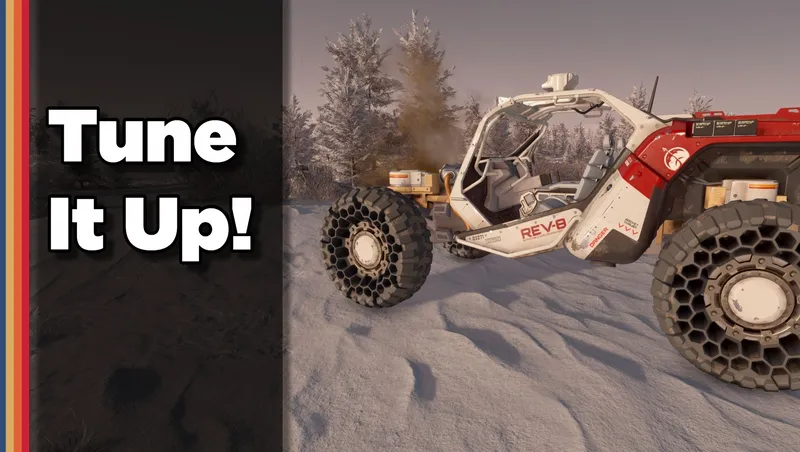
Camping! Harvesting! More weapon damage! Vehicle cargo storage! Works with ALL VEHICLES - tune some vehicle features using the added options in the Gameplay Options menu.
By Deebz • 2 years ago
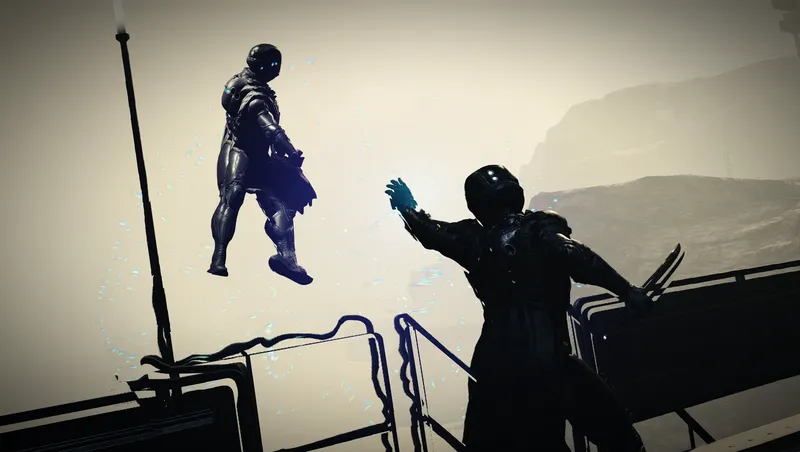
Turns Gravity Wave into a proper “force push” power, using ragdoll physics instead of the vanilla knockdown animations. Designed to be fair and balanced.
By SKKmods • 2 years ago
Fast Start New Game bypasses the Argos-Atlantis tutorials starting new and NG+ games from various locations with full character configuration and custom loadouts.
By shadedness • 2 years ago
Sustained flight! Sprint boosting! Better Zero-G handling! Also some Boostpack modules that dynamically vary their bonuses depending on your situation to enhance your traversal.
Quick Actions
Your Rating
Sign in to rate and review this mod—your vote helps the community.
Community Rating
Categories
Mod Information
- Published
- Feb 03, 2026
- Last Updated
- Jun 09, 2026
- Platforms
- Playstation, PC, Xbox
Search Mods
Related Starfield Mods