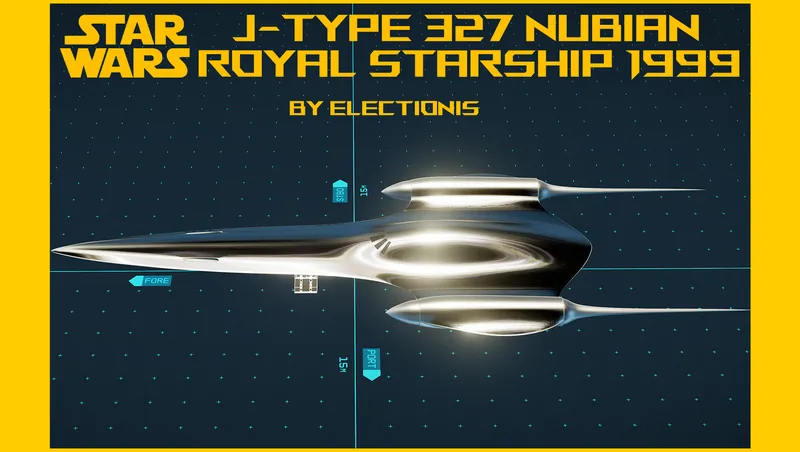
J-type 327 Nubian Royal Starship 1999 (ElectioniStar)
By electionis
Community Rating
Updated for PS5. No other changes. May the 4th be with you. ;)
UPDATE: Version 1.2 is up. Activation switch doing nothing for some users issue was addressed.
Intro
Entirely covered in hand-polished royal chromium, this singularly streamlined vessel symbolizes the marriage between high craftsmanship and elegant design philosophy of Nubians who truly appreciated the graceful beauty of nature. Although formerly the starship was reserved for use only by the queen Amidala of Naboo, now she is proudly presented as a gift to you because you are the legendary Starborn and you are on a noble mission to bring peace and security to the Starfield galaxy.
While in game
Land at Argos Extractors Mining Outpost, see video for location or even better, use your surface map (press M+G) Flip switch in front of ship pad to add it to your fleet and make it your home ship Board and fly away. Remember to register your new ride!
You can build it, if you want. Visit any shipyard or use your own shipyard to bring up the parts. She is A-class, but she can be upgraded to C-Class.
Build Manual (optional)
Building time: average 15 minutes (min 10 min. ~ max 30 min.) Follow the simple 15 steps.
Easy 15 steps
- Place 1 J-type 327 Hab 1x1 (Hab) in your ship builder.
- Place J-type 327 C_pit (C_pit) on the fore side of the hab.
- Place J-type 327 Bay (Bay) on the aft side of the hab.
- Place J-type 327 module mount (Struct) at the bottom of the C_pit.
- Place micro-modules on the module mount; Place J-type 327 Scan Jammer (closest to the C_pit) first, and Reactor, Grav, Cargo, Shield, and Fuel. (Refer to the media section for pictures)
- Place J-type 327 Lander - Fore (Gear) at the bottom of the module mount.
- Place J-type 327 Lander - Port (Gear) on the port side of the invisible bay behind the 1x1 hab.
- Place J-type 327 Lander- Stbd (Gear) on the stbd side of the invisible bay behind the 1x1 hab.
- Place J-type 327 Sublight Engine - Port (Engine) on the port side of the 1x1 hab.
- Place J-type 327 Sublight Engine - Stbd (Engine) on the stbd side of the 1x1 hab. (While clicking the port engine, press G to duplicate and Z to flip to get the stbd engine to appear in the builder.)
- Place primary and secondary weapon(s) of your choice on the fore of each engine, port and stbd.
- Place a tertiary weapon between bay ramp and C_pit)
- Place a J-type 327 Docker (Docker) on top of the 1x1 hab.
- (optional) Place any additional weapons on the aft most side of the module mount.
- Finally, place Nubian Royal Starship Fuselage (Struct) on top of the invisible bay behind the 1x1 Hab. (It should snap automatically.)
Congratulations! You've built the most elegant and streamlined ship in SW and SF universe!
Enjoy sailing her, say, on a very important diplomatic mission or personal pleasure trip to the secret corner of Starfield galaxy!
Disclaimer
This is an extremely experimental mod. Make a backup copy of your save file in someplace safe. Weird things can happen including: Collision is not perfect. Your character can fall in a collision trap. My save file is intact so far and I have no problem using this mod, but as you know, ANYTHING can happen in Starfield. ;-)
Permissions
You are not allowed to modify or upload this file to other sites.
Credits
George Lucas for the SW world Todd Howard and his team for giving us the “universe” to dwell in
Release notes
Xbox
-
1.2.1Updated for PS5. No other changes. May the 4th be with you. ;)
-
1.2For some people who downloaded my other ships might have an issue where activation switch doesn't work to add the ship as a home ship. This update resolves the issue.
-
1.00initial release
Playstation
-
1.2.1Updated for PS5. No other changes. May the 4th be with you. ;)
PC
-
1.2.1Updated for PS5. No other changes. May the 4th be with you. ;)
-
1.2For some people who downloaded my other ships might have an issue where activation switch doesn't work to add the ship as a home ship. This update resolves the issue.
-
1.00initial release
Additional Screenshots Available
This mod has 10 additional screenshots available on the official Bethesda.net page.
View All Screenshots on Bethesda.netYouTube Videos
Community Rating & Feedback
No reviews with comments yet.
Be the first to leave a review!
Related Starfield Mods

By electionis • 2 years ago
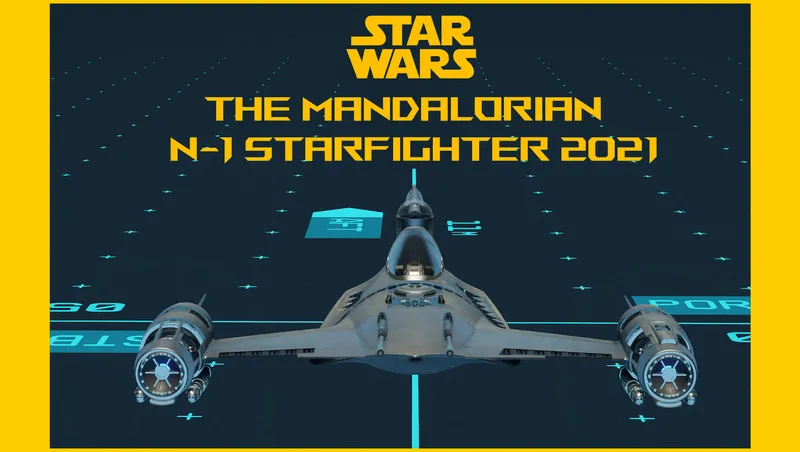
This mod adds Naboo N-1 Starfighter from Star Wars: Ep. I to Starfield. A singular single-pilot ship. Life-size, all modular, precrafted yet buildable, and Grab-n-Go.
By electionis • 1 year ago
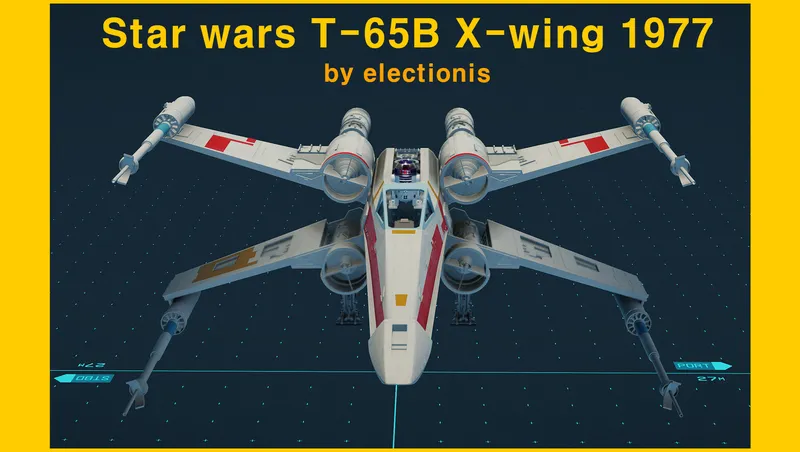
This mod adds T-65B X-wing. The “Big-X” version. Precrafted yet buildable, every part colorable. Just Grab-n-Go.
By electionis • 1 year ago
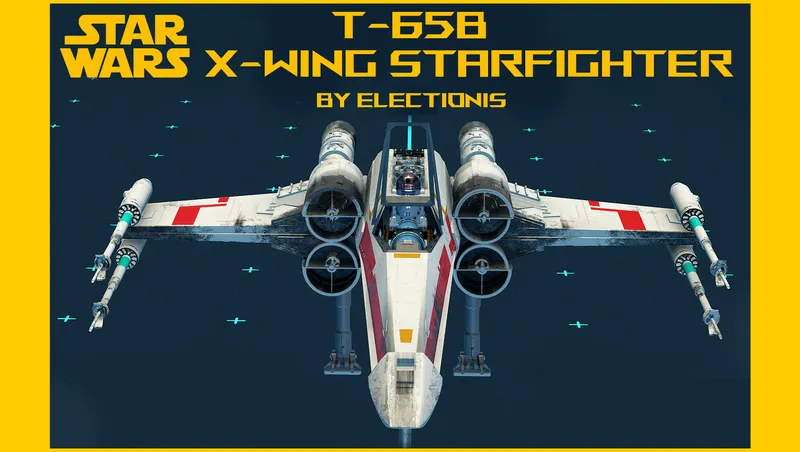
This mod adds T-65B X-Wing starfighter from Star wars original trilogy. Starfield's first fully animated single-pilot ship. Standalone, precrafted yet buildable, Grab-n-Go and more

By electionis • 2 years ago
This mod adds Han Solo's Millennium Falcon from Star Wars original trilogy. All modular, authentic, standalone, precrafted yet buildable, and Grab-n-Go.
Quick Actions
Your Rating
Sign in to rate and review this mod—your vote helps the community.
Community Rating
Categories
Mod Information
- Published
- Jul 29, 2024
- Last Updated
- May 04, 2026
- Platforms
- Playstation, PC, Xbox
Search Mods
More by electionis
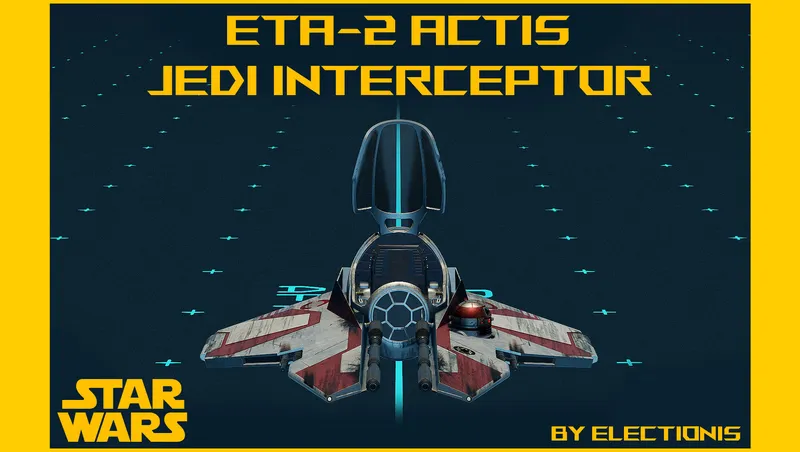
Related Starfield Mods