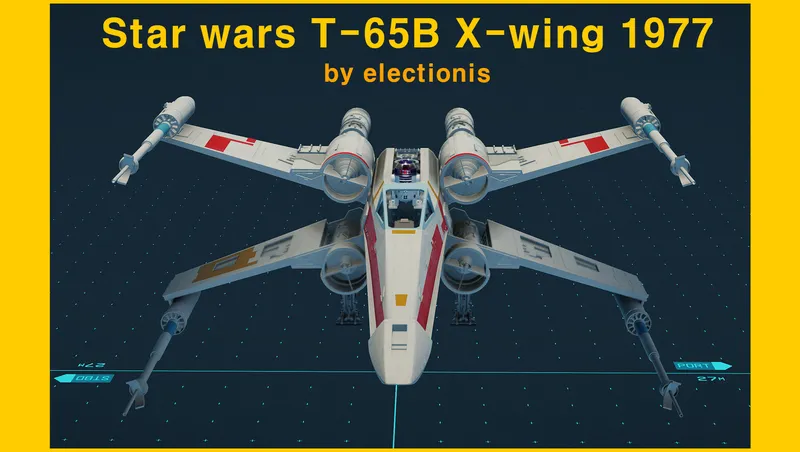
T-65B X-wing starfighter (ElectioniStar) OLD (Big X)
By electionis
Community Rating
Updated for PS5. No other changes. May the 4th be with you. ;)
I already published the small X-wing, but some people wanted the good ol' "Big-X" back. So finally here you are.
You don't need ini tweak or any other mod. This mod is now 100% standalone. You don't need to build the ship. It's now precrafted. But you can certainly build it if you choose to do so.
While in game
[If you want the precrafted ship] Land at Argos Extractors Mining Outpost, on Vectera, Narion system, north east of Alpha Centauri system Walk or fly back as seen in the video and find a platform with an activator switch on top Flip switch to add it to your fleet and make it your home ship *****Now fast travel to any location or preferably your outpost to actually see your home ship *********** Pay a small fee and register your new ride to start customizing! (How about a "dark" X-wing?) She is Class A but can be modified to Class C (just change the reactor)
[If you need only the wings or parts] Visit any shipyard or use your own shipyard to bring up the parts. Use any X-wing parts for your other ship builds to your heart's content.
16 Custom Ship Parts
1 X-wing hatch door (Bay) 1 X-wing 2x1 Hab (Hab) 1 Novaldex 04-Z cryogenic power generator (Reactor) 1 Chempat "Defender" deflector shield projector and generator (Shield) 1 X-wing Scan Jammer (Equipment) 1 X-wing fuel tank (Fuel) 1 Class-1 Koensayr GBk-585 hyperdrive motivator (Grav) 1 X-wing C-pit (C-pit) 1 proton torpedo weapon mount (Structural) 2 Krupx MG7 proton torpedo launchers (Tertiary weapon) (2 Obliterator or proton Beam (Secondary weapon) of your choice - optional) 2 X-Wing Landers (Gear) 4 Wings (Structural) 4 Taim & Bak KX9 laser cannons (Primary weapon) 4 4L4 Fusial Thrust Engines (Engine) 1 X-wing Cargo hold (Cargo) - R2D2 1 X-wing Fuselage (for encapsulation) (Structural) 1 X-wing docker (Docker) (nose cone) (+ 1 R2D2 (Structural) - optional)
Build Manual (OPTIONAL)
1.Bay Place a bay in your ship builder.
- It looks like a yellow hatch. Actually, it serves as an invisible ladder door. Later in game, a menu will pop up if you stand directly under the yellow hatch at the bottom of fuselage. You will be given an option to either enter the ship or get inside the C-pit directly.
- Hab Place X-wing Hab Bottom on the bay.
- X-wing Hab bottom (2x1) is a living quarter for you and your companions. You can go upstairs using a ladder to reach the C-pit. Place any Nova 2x1 hab of your choice on top of the X-Wing Hab Bottom.
- You can choose other shipyard’s 2x1 habs, but clippings may occur. If you don’t mind them, go ahead, but make sure to colorize it to light gray for coherent appearance.
-
Gear (Lander) Attach X-Wing Lander Port to the port fore (front left) side of X-Wing Hab Bottom. Duplicate and flip it and X-Wing Lander Stbd will appear and attach to the Stbd fore (front right) side of X-Wing Hab Bottom.
-
Wings (aka. S-Foils) (Structural) There are 4 wings: Port Top, Port Bottom, Stbd Top, and Stbd Bottom. Attach Port Top wing to port fore (front left) side of the top hab. Duplicate the wing (ctrl+G) and flip it (Z) and Stbd Top wing will apear. Now, attach it to fore stbd (front right) side of the top hab. Attach Port Btm wing to port aft (rear left) side of the bottom hab. Duplicate the wing (ctrl+G) and flip it (Z) and Stbd Btm wing will appear. Now, attach it to aft starboard (rear right) side of the bottom hab. Again, Top goes to Top, Bottom goes to Bottom (really important).
-
Reactor Place X-Wing 04-Z cryogenic reactor on top front of 2nd floor hab.
- You will have enough power for all modules including the grav drive.
- Shield Place Chempat "Defender" deflector behind the reactor.
- Chempat "Defender" deflector shield projector and generator produces sufficient protection so you won’t feel agitated in any heated battle.
-
Scan Jammer (Equipment) Place X-Wing scan jammer behind the shield.
-
Fuel Place X-Wing Fuel Tank behind the scan jammer.
- It elongates the distance of space travel with the proper He3 storage for your frequent grav jumps.
- Grav Place X-Wing Hyperdrive motivator at the rear end of at the back of bottom hab.
- Class-1 Koensayr GBk-585 hyperdrive motivator enables you to do the “hit-and-run” attacks and also, most importantly, look for Yoda.
-
C-pit Place X-Wing C-pit in front of the Top floor hab.
-
Weapon mount (Structural) + Weapons Place the X-Wing proton torpedo mount right below the C-pit.
- Make sure to use the front snap point of C-pit (there are TWO!) so that the frontal half of the mount stick out in front of the C-pit. It can hold two X-Wing proton torpedos (preferably at the front) and two particle weapons of your choice (on rear and they are hidden inside the C-pit).
- Laser Cannons There are also 4 different Taim & Bak KX9 laser cannons. They do look alike, but they are meticulously prepared to be on the precise spot with correct angle. Take heed not to get confused. Attach X-Wing Laser Port Top to the top left end of Port Top wing.
- You want to press R (UP) or F (DOWN) 20+ times to control the height level to reach the proper snap point. Repeat the process for the rest of corresponding cannons.
-
Cargo Place X-Wing Astromech R2D2 cargo hold in front of the reactor.
-
Fuselage (Structural)
Attach X-Wing fuselage to the rear snap point under the C-pit to encapsulate all and create a streamlined appearance.
- Docker
attach X-Wing docker (nose cone) to the far up front of the ship. (Technically, it is attached to the fore side of the bottom hab.)
- Engines
There are 4 different 4L4 Fusial Thrust Engines.
Finally, attach Port top engine to the rear (aft) side of port top wing.
- You can duplicate and flip it to get Stbd Top engine. Make sure you have the correct engine for the correct wing. Sometimes it fails to flip (by error) and end up attaching the wrong engine to the wrong wing. You don’t want this.
Repeat this process for the Port Btm engine. Duplicate and flip it to get Stbd Btm engine. And attach it to the back of Stbd Btm wing.
You are almost done.
Paint job
By default the color is somewhat dark. You can brighten the red to bright red by clicking each part (hold Ctrl and click respectively) and pressing J. Some parts have color 1,2,3 other parts have only color 1. Have fun with coloring! You can have black X-wing with green stripes. The possibility is infinite. Be creative!
Congratulations, you’ve built the one and only original T-65B X-Wing Starfighter in Starfield universe! May the force be with you.
Disclaimer
This is an extremely experimental mod. I opened and closed xEdit around 700 times to make this mod. (I can prove this.) I used CK to make other changes. Make a backup copy of your save file in someplace safe. Weird things can happen including: Collision is BAD, your character can fall in a collision trap and cannot escape. My save file is intact so far and I have no problem using this mod, but as you know ANYTHING can happen in Starfield. ;-) Enjoy!
Permissions
You may not modify or distribute this file without my permission.
Credits
George Lucas for the original X-wing design (he literally drew it on a yellow pad) Todd Howard and Bethesda Studio for their hard work to give us the Starfield universe
Release notes
Playstation
-
1.3.1Updated for PS5. No other changes. May the 4th be with you. ;)
PC
-
1.3.1Updated for PS5. No other changes. May the 4th be with you. ;)
-
1.3Ver 1.3 Update
* recalibrated the bays to fit the exact hab heights.
* instead of going odd numbers, they increase by 2 habs (7m), all even numbers from 2-20.
(without using console command ==> setgs fSpaceshipLandableMaxSizeZ 160 , you will hit the limit at 12 hab high bay. I don't know if there exists a mod that eliminates the vertical builder cap. It's up to you to figure it out. x12 is pretty high enough)
* redid the collision so that you can easily activate the hatch
* bay hatches now glow and you can see the red spotlight on the ground, which helps you greatly especially when boarding the ship at night (no more frustration in finding the invisible ladder)
* Enjoy and be creative ;)
-
1.2New bays (x3 / x5 /x7 /x10 hab high) for your vertical creative builds added.
Switch issue addressed. -
1.1* this version addresses the issue of the activator switch being used elsewhere. Now only the switch outside of Argos Extractors Mining Outpost says "Make the "Big-X" your homeship."
-
1.00initial release
Xbox
-
1.3.1Updated for PS5. No other changes. May the 4th be with you. ;)
-
1.3Ver 1.3 Update
* recalibrated the bays to fit the exact hab heights.
* instead of going odd numbers, they increase by 2 habs (7m), all even numbers from 2-20.
(without using console command ==> setgs fSpaceshipLandableMaxSizeZ 160 , you will hit the limit at 12 hab high bay. I don't know if there exists a mod that eliminates the vertical builder cap. It's up to you to figure it out. x12 is pretty high enough)
* redid the collision so that you can easily activate the hatch
* bay hatches now glow and you can see the red spotlight on the ground, which helps you greatly especially when boarding the ship at night (no more frustration in finding the invisible ladder)
* Enjoy and be creative ;)
-
1.2New bays (x3 / x5 /x7 /x10 hab high) for your vertical creative builds added.
Switch issue addressed. -
1.1* this version addresses the issue of the activator switch being used elsewhere. Now only the switch outside of Argos Extractors Mining Outpost says "Make the "Big-X" your homeship."
-
1.00initial release
Additional Screenshots Available
This mod has 5 additional screenshots available on the official Bethesda.net page.
View All Screenshots on Bethesda.netYouTube Videos
Community Rating & Feedback
No reviews with comments yet.
Be the first to leave a review!
Related Starfield Mods
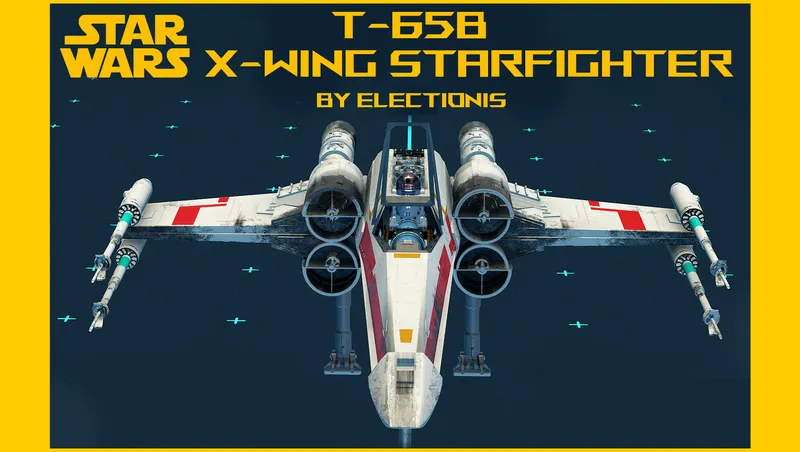
By electionis • 1 year ago
This mod adds T-65B X-Wing starfighter from Star wars original trilogy. Starfield's first fully animated single-pilot ship. Standalone, precrafted yet buildable, Grab-n-Go and more

By electionis • 2 years ago
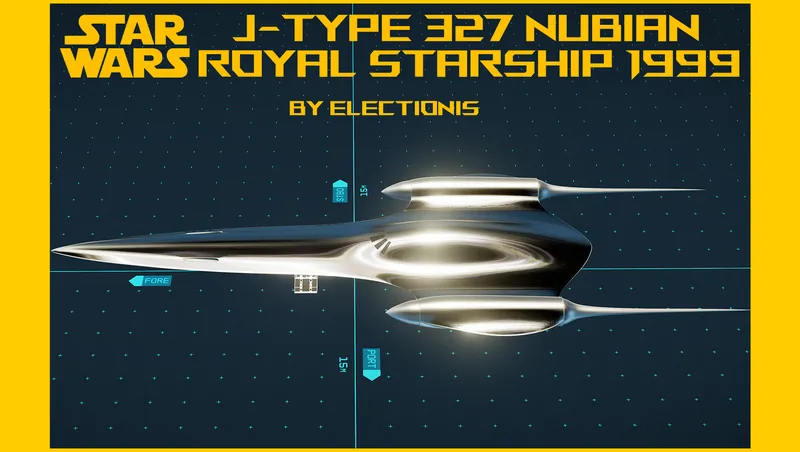
This mod adds Naboo N-1 Starfighter from Star Wars: Ep. I to Starfield. A singular single-pilot ship. Life-size, all modular, precrafted yet buildable, and Grab-n-Go.
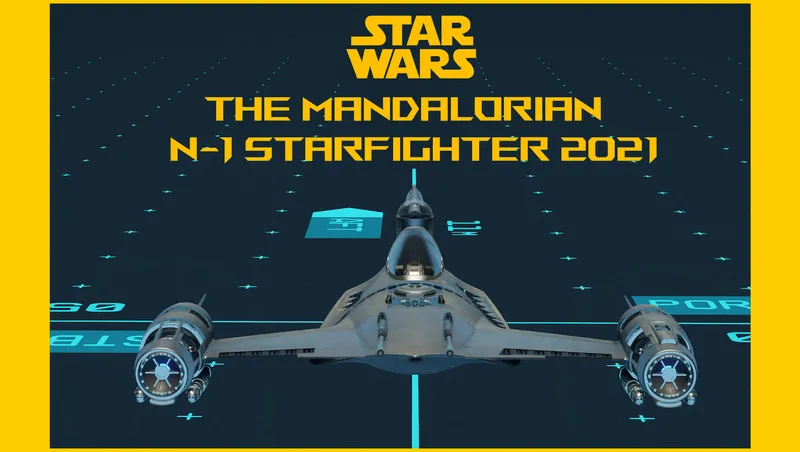
By electionis • 2 years ago
This mod adds Din Djarin's modified N-1 Starfighter from the Star Wars Mandalorian series. A singular single-pilot starfighter. Life-size. All modular. Precrafted. Just Grab-n-Go.
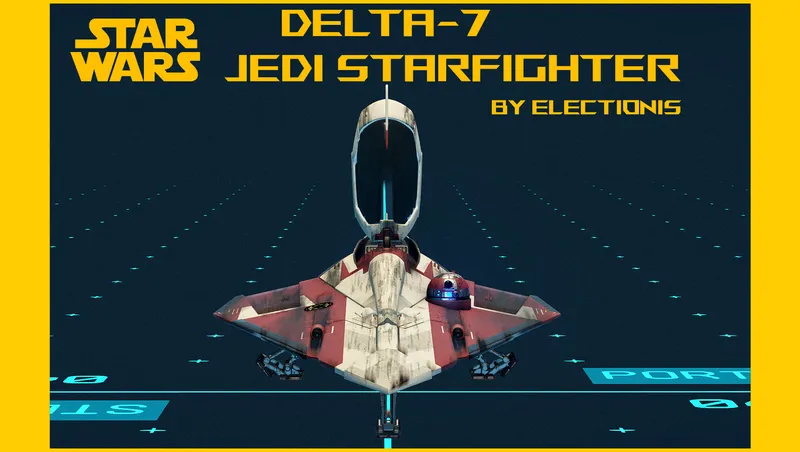
By electionis • 1 year ago
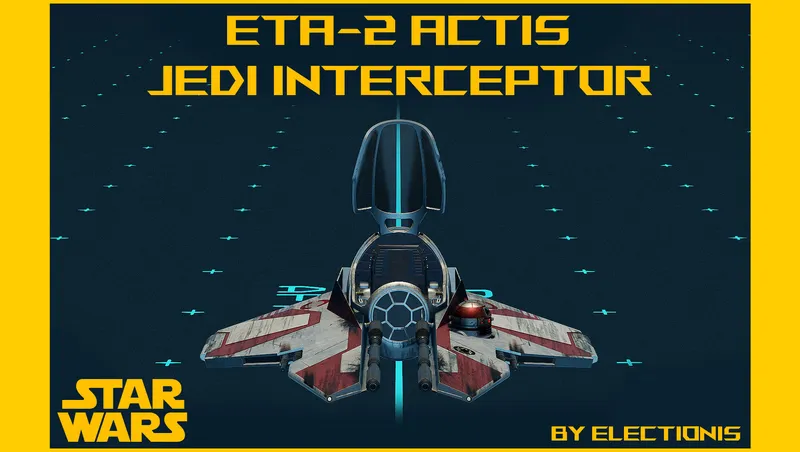
This mod adds Obi-Wan Kenobi's Delta-7 Jedi Starfighter from Star Wars Ep. II. Standalone, life-size, single-pilot, colorable, precrafted yet buildable, and just Grab-n-Go.
Quick Actions
Your Rating
Sign in to rate and review this mod—your vote helps the community.
Community Rating
Categories
Mod Information
- Published
- Sep 05, 2024
- Last Updated
- May 04, 2026
- Platforms
- Playstation, PC, Xbox
Search Mods
More by electionis


Related Starfield Mods