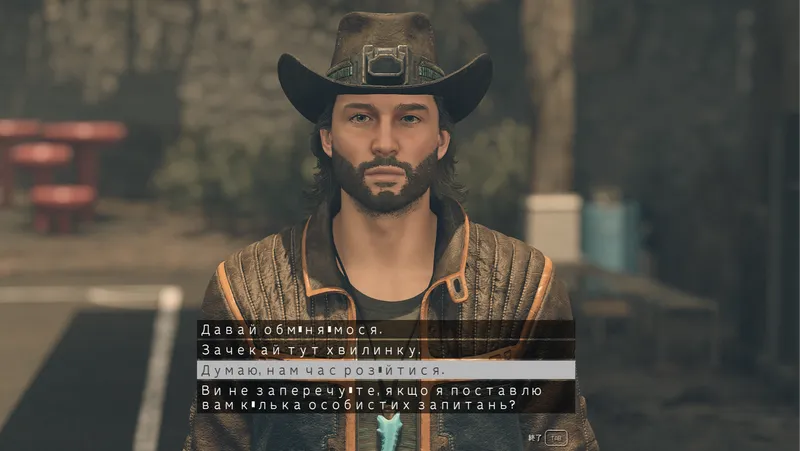
Ukrainian Translation (JP trick) / Український переклад
By Barzoom
Community Rating
===================================================== STARFIELD — UNOFFICIAL UKRAINIAN LOCALIZATION / УКРАЇНСЬКА ЛОКАЛІЗАЦІЯ
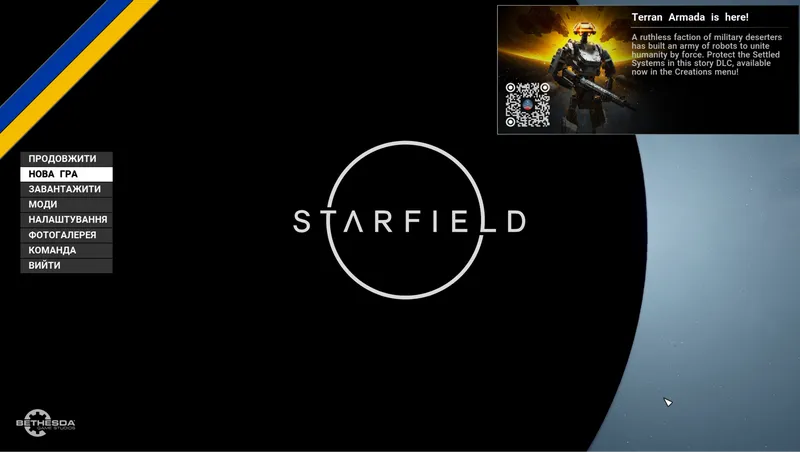
This mod provides an unofficial Ukrainian localization for Starfield using the Japanese language slot as a workaround for Cyrillic rendering. The built-in Japanese font includes Cyrillic glyphs, allowing Ukrainian text to display on PS5 / Xbox / PC where custom fonts cannot be loaded.
TRANSLATED CONTENT
- Subtitles, dialogue
- Books, notes, terminals
- Item names and descriptions
- Quests and journal entries
- Main game + most DLCs
KNOWN LIMITATIONS
- UI menus remain in the Japanese slot layout
- Some glyphs (і, ї, є, ґ) may render with slight visual artifacts
- Loading screen hints may appear as squares — this is normal
- Compatible with the original game only; other mods may prevent the translation from loading
INSTALLATION
- Launch the game
- Download and activate this mod from Creations
- Close the game
- Restart your console (PS5 / Xbox / PC(game))
- In game settings, set language to Japanese
- Launch the game and load a save
========= УКРАЇНСЬКА
Мод додає неофіційну українську локалізацію для Starfield через японський мовний слот. Вбудований японський шрифт Starfield містить кириличні гліфи, що дозволяє відображати український текст на PS5 / Xbox / PC, де заміна шрифтів неможлива.
ЩО ПЕРЕКЛАДЕНО
- Субтитри, діалоги
- Книги, записки, термінали
- Назви та описи предметів
- Квести та журнал
- Основна гра + більшість DLC
ВІДОМІ ОБМЕЖЕННЯ
- Інтерфейс залишається в розкладці японського мовного слоту
- Окремі гліфи (і, ї, є, ґ) можуть мати легкі візуальні артефакти
- Підказки на екрані завантаження можуть відображатись квадратиками — це нормально
- Сумісний лише з оригінальною версією гри; інші моди можуть завадити роботі перекладу
ВСТАНОВЛЕННЯ
- Запустіть гру
- Завантажте та активуйте мод з Creations
- Закрийте гру
- Перезавантажте консоль (PS5 / Xbox / PC(гру))
- У налаштуваннях гри оберіть японську мову
- Запустіть гру та завантажте збереження
===============================
Release notes
Playstation
-
1.00#1
PC
-
1.00#1
Xbox
-
1.00#1
Additional Screenshots Available
This mod has 3 additional screenshots available on the official Bethesda.net page.
View All Screenshots on Bethesda.netYouTube Videos
Community Rating & Feedback
No reviews with comments yet.
Be the first to leave a review!
Related Starfield Mods
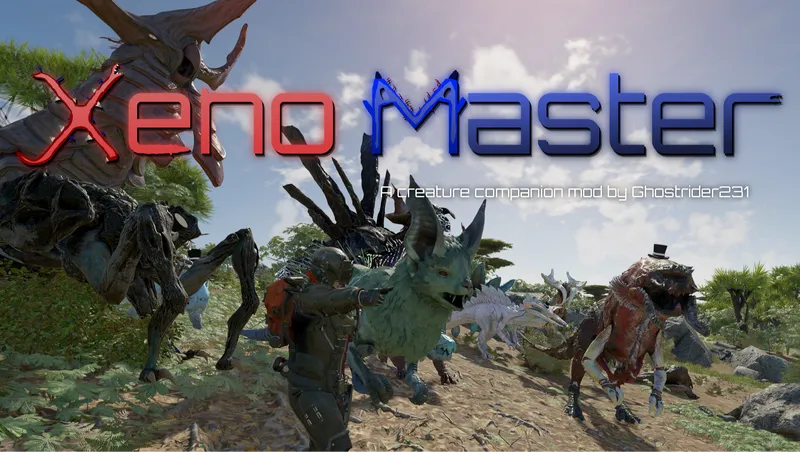
By Ghostrider231 • 2 years ago
Xeno Master is a rather different creature companion mod that provides you a way to tame the various different faunas/creatures within the Settled Systems.
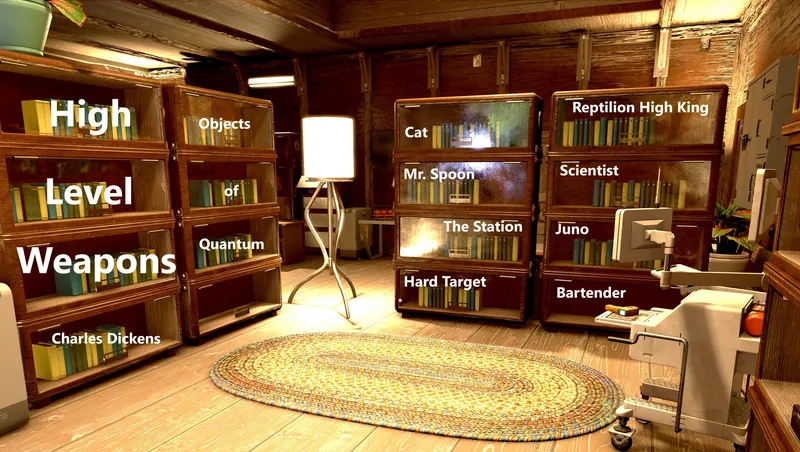
By youngneil1 • 1 year ago
Continue to find better weapons, all the way up to level 300. 7+ new revisions/tiers for each of 50 weapon types. Uniquely named, legendary, each hidden in a specific star system.
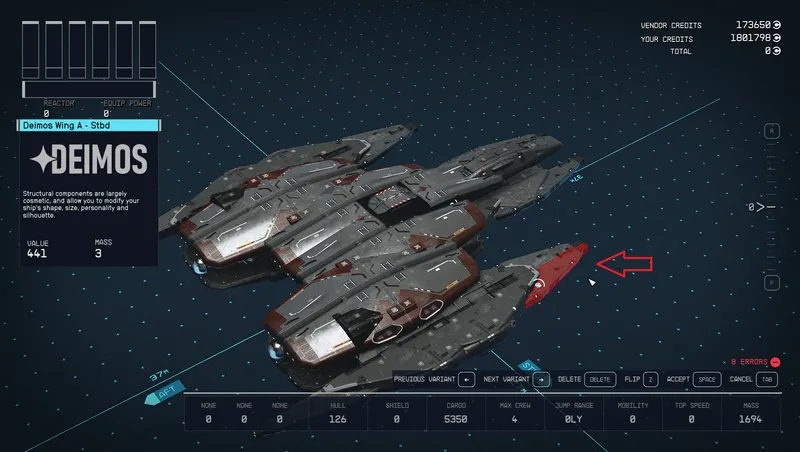
By GrizBane404 • 2 years ago
Enables construction of ships with merged/overlapping modules (without awkward "glitching" techniques), expanded part availability and a customized Ship Builder user experience.
By JaeDL • 2 years ago
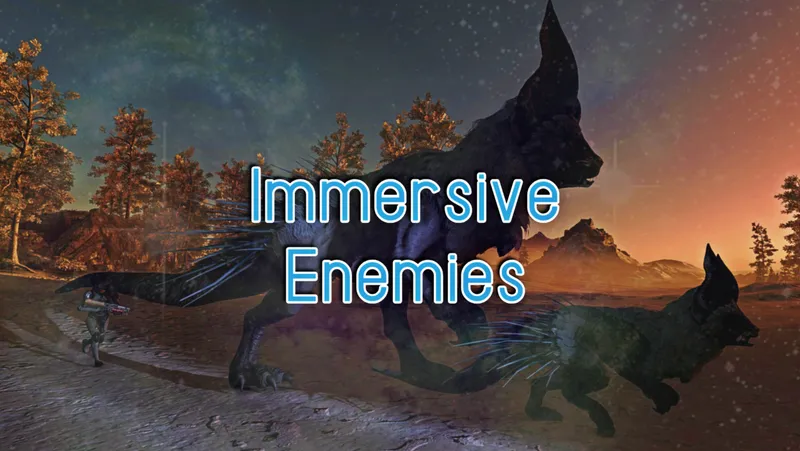
The #1 Leveled Enemies mod on Nexus (via inclusion in Royal Galaxy) finally comes to Creations! Enemies you come across will be unique and fun to fight, even at high levels.
Quick Actions
Your Rating
Sign in to rate and review this mod—your vote helps the community.
Community Rating
Categories
Mod Information
- Published
- Apr 14, 2026
- Last Updated
- Apr 14, 2026
- Platforms
- Playstation, PC, Xbox
Search Mods
Related Starfield Mods