Starfield - 128 Textures
Community Rating
Credits: sharkattack001 Proof of permissions: https://www.nexusmods.com/starfield/mods/15068?tab=description
Downscaled Starfield textures for better performance. (128, 256, 512, 1K)
You can add or remove at any time.
Either install with Vortex, or Manually Install (see below)
- Instructions on how to make your own custom downscale are at the bottom.
How to Install (manually):
-
Extract the .ba2 from the archive and place it in your "Starfield\Data" folder. (ex: Steam\steamapps\common\Starfield\Data) (you don't need the .esm when installing manually)
-
Find "Starfield.ini" located in the games root folder (ex: Steam\steamapps\common\Starfield), and add the BA2's name to THE END of "sResourceIndexFileList="
Example:
sResourceIndexFileList=Starfield - LODTextures01.ba2, Starfield - LODTextures02.ba2, Starfield - Textures01.ba2, Starfield - Textures02.ba2, Starfield - Textures03.ba2, Starfield - Textures04.ba2, Starfield - Textures05.ba2, Starfield - Textures06.ba2, Starfield - Textures07.ba2, Starfield - Textures08.ba2, Starfield - Textures09.ba2, Starfield - Textures10.ba2, Starfield - Textures11.ba2, Starfield - TexturesPatch01.ba2, Starfield - TexturesPatch02.ba2, Downscale512 - Textures.ba2, Downscale512_SSDLC - Textures.ba2
- Add these lines to your "StarfieldCustom.ini" in (Documents\My Games\Starfield)
[Archive] bInvalidateOlderFiles=1 sResourceDataDirsFinal=
If you encounter visual problems, you may need to delete Pipeline.cache located in (AppData\Local\Starfield) and reset your GPUs shader cache.
How to Uninstall (manually):
-
Delete the BA2 from your "Starfield\Data" folder.
-
Remove the BA2s name from "sResourceIndexFileList=" in "Starfield.ini"
How to Customize: (downscale only specific files or combine different resolutions)
-
Extract downscaled BA2s - I use BAE (Bethesda Archive Extractor)
-
Edit the extracted "textures" folder to your liking, either deleting or replacing files.
-
Create your own BA2(s) using BAMgr or Creation Kit - I use BAMgr (Bethesda Archive Manager)
- Note: keep the same folder/file structure. (textures...) - Recommend you install your custom BA2 manually.
Release notes
Xbox
-
1.00== Describe this release ==
YouTube Videos
Community Rating & Feedback
No reviews with comments yet.
Be the first to leave a review!
Related Starfield Mods
By shadedness • 2 years ago
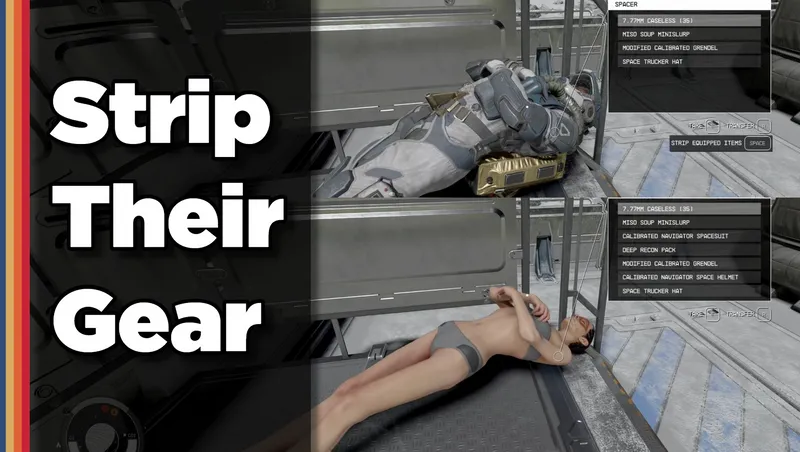
Strip any equipped armor or clothes from your fallen foes! Or simply loot-all with 1 button. Steal items from knocked-out targets instead of pick-pocketing and waking them up!
By rux616 • 2 years ago
A framework allowing mod authors to easily add ships for sale without conflicts.
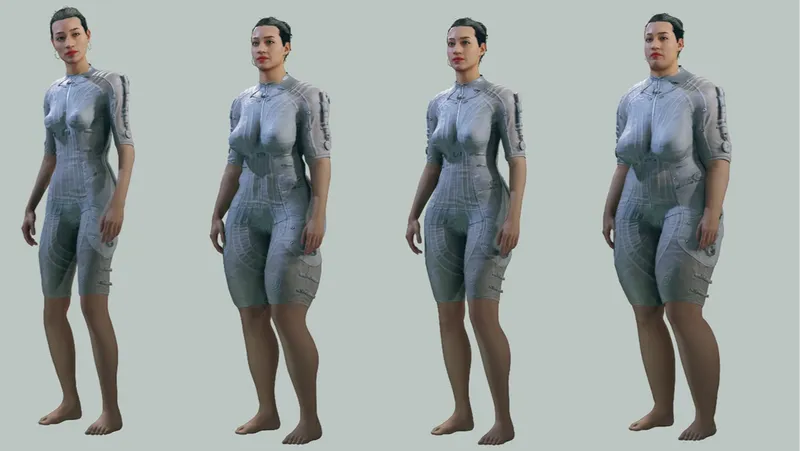
By JaRGNaR87 • 1 year ago
Full female body replacer that includes outfits and spacesuits for base game
Quick Actions
Your Rating
Sign in to rate and review this mod—your vote helps the community.
Community Rating
Categories
Mod Information
- Published
- Apr 16, 2026
- Last Updated
- Apr 16, 2026
- Platforms
- Xbox
Search Mods
Related Starfield Mods