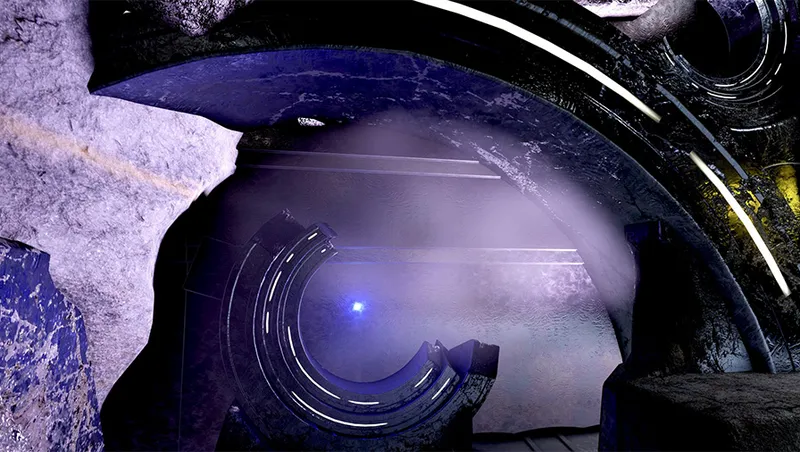
Starborn Player Home at Moonhenge Patch - Softer Lighting
Required mods
Install these creations before using this mod on Bethesda.net.
Community Rating
A targeted lighting tweak for Starborn Player Home at Moonhenge that lowers overall brightness and bloom for a softer, more atmospheric look.
[ OVERVIEW ]
Starborn Player Home at Moonhenge - Softer Lighting is a simple, highly targeted lighting tweak designed to soften interior illumination and create a more relaxed, atmospheric environment inside the home.
I absolutely love Starborn Player Home at Moonhenge! A huge thank you to mesmacat for creating such a stunning, lore-friendly home.
To be fair, the original author has already released multiple updates to reduce the brightness, making it completely acceptable for normal play. However, I personally needed an even darker environment to rest my eyes and set up display mannequins with subtle shadow zones so armor displays would pop against a softer background.
Please keep in mind that the original higher brightness was intended to serve the bright, radiant aesthetic of a Starborn-themed player home. Using this tweak will inevitably diminish that specific stylistic vibe.
[ NOTE ON PERSONAL PREFERENCE ]
This modification is purely based on personal lighting preferences and accessibility. The original lighting is fantastic, but my eyes are quite sensitive and get fatigued easily in high-brightness environments over long play sessions. To minimize harsh wall reflections, some light sources have been set quite low, which means certain unlit areas will end up very dark. I created this mod strictly to make the space a bit easier on my eyes while enjoying this incredible player home.
[ MAIN FEATURES ]
-
Lower Brightness Across the Board: Manually tweaked every individual light source, reducing the Luminous Scale by over 30%.
-
Targeted Hotspot Reduction: Lights placed close to walls, floors, or objects were turned down significantly more to stop harsh overexposure and bright patches.
-
Refined Ring Pillar Lights: Tweaked the emissive strips on the ring pillars to reduce blinding glare and significantly tone down the Bloom scattering into the surrounding air and material surfaces.
[ KNOWN LIMITATIONS ]
-
Headlamps / Flashlights: Just like in the original mod, turning on your helmet light or headlamp inside will cause the room to become extremely bright/overexposed, as the Starborn metal walls are highly reflective!
-
NPC Face Gloss/Shine: In some darker corners, NPC faces might look a bit "oily" or shiny from certain angles due to ambient light bouncing off metallic wall textures. This is an engine limitation with reflective surfaces, so there is currently no clean fix.
[ REQUIREMENTS & RECOMMENDATIONS ]
Requirement:
- Starborn Player Home at Moonhenge by mesmacat (Required)
Recommended Mods:
- Let There Be Lights
- Lighting!
- Betamax's Starborn Stuff (Great for decorating Starborn interiors!)
[ INSTALLATION & LOAD ORDER ]
How It Works:
-
This mod only modifies light source properties. It is safe to install mid-playthrough and can be uninstalled at any time.
-
Mod Type: Small Master
Important Precaution:
- Before installing or uninstalling, please save your game in a location OUTSIDE of Moonhenge (leave the interior cell first).
Load Order Example:
- moonhengeoutpost.esm
- moonhengeoutpost_patch_softerlighting.esm
[ CREDITS ]
Full credits go to mesmacat for creating the fantastic original mod "Starborn Player Home at Moonhenge". All original assets, layout designs, and lore concepts belong to them!
[ MORE SCREENSHOTS ]
Due to image count limits on Creations, you can check out more screenshots on Nexus Mods: https://www.nexusmods.com/starfield/mods/17809

Release notes
Xbox
-
1.00- Initial Release.
- Reduced overall interior brightness by 30%+.
- Reduced harsh bloom on ring pillar emissive strips.
- Lowered brightness for lights close to walls/floors to prevent overexposure.
- Created softer light falloff for better shadows.
Playstation
-
1.00- Initial Release.
- Reduced overall interior brightness by 30%+.
- Reduced harsh bloom on ring pillar emissive strips.
- Lowered brightness for lights close to walls/floors to prevent overexposure.
- Created softer light falloff for better shadows.
PC
-
1.00- Initial Release.
- Reduced overall interior brightness by 30%+.
- Reduced harsh bloom on ring pillar emissive strips.
- Lowered brightness for lights close to walls/floors to prevent overexposure.
- Created softer light falloff for better shadows.
Explore more Starfield creations for Homes. Browse all Homes mods →
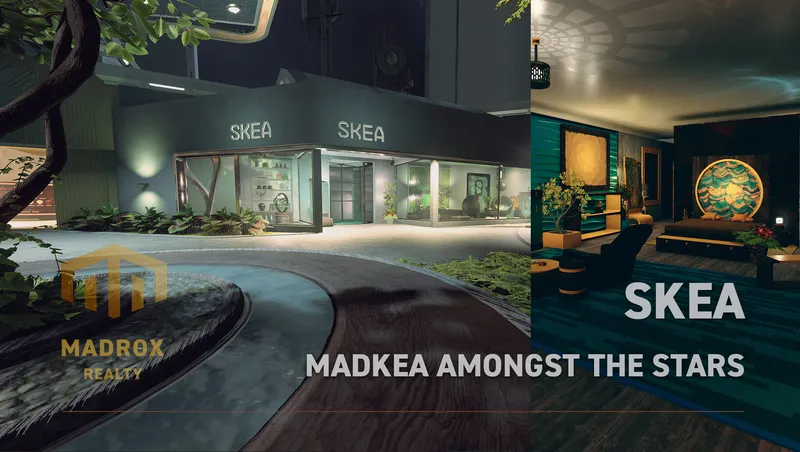
SKEA
SKEA is the place to be for your original decoration needs. More then 8.000 unique buildables are waiting for you to use in your ships, outposts and homes.
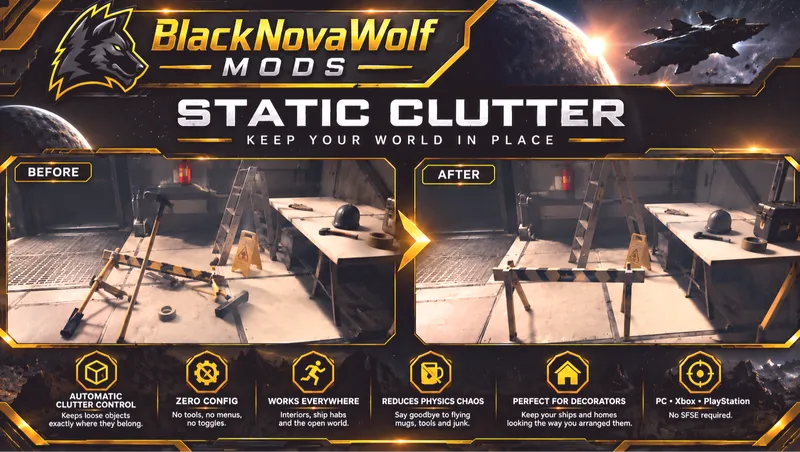
BNW Static Clutter
BNW Static Clutter automatically prevents ordinary loose clutter and miscellaneous world objects from being knocked around by physics.
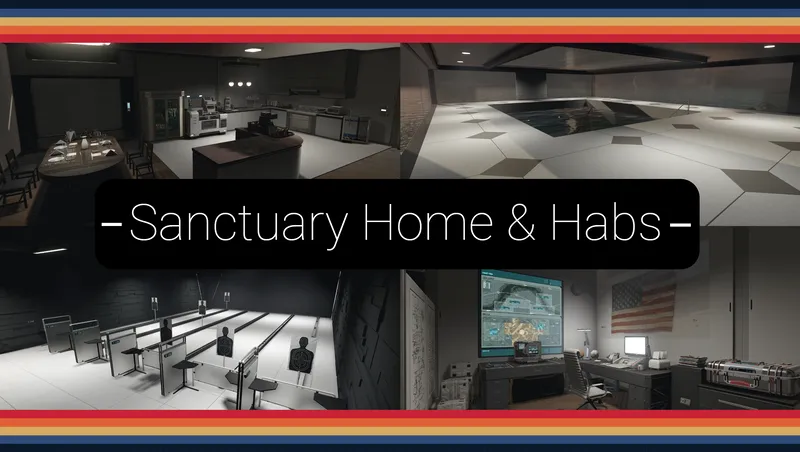
Sanctuary - Home and Outpost Habs.
A F04 lightly inspired player home and outpost hab set; with working/animated features: Showers, Bathtub, Jukebox, Kitchen Appliances, Auto-Doc, Shooting Range, Pool House, ect.

Parenthood: Child Adoption
Adopt one or both of two fully-voiced kids and welcome them aboard your ship. Travel the Settled Systems together, share stories from your adventures, and grow closer over time.