Resource Organizing - Signs, Bins, Crates, Pallets, Mass Storage
By eabel303
Community Rating
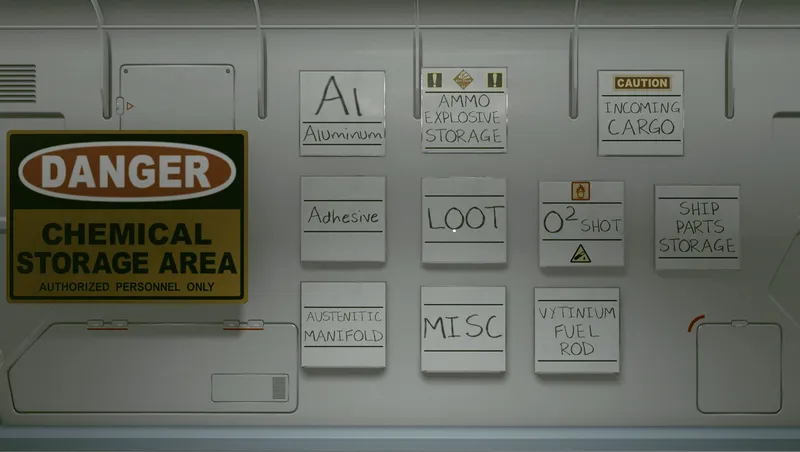
Adds new buildable objects to the DISPLAYS build menu category. There are 4 rows with variations chosen with left-right arrows. The first item in the list is a large text object describing what items are in that row, since icons cannot be added yet.
- Note: After the August 2024 update, containers built inside ships no longer connect to the workbenches or the build system. They still work properly in an outpost. No known solution...
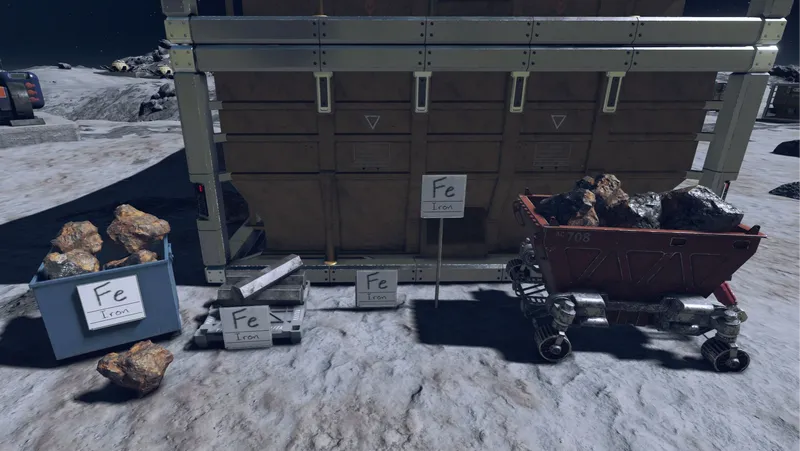
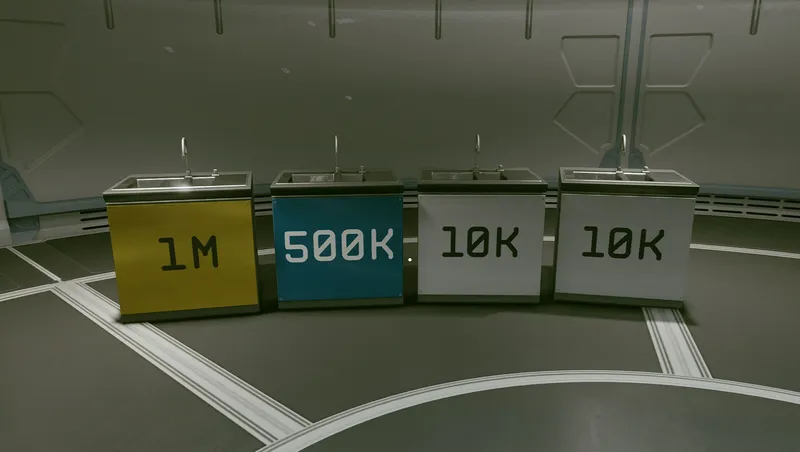
Signs: The signs are using the whiteboard lettering objects included in the game assets. This is the only set of letters that have lower case. All 47 Inorganic Resources. Iron, Aluminum, etc. 7 Organic resources 6 Manufactured resources 8 General categories. Weapons, Suits, Misc... The first row of signs is for mounting on a wall, crate, pallet, etc. There is also a floor mount to adapt the sign to most horizontal surfaces. The second row of signs are mounted on a post. These can be placed near a large array of storage containers. Unfortunately, the standard storage containers for solid, liquid, gas, etc will not allow anything to be attached to them. The signs cost 1 Aluminum, 1 Iron to build.
Bins, Crates and Pallets: The open top bins allow you to drop resources from your inventory, grab them and place them inside. This is technically the most efficient way to store resources but it is the most time consuming. There are 6 open top bins, including a mining cart. The crates are all containers with high capacity. The description shows the capacity. The workshops and outpost build system will pull from all of the crates, but you cannot connect any of the crates to the manufacturing system. Some of the crates like barrels and tanks will only hold liquid or gas. All other crates will hold anything. There are 25 containers. The 6 pallets are for stacking mass quantity items described in the next section. These items cost 1 Aluminum, 1 Iron to build.
Mass Storage: The mass storage items will build large Ingots, tanks and bundles of resources. Each item requires 500 of the resource to build. (250 if you have Outpost Engineering rank 4) Later, when you need the resource, simply delete the item from the build mode and it will be added back to ship cargo. It will overfill ship cargo if needed.
When you build these mass storage items it will pull from all of your outpost storage containers first, then ship cargo, then your inventory. Then, when you delete the item it will be sent to your cargo hold and overflow the capacity if required. You can also go into your ship and build the mass storage items in a HAB, then when you want to sell them just delete them and the material goes into your cargo hold.
It also looks really great in your cargo HAB.
Decorative Items: 2 Concrete Pads to make a flat surface for pallets and crates. A Ladder to reach the high stacks of materials. A pallet jack and some other decorations. These items cost 1 Aluminum, 1 Iron to build.
- Added build menu icons for PC. Cannot create texture archive for Xbox currently.
Release notes
Xbox
-
1.3Fixed the spelling of "Fluorine" on the sign and menu text. (the u and o were swapped)
-
1.2Added build menu icons for PC version only.
-
1.1This is a minor update. Fixed the top to bottom sort order of the build menu rows so it will be consistent now. Moved 2 of the pallets to the front of the variations list so they are easier to access. Update will not change anything that is already built.
-
1.00== Describe this release ==
Initial Release
PC
-
1.3Fixed the spelling of "Fluorine" on the sign and menu text. (the u and o were swapped)
-
1.2Added build menu icons for PC version only.
-
1.1This is a minor update. Fixed the top to bottom sort order of the build menu rows so it will be consistent now. Moved 2 of the pallets to the front of the variations list so they are easier to access. Update will not change anything that is already built.
-
1.00== Describe this release ==
Initial Release
Additional Screenshots Available
This mod has 9 additional screenshots available on the official Bethesda.net page.
View All Screenshots on Bethesda.netYouTube Videos
Community Rating & Feedback
No reviews with comments yet.
Be the first to leave a review!
Related Starfield Mods
By eabel303 • 1 year ago
Purchase outpost building resources in a package that is sent to ship cargo. More crew, new crew variations, outpost crew stations, crew bunks, crew activities.
By SKKmods • 2 years ago
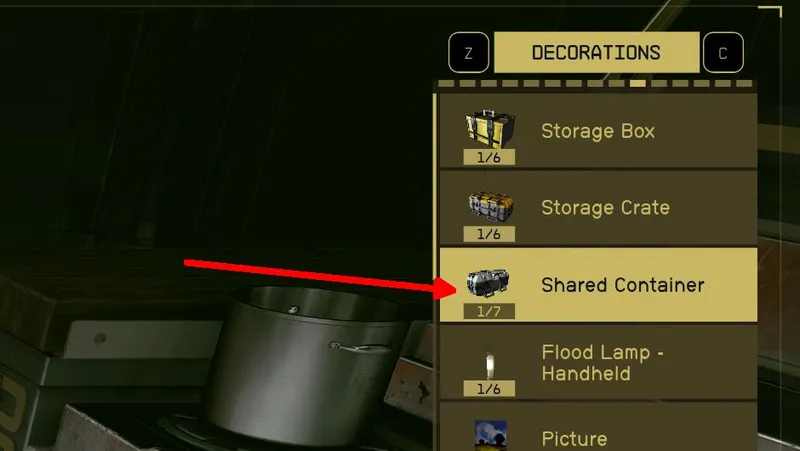
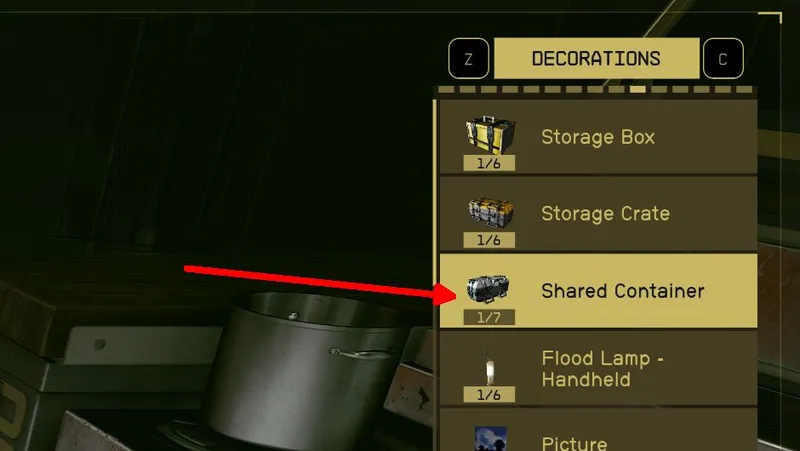
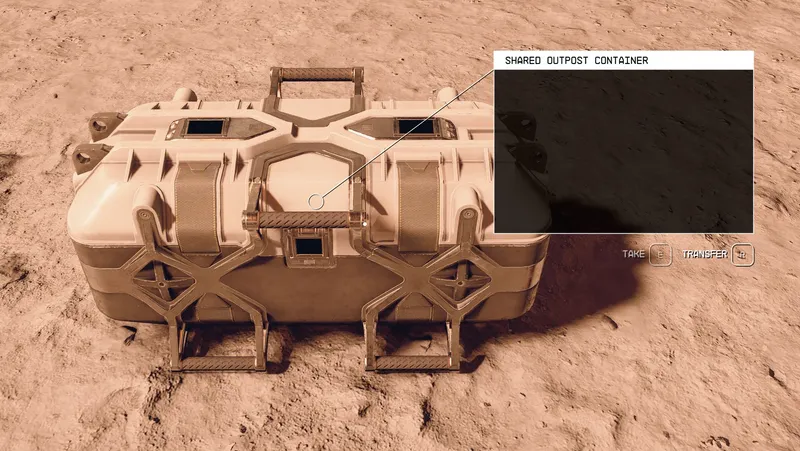
Connect all workbenches and outposts to a shared unlimited storage container for building and crafting. ALL YOUR STUFF IN ONE PLACE with access from anywhere.
By architectt • 2 years ago
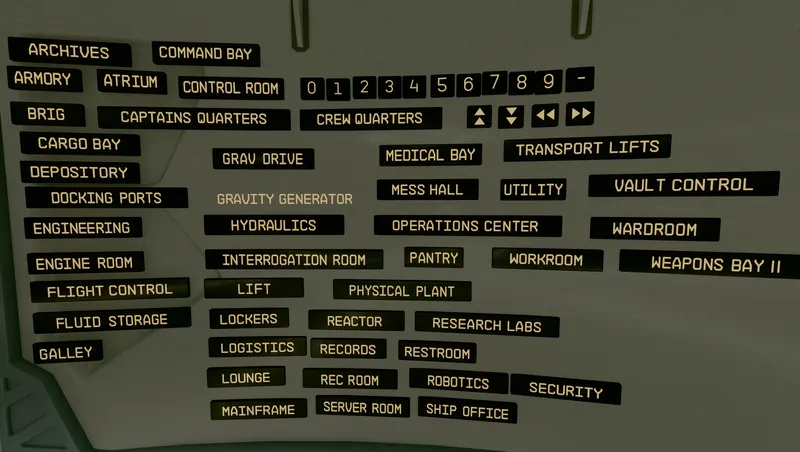
This adds 64 different signs for you to use on your ships and outpost for visual wayfinding. Found under the “Display” category in the builder UI
By TheOGTennessee • 2 years ago
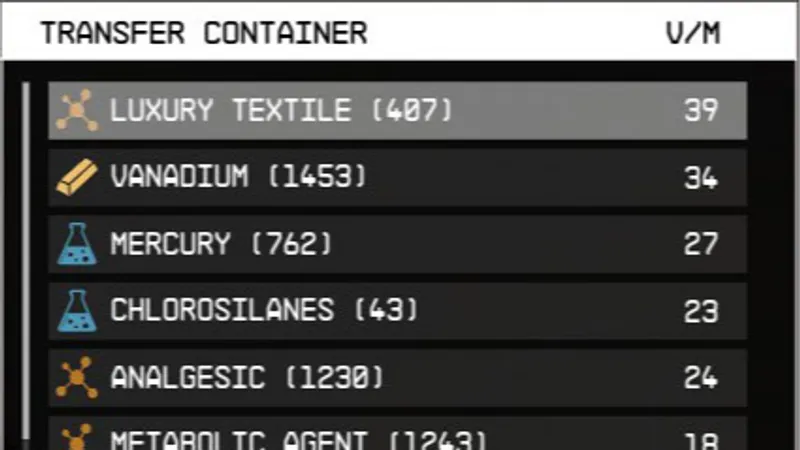
I can't be the only one struggling with the framerate dips from all of those storage containers. Making enough storage for your outpost is a pain. Well, no more. This mod increa...
Quick Actions
Your Rating
Sign in to rate and review this mod—your vote helps the community.
Community Rating
Categories
Mod Information
- Published
- Jul 06, 2024
- Last Updated
- Jul 28, 2024
- Platforms
- PC, Xbox
Search Mods
More by eabel303
Related Starfield Mods