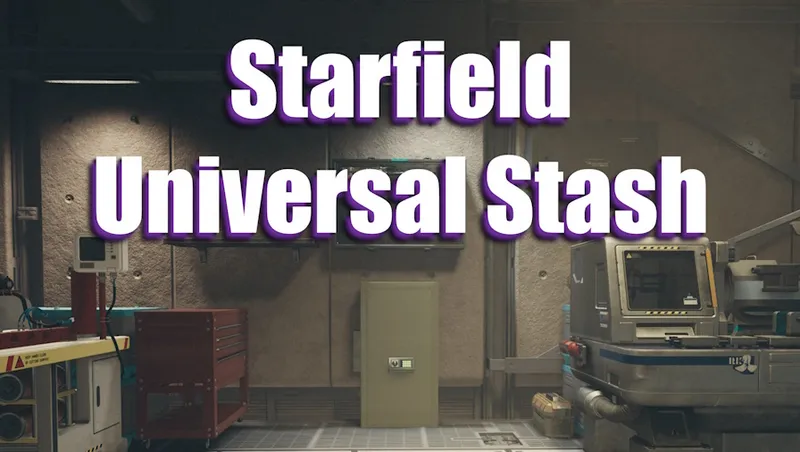
SKK Universal Stash (unlimited storage)
By SKKmods
Community Rating
Connect all workbenches and outposts to a shared unlimited storage container for building and crafting. ALL YOUR STUFF IN ONE PLACE with access from anywhere using menus, favorites or hotkeys.
The Starfield version of Fallout 4 GLOBAL STASH and Fallout 76 Stash
Install this at any stage in any game, the player automatically gets a regenerating [ Universal Stash menu item ] in AID inventory when the mod starts up. As new game start clears player inventory, craft replacements at any Industral workbench with 1 [ Fe ] iron. Universal Stash needs to be enabled in the Lodge to start working.
Configuration Menu
(1) Enable Universal stash (bedroom) Configures the Lodge player bedroom safe [ 00266e81 ] to be persistent so it can be accessed from anywhere in the universe. It is a base game placed unlimited container that never resets so is totally safe to store all your stuff.
This must be run in the Lodge so there is an option to automatically teleport the player there, enable the stash and return back to the starting point.
Each Workbench is automatically connected to the stash for crafting materials on first activation. Yes thats any workbench anywhere including Outposts and your homeships as they change. Homeship workbenches also use crafting materials in the cargo hold. Outpost workbenches also use crafting materials from Outpost storage.
(2) Enable Universal stash (basement) same as (1) but moves the safe to the Lodge basement for easier access.
(3) Disable Universal stash must be run in the Lodge. Resets the safe to its original bedroom location, removes the persistence links and stops new workbench connections. You can switch between enable/disable as much as you like, your stuff is always safe in the no reset base game placed container.
(4) Open Universal stash from anywhere in the universe, or craft a [ Universal Stash open container item ] to favourite for single key access, or use a hotkey console command (see below).
(5) Open Homeship cargo hold from anywhere in the universe. The ability to transfer items sometimes depends on console [ SetGS fMaxShipTransferDistance value ] which defaults to 250 meters.
(6) Switch Inventory between Homeship and Stash from anywhere in the universe. If HomeShip has any inventory everything is moved to the Stash, else if empty Stash inventory is moved to to HomeShip ignoring ship hold capacity and distance limits. Ship Repair Kits always stay on ship.
(7) Move to Universal stash container in the Lodge from anywhere in the universe. Ths can cause the Homeship to be left at the last landing point and not reset to Atlantis spaceport. Workaround is to use Move to homeship then fly.
(8) Move to Homeship main cabin from anywhere in the universe.
(9) Reset Outpost transfer container clears the contents of the last connected Outpost transfer container back to the Lodge stash. Read the Outpost section to learn more.
(10) Automatic Outpost transfer [ *On | Off ] disable all automatic (Stash <> Outpost) transfer connections if you are having problems. Read the Outpost section to learn more.
(11) Consolidate all production [ *Off | On ] with this enabled when you activate a production container it triggers all production containers to move their contents to the active outpost transfer container.
Menu items are actually potions which live in AID inventory and regenerate after each use, so each crafting recipe is only shown if there are none already in player inventory.
Outposts & Decorators (Home/Ship)
Outpost Stash Transfer
When Universal Stash is enabled one [ Universal Stash Outpost transfer ] container can be built at each Outpost/Decorator (Miscellanious menu) to provide building resources. Default is to automatically move all of the central Lodge stash container inventory to itself when the player is on site at the Outpost/Decorator for EZ access and return it to the central Lodge stash when the player leaves (Automatic Outpost transfer setting ON). Or you can transfer manually using the activation menu.
There is a warning if another transfer container is detected in the loaded area (up to 1200 meters) and automatic transfers are disabled until the check runs again at the next 3d load event. Use the [ Switch with Stash ] transfer container activation option to manually transfer inventory.
A stash outpost transfer container provides building material direct to the Outpost and crafting material to the Workbenches. Outpost building and Workbenches will also use material from any normal Outpost containers.
When the player leaves the Outpost, all the outpost transfer container inventory is automatically transferred back to the central Lodge stash container for persistent safety (with Automatic Outpost transfer setting ON). If for any reason that doesnt work, use the [ Reset Outpost Transfer Container ] menu option or just go to the Lodge which always forces inventory back to the central Lodge stash.
Removing a Transfer container or the whole Outpost triggers the base game to dump any inventory on the Player before scripts can detect that condition. Use the [ Switch to Stash ] container activation option or [ Reset Outpost Transfer Container ] menu option FIRST to move all the stuff back to the central Lodge stash before removing a container or Outpost.
Outpost Resource Collection
To handle resource production build one [ Outpost Production Collector ] (Miscellanious menu) with 999,999 capacity to which any resource producer or cargo link can be connected, collecting all production in one place all of the time when on or offsite.
Activate [ to Stash ] or [ R ] to transfer all contents to a local stash outpost transfer container if present. The game engine will not automatically transfer Outpost produced resources to any unlimited storage container to avoid breaking your game with uncapped item counts. In the spirit of protecting your game, this Production Collector transfer will not be automated and the best you get is the Consolidate all production option on the manual activation trigger.
For detail information on this complex software engineering and technical operations refer to the main mod publishing page at https://www.nexusmods.com/starfield/mods/5670
For support, use either:
The mod home page https://www.nexusmods.com/starfield/mods/5670?tab=posts
SKK Mods Discord channel discord://discord.gg/tgKNT77DC8

Release notes
Xbox
-
009Change: Bethesda are now resetting workbenches when they unload (without mentioning it in any update notes ofc). To counter that nonsense this now inelegantly scans for workbenches and forces connections whenever the player changes location.
-
008CreationKit ESM & BA2 edition in line with nexusmods.com update 008
PC
-
009Change: Bethesda are now resetting workbenches when they unload (without mentioning it in any update notes ofc). To counter that nonsense this now inelegantly scans for workbenches and forces connections whenever the player changes location.
-
008CreationKit ESM & BA2 edition in line with nexusmods.com update 008
Quick Actions
Your Rating
Sign in to rate and review this mod - your vote helps the community.
- Published
- Jun 12, 2024
- Last Updated
- Jun 23, 2024
- Platforms
- PC, Xbox



Explore more Starfield creations for Gameplay. Browse all Gameplay mods →
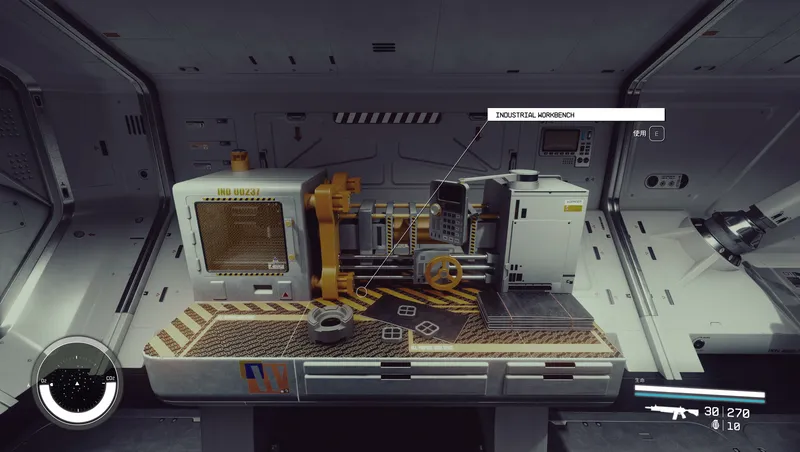
Craftable Gear Upgrade Modules
Build upgrade modules for ranged weapons, melee weapons and spacesuit defenses at the industrial workbench.

Dead Man's Slate
Rare slates on hostile humans reveal level-aware cache routes. Tune drop frequency and reward rarity in Gameplay Options.
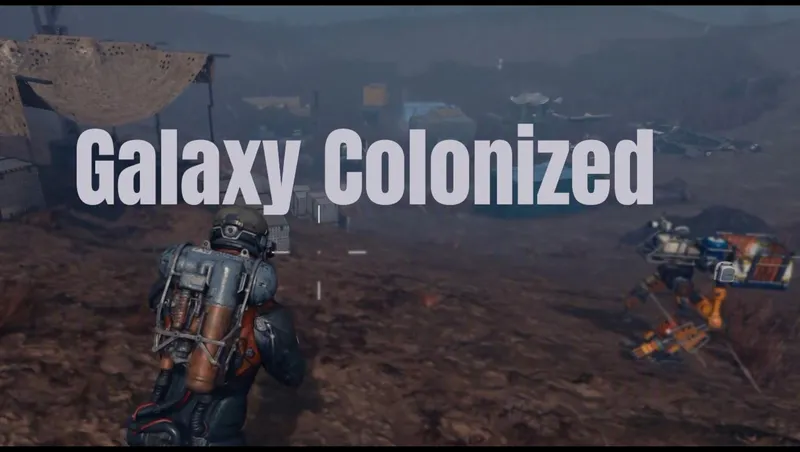
Galaxy Colonized
Galaxy Colonized overhauls planetary surface POI density and adds new Cave Encounters.
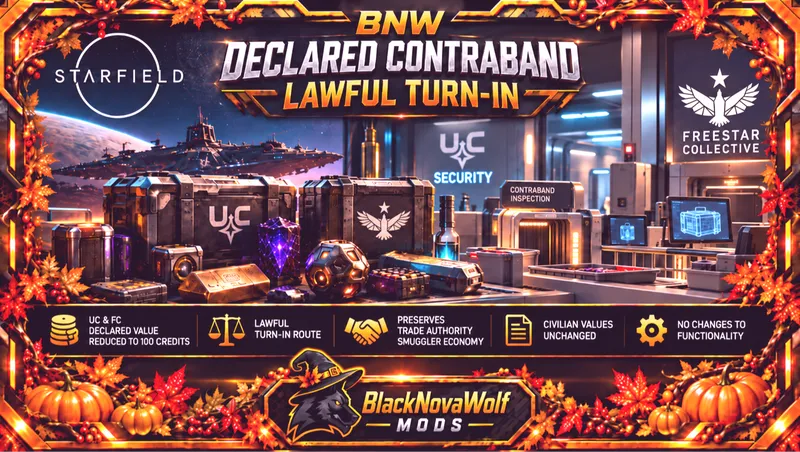
BNW Declared Contraband - Lawful Turn-In
Changes UC and Freestar Collective declared contraband from a base value of 5,000 credits to 100 credits.
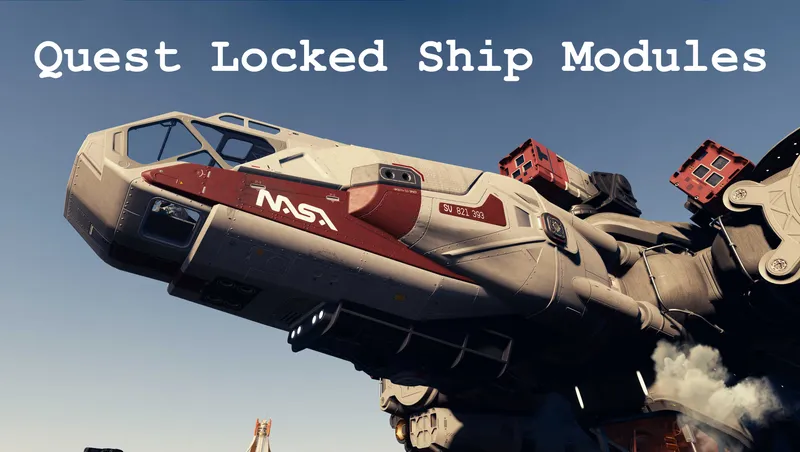
Quest Locked Ship Modules
Makes available various ship parts that are locked behind quests

Explore more Starfield creations for Outpost. Browse all Outpost mods →
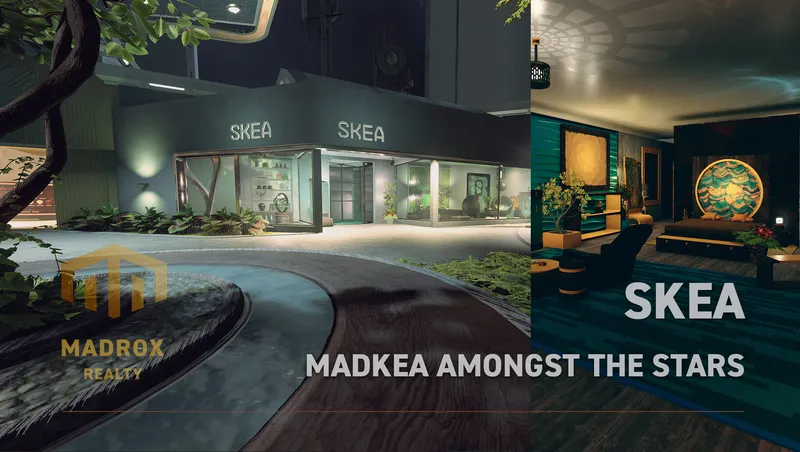
SKEA
SKEA is the place to be for your original decoration needs. More then 8.000 unique buildables are waiting for you to use in your ships, outposts and homes.
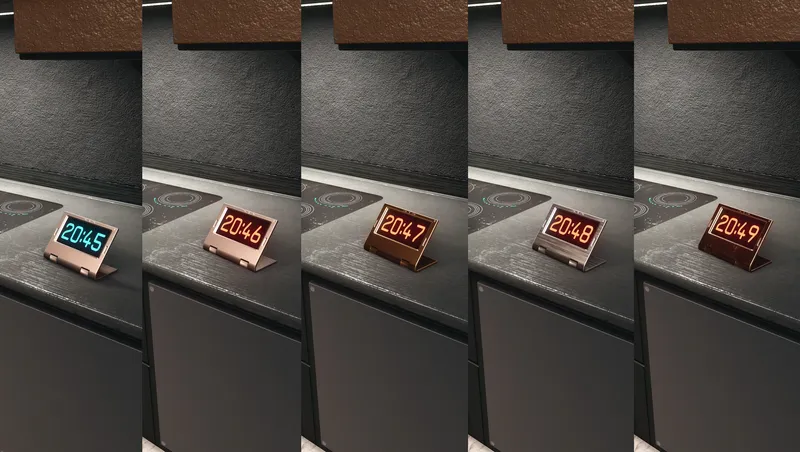
Digital Clocks & Widget
Buildable, customizable decoration items that can show Local Time and Universal Time (UT).
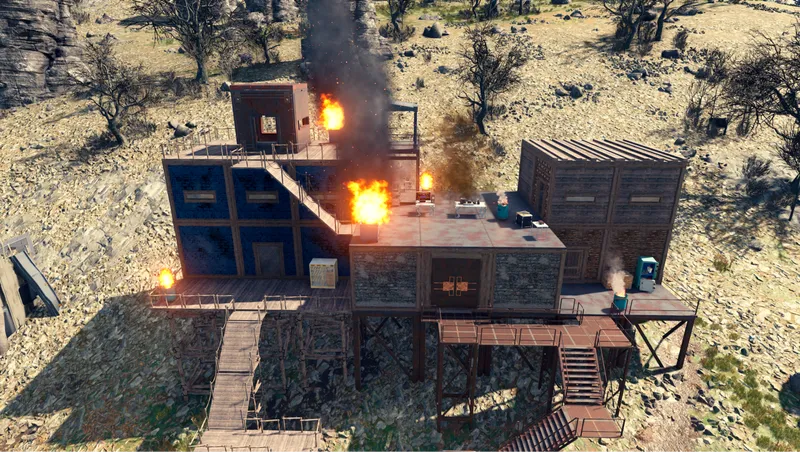
Shantytowns
This mod adds a snapping build kit that allows the player to make anything from a post-apocalyptic shanty town to a pre-apocalyptic slum.

Mercury Atelier Ship Habs Vol.2
Mercury Atelier Themed Ship Habs are designed by an Old-Earth designer group from parallel universe “Mercurius”, who brings creative visual language for spaceship modules.
Modulated Harvesters
Selectable 1x, 2x, 5x, 10x, and 20x outpost harvester rates with matching power scaling, optional outpost calibration, and persistent increased-rate production accounting.