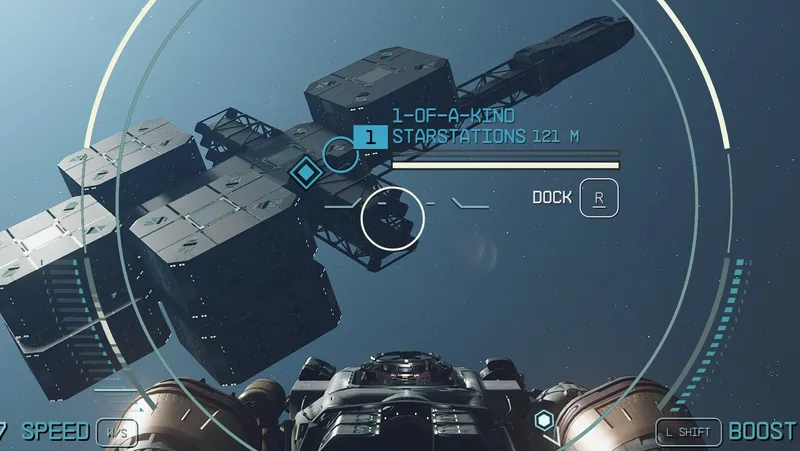
Supply Mission Fix
By eabel303
Community Rating
Quick instructions: ----------
- Install mod.
- If you are on a new character or haven't done any of the supply missions yet, just play the game.
- If your character has been doing the supply missions, build the Fixer terminal, push the "Do It!" button. Delete the Fixer Terminal. The only time you would need the terminal again is if the mod got disabled or another mod conflicted with this mod and it stopped working.
- If an update is released, just install it. No need to re-run the fixer.
This mod fixes the various problems that happen with the Mission Board Supply "Planet" with "Resource" missions.
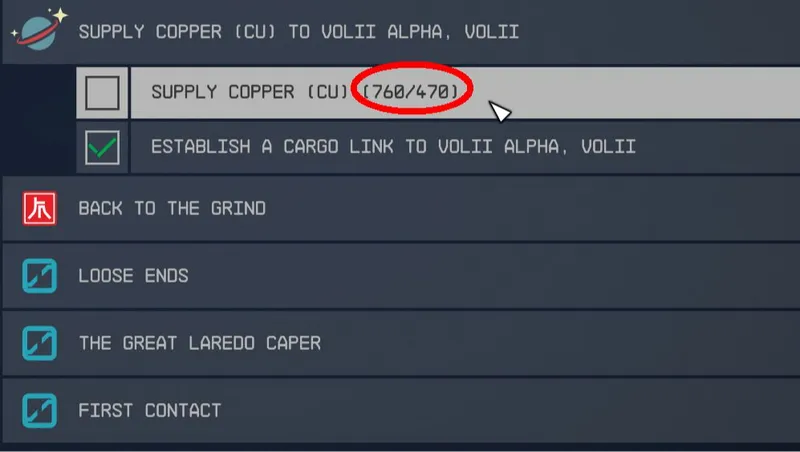
Version 1.0: Mission says you have shipped material as soon as you make the link. ---------- The script that runs the mission has a bug which really screws up the math. It didn't clear out the global variable that was used to track the amount currently shipped. So, when you start a new mission that uses the same variable it might say 1235 of 500 required has been shipped. The script has been changed to clear the variable when mission is over. A notification that shows "Transport Link Parameter Reset" has been added when the mission completes so that you know the fix is active.
Because there are 13 possible variables that could have old values stored I made a tool to clear them all at once. The Supply Mission Fixer tool is located at the bottom of the Decorations list on the build menu.
Version 1.1: Fixed another bug ---------- Sometimes, the cargo ship would pull ALL of the resource out of your storage chain. So, let's say you had 2,000 Aluminum in a long chain of containers and the supply mission was for 500. The ship would land and pull all 2,000 out of your storage chain. Then, when the mission was finished it would put the extra 1,500 Aluminum back into your ship's cargo hold, unless it filled up, in which case it would put the rest of it into your personal inventory. The problem was that the supply mission could use either of 2 cargo link markers at the destination, but it was only checking to see if it had reached the amount needed for ONE of them. The other one defaulted to the "Just take everything" method. It was hard to find but an easy fix.
Version 1.2: Fixed bug where mission is not shown in your outpost's cargo link screen. ---------- Some of the cargo links out in the Settled Systems might be broken. Hopetown has one that I am certain has problems. The cargo link activators that you see around the landing pads are actually "activators" that trigger a script when the player gets within range. This causes a dice roll and new supply missions to be added to the mission board, or not. The problem is that it doesn't check to see if the cargo link is valid before assigning a mission to it. So, when you go to your outpost's cargo link nothing shows up.
It now checks to make sure the cargo link is valid before making a supply mission for it. If it finds a bad one it won't create a mission for it. The downside is the local mission board will only get 1 supply mission. But it is better than getting a broken mission.
Version 1.3: Fixed 2 bugs: ---------- First bug: When a supply mission "Stalls" and stops transporting material it is because the transport ship stops running it's AI package. I could not find a way to get the ship working again that doesn't require the player to go to the cargo link and remove/re-enable the link, which would work for a while but eventually the same thing would happen. The solution was to force the mission to complete, regardless of how much material was delivered. Since the player did not choose to reject the mission I decided it was only fair to reward the player the full amount of the mission. (This bug is kind of rare anyway and I only had it when delivering material to Jemsion.) The notification "Transport Ship AI Failed" is shown briefly before mission is completed.
Second Bug: When the player REJECTS the mission it is supposed to reward the player for only the amount of material shipped. Instead, it rewards the full amount, even if only 1 unit was shipped. This has been fixed. I found that the script calculated the new reward amount but did not update the global variable that was used to give the credits to the player.
I also added a statistic to the Fixer tool that shows how many supply missions you have completed.
Version 1.4: There is a random civilian outpost POI that you can get supply missions from. It has 1 of those "Igloo" style HABs. After you set up the link at your outpost cargo link, the ship lands and then just sits there forever. Found that this POI has a landing pad marker which was not linked to the cargo link marker. Fixed it and it works properly now. If you have a mission that is stuck you may need to disconnect the link, back all the way out of the cargo link screen, then go back in and link again.
Version 1.5: Found one Civilian Outpost that had a bug. When you accepted a supply mission it would not display the "Build Resources Needed" on the cargo links. The mission would never finish. The problem was that the cargo link output container at that outpost POI would fail to make a link to the "Fake Builder" that is used to consume the resources delivered. Without a connection to the Builder, the cargo link screen could not show the resource needed. Fixed by moving the cargo link containers closer to the center of the outpost. Possibly they were in a different cell? It now works reliably. Also added a notification when it finds a problem like this at other outposts: " Bad Supply Mission Detected!", "Bad Builder Link!"
Version 1.5a: This update has a better fix for the issue that V1.5 was made for. If a supply mission cannot create the link to the builder it is cancelled and will not show in the message board kiosk. This fix now applies to any outpost where the error occurs. IT HAS ALSO BEEN FULLY TESTED AND FAST LANES COMPATIBLE.
Compatibility: ---------- The only way I found to fix these bugs was to edit the scripts: missionsupplyscript and in V1.1, SQ_OutpostCargoLinkScript. If you use another mod that edits these scripts then it might override this mod, depending on load order. Not many mods update base scripts though so it shouldn't be a problem. It has been tested on 2 different characters on 2 different computers and is working great so far.
This is a small master file. This mod must be kept in the load order to prevent the problem from re-occurring. You can remove the mod if you want but be sure to delete the "Fixer Tool" from outpost, etc beforehand.
Release notes
Xbox
-
1.5aPrevious upload was missing one script.
-
1.5aAdded a check for bad link to fake builder and prevents mission from showing up on kiosk.
-
1.50Fixed problem in Outpost OEOB001World. Cargo link output container failed to link to builder.
-
1.00== Describe this release ==
-
1.3Found a workaround for "Stalled" missions. Corrected the player reward amount when mission is rejected. Added Supply Missions Completed statistic to menu of Supply Mission Fixer tool.
-
1.2Added a check for bad cargo links at the supply destination.
-
1.1Fixed bug in SQ_OutpostCargoLinkScript that could in some cases make the cargo link pull ALL of the resources out of any connected containers.
Playstation
-
1.5aPrevious upload was missing one script.
-
1.5aAdded a check for bad link to fake builder and prevents mission from showing up on kiosk.
PC
-
1.5aPrevious upload was missing one script.
-
1.5aAdded a check for bad link to fake builder and prevents mission from showing up on kiosk.
-
1.50Fixed problem in Outpost OEOB001World. Cargo link output container failed to link to builder.
-
1.00== Describe this release ==
-
1.3Found a workaround for "Stalled" missions. Corrected the player reward amount when mission is rejected. Added Supply Missions Completed statistic to menu of Supply Mission Fixer tool.
-
1.2Added a check for bad cargo links at the supply destination.
-
1.1Fixed bug in SQ_OutpostCargoLinkScript that could in some cases make the cargo link pull ALL of the resources out of any connected containers.
Additional Screenshots Available
This mod has 7 additional screenshots available on the official Bethesda.net page.
View All Screenshots on Bethesda.netYouTube Videos
Community Rating & Feedback
No reviews with comments yet.
Be the first to leave a review!
Related Starfield Mods
By Gamerroundup • 8 months ago
Recover stolen requisition forms, break down captured gear, and rebuild. To support long‑term playthroughs, The Community Supply Charter Protocol introduces a lore‑friendly change.
By senter.pat • 2 years ago
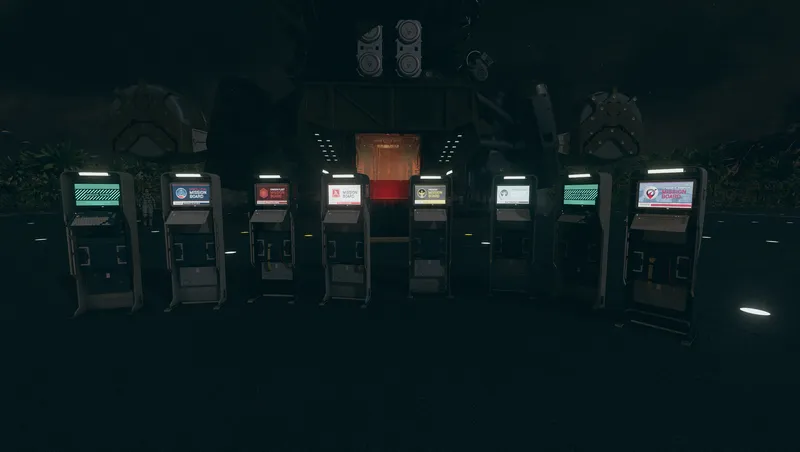
Adds additional mission boards to the outpost, ship, and house decorators.
By Betamax76 • 2 years ago
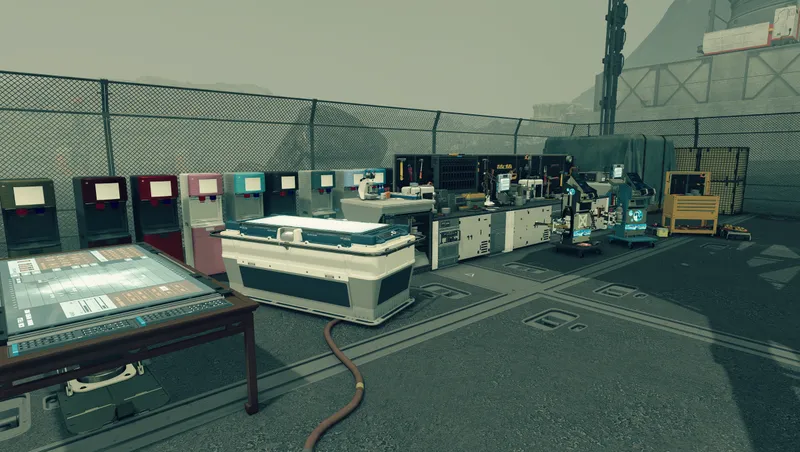
Adds over 1,000 mostly functional decorations for outposts, player homes, and ships.
Quick Actions
Your Rating
Sign in to rate and review this mod—your vote helps the community.
Community Rating
Categories
Mod Information
- Published
- Mar 19, 2025
- Last Updated
- Apr 12, 2026
- Platforms
- Playstation, PC, Xbox
Search Mods
More by eabel303
Related Starfield Mods