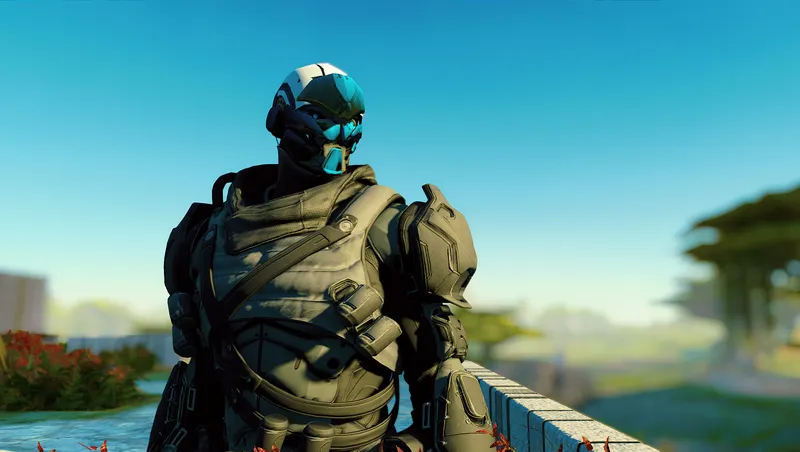
Play as an Exo
Community Rating
Learn about the lore and gameplay quirks of Exo race here (you also need this as a prerequisite): https://creations.bethesda.net/en/starfield/details/95c0002e-814e-40f0-9e9e-41d3c6585e06/Exo_Playable_Race
Load this creation last / lowest in list or it may not work!
Please read the description for how to customize appearance, it's a bit unconventional!
Overview
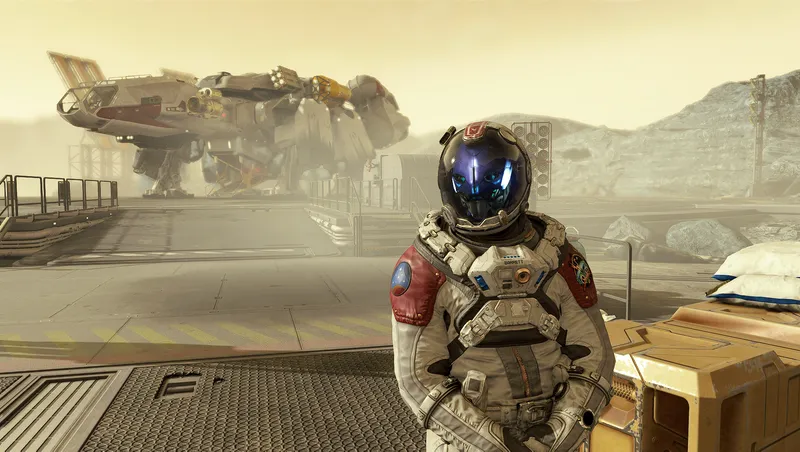
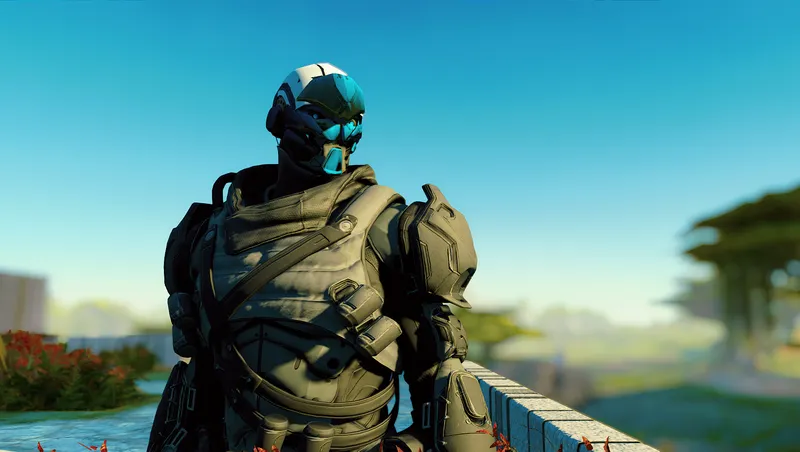
Choose between the many options for Exo as in the character creation of Destiny 2:
- 14 distinctive faces (7 male, 7 female)
- 20 head accessories
- 27 colors for faces/accessories
- 8 face decals for each face (with 27 colors)
- 9 colors for eye and teeth (speech lights)
Compatible with new game or existing saves!
Starting on an existing save
- Strip all apparels off your character (you must be naked to actually see changes in skin tone in chargen, and apparels with masks will cover your face...)
- When loading the save, you will be given an aid item "Exo Race Setup Package". Use this item to open a menu. You can craft this item at industrial workbenches for 5000 credits.
- In the new menu, select "Reset Appearance" and confirm to remove human head parts and receive a default Exo appearance.
- In the new menu, select "Customize Appearance" to bring up chargen menu.
- If you want to change background and traits, select "Rebuild Completely (!)". Warning: changing background mid game is not officially supported in game, you are advised to only do this immediately before Unity hopping to avoid breaking current saves.
After entering NG+
There is a base game bug that will default your appearance at the start of a NG+ cycle if you enter Unity as a non-human race. Use the "Exo Race Setup Package" to customize your appearance when you regain control.
Customization Guide
There are 5 customizable parts: face, face decal, head accessory, eye color and teeth (speech light) color.
Face
Change using "Eyebrow" and "Eyebrow Color" slider. There are 7 faces for male and 7 for female Exo frames, and 27 colors for each faces.
Face decal
Change using "Jewelry" and "Jewelry Color" slider (27 colors). The last 27 colors are for Exos as in Destiny 2, but you can use the first several colors intended for base game jewelrys and it works fine. There are 8 decals for each face. To help you figure out which decal sticks to the face seamlessly, there are 7 pure white "face masks" added to the options (#2,#10,#19,#28,#37,#46,#55) matching the 7 face plates in that order. Once you find the fitting "mask", the next 8 decals will fit the face plate as well. Example: using faceplate #2, the matching decals are #11~#18
Head accessory
Change using "Hair" and "Hair Color". Choose between 20 accessories in 27 colors.
Eye color
9 colors. The last 9 options are for Exo; the first several options are for human eyes and I have to keep them there or every NPCs in game will be broken.
Teeth (speech light) color
9 colors. The last 9 options are for Exo; the first several options are for human, choosing them makes the speech light black which can be useful when roleplaying a mute Exo.
Discussions, bug reports etc
Please go to the NexusMods page: https://www.nexusmods.com/starfield/mods/7992
Special thanks
roscoedashh21 on NexusMods for testing this mod on XBox u/Smooth-Physics-69420 and u/Just-Log8022 on Reddit for testing on XBox Bungie for Destiny 2 (I want my Red Wars campaign back!)

Release notes
Xbox
-
2.01Update for game version 1.13.61
-
2.0Initial release on Creation platform
PC
-
2.01Update for game version 1.13.61
-
2.0Initial release on Creation platform
Quick Actions
Your Rating
Sign in to rate and review this mod - your vote helps the community.
- Published
- Jul 05, 2024
- Last Updated
- Sep 03, 2024
- Platforms
- PC, Xbox
Explore more Starfield creations for Gameplay. Browse all Gameplay mods →
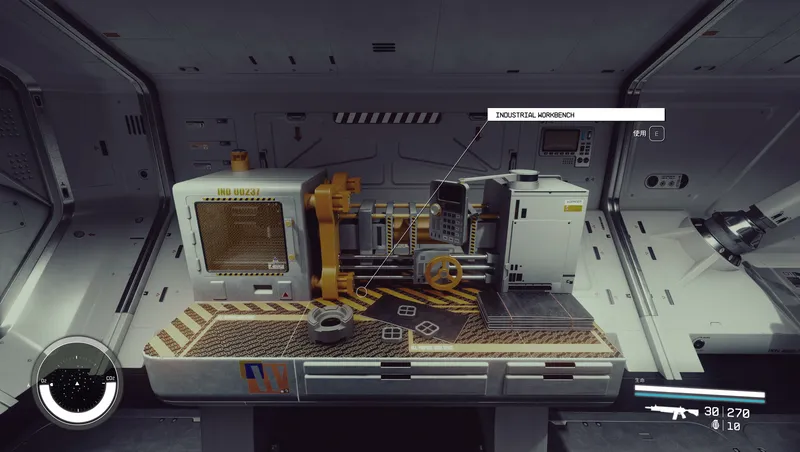
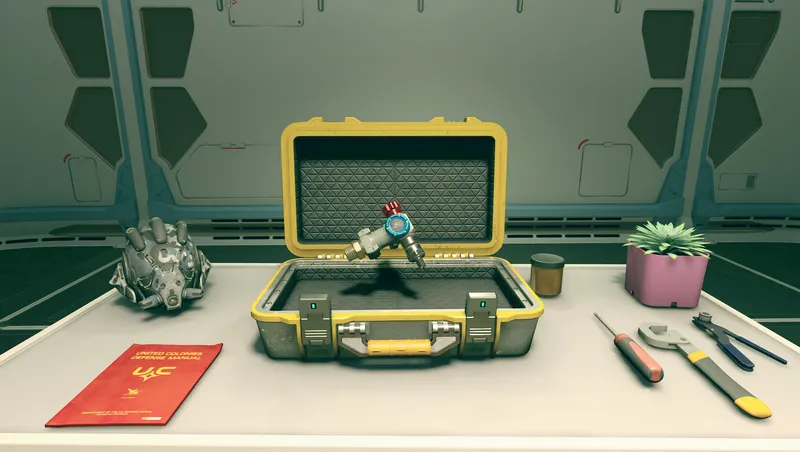
Craftable Gear Upgrade Modules
Build upgrade modules for ranged weapons, melee weapons and spacesuit defenses at the industrial workbench.

Dead Man's Slate
Rare slates on hostile humans reveal level-aware cache routes. Tune drop frequency and reward rarity in Gameplay Options.
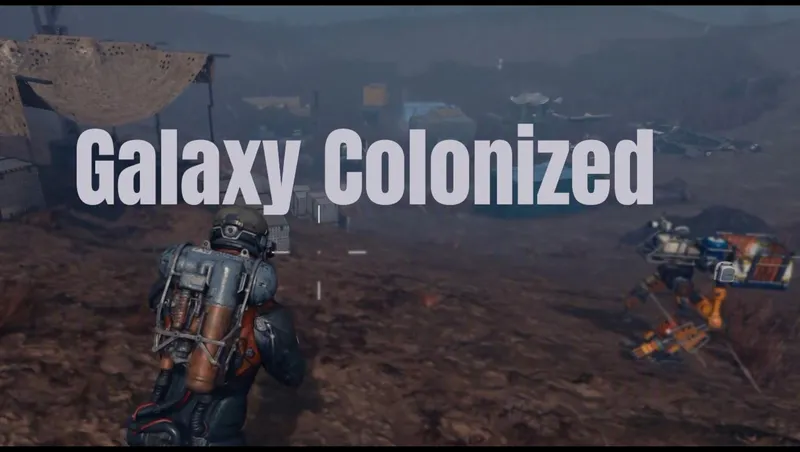
Galaxy Colonized
Galaxy Colonized overhauls planetary surface POI density and adds new Cave Encounters.
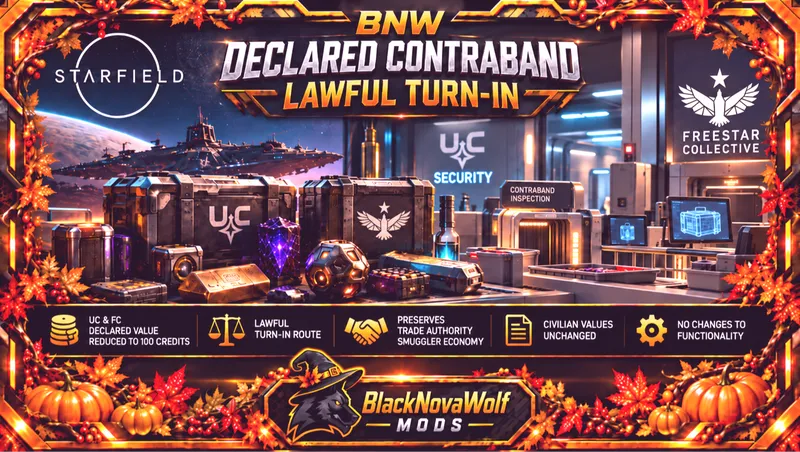
BNW Declared Contraband - Lawful Turn-In
Changes UC and Freestar Collective declared contraband from a base value of 5,000 credits to 100 credits.

Quest Locked Ship Modules
Makes available various ship parts that are locked behind quests

Explore more Starfield creations for Immersion. Browse all Immersion mods →
Craftable Gear Upgrade Modules
Build upgrade modules for ranged weapons, melee weapons and spacesuit defenses at the industrial workbench.
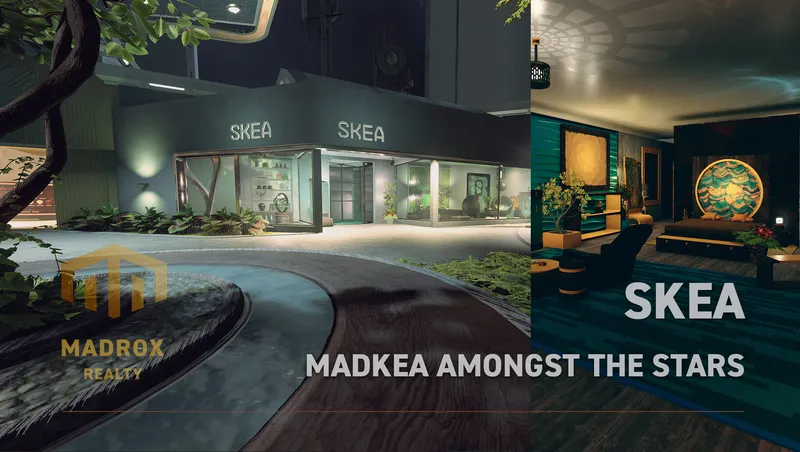
SKEA
SKEA is the place to be for your original decoration needs. More then 8.000 unique buildables are waiting for you to use in your ships, outposts and homes.
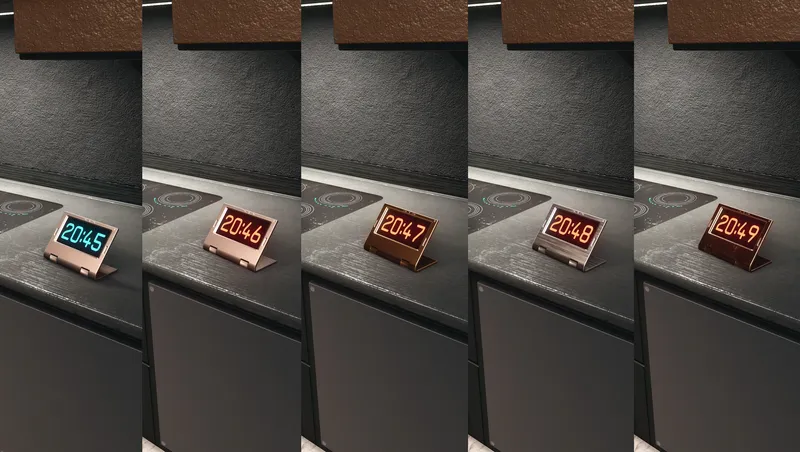
Digital Clocks & Widget
Buildable, customizable decoration items that can show Local Time and Universal Time (UT).
BNW Declared Contraband - Lawful Turn-In
Changes UC and Freestar Collective declared contraband from a base value of 5,000 credits to 100 credits.
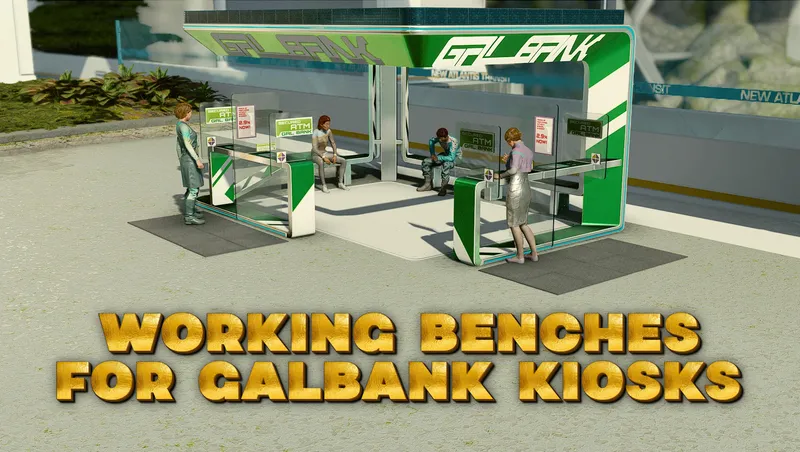
Working Benches for Galbank Kiosks
Makes the benches and one of the terminals in the large Galbank Kiosks in New Atlantis usable by passing NPCs.
Nova's Loot Overhaul
Heavily reduced ammo, aid items, chems, food, drinks, and legendary items throughout the game. Comes with Gameplay Options to configure the percentages.