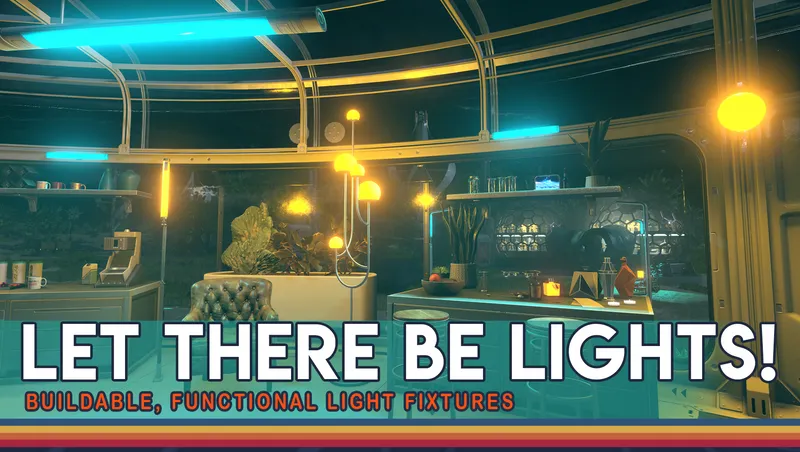
Let There Be Lights
By Miss_o
Community Rating
This mod adds a new tab to the build menu featuring a wide variety of working buildable light fixtures that you can use to further illuminate your outposts, ships, and player homes.
These lights are designed to give off a soft accent light to brighten overly dark shadows, and accentuate particular areas without overwhelming your decorated spaces, or overpowering the existing in game lighting.
There is a large variety of styles included to fit in with any number of utilitarian, luxurious, or rustic decor themes, and many lights come in a variety of different colors such as, white, amber, aqua, red, and violet.
The lights can be switched on and off individually by clicking on the fixture itself, or can be wired to a wall switch allowing you to turn all the lights in an area on and off together with the press of a button!
Types of lights included
- Wall lights
- Ceiling lights
- Street lights
- Desk lamps
- Floor Lamps
- Candles
- Ceiling fans
- Spotlights
- Ambient Light Markers
Power Items
- Mini generators
- Functional wall switches
All lights require power to function. ships automatically have power being emitted inside them, but for outposts and player homes a power source must first be built for the lights to illuminate.
This mod adds a selection of small, and mini generators to allow for discrete power sources, meaning you can add power without having to compromise on style.
Lights do not have to be wired in order to work, but must be wired to a switch if you wish to use the light switch function.
How to wire switches
Once you've built your lights build a power switch and power source, wire the switch to the power source, and then each light to the switch either directly or in sequence.
To wire lights open up build mode, hold your cursor over the light fixture you wish to connect, hold down A on keyboard, X on xbox or Square on PS5, to pull up the "Wire" prompt, follow that prompt to pull a wire out and over to the object you wish to connect.
Once the wires are in place, exit build mode and flick the switch to illuminate your space!
Ambient Light Markers
These are small discrete mats which have light markers above them to add extra light to a space without a visible light fixture. Simply place the mat on the floor, and the illumination will appear. Like the light fixtures these mats can also be wired to the wall switches, or be turned off and on individually if you want to turn off the effect without having to delete the pieces.
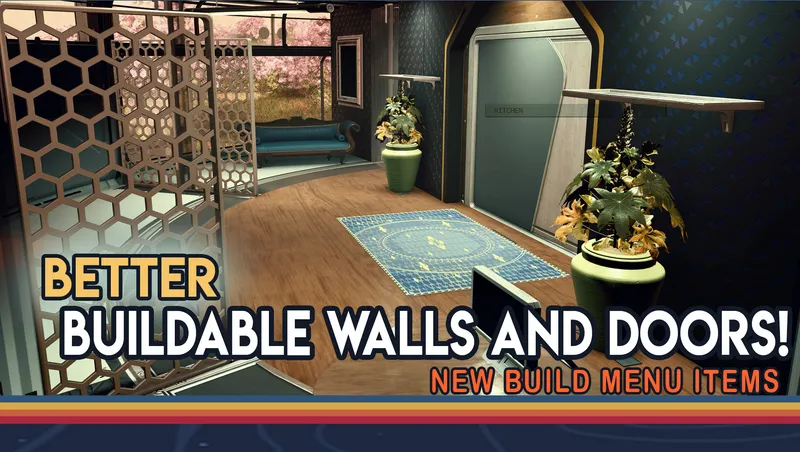
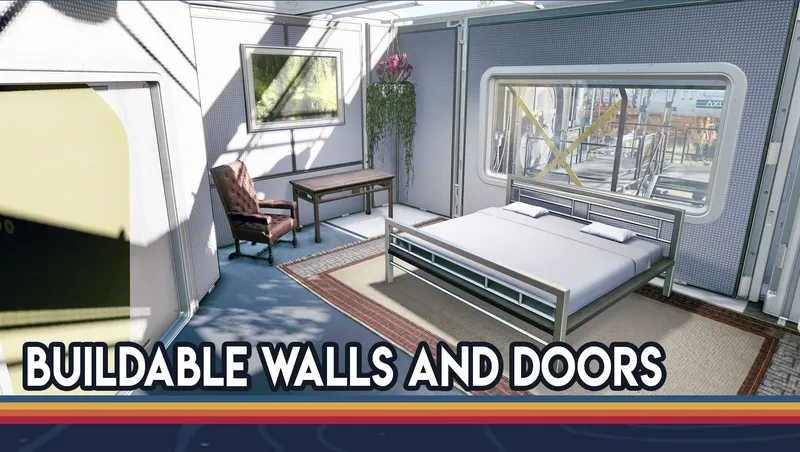
Like Better Buildable Walls and Doors this is a mod I will continue to add more to over time, and one I hope will help my fellow base builders build the space homes of their dreams!
Important Notes
Whilst it is never recommended to remove mods mid playthrough, if you do decide to delete this mod mid game you must make sure to delete any objects built using this mod before disabling it. If the mod is removed without deleting all assets built with it, attempting to interact with the remaining objects will cause the game to crash. There is no undoing this once the mod has been deleted.
Support:
- If you have any problems or feedback you can reach me on Discord at https://discord.gg/87gfymc7pn
- I can also be found on YouTube at www.Youtube.com/@MissOPlays

Release notes
Playstation
-
1.00Initial release of the mod
-
1.00Additional xbox and PS testing
-
1.00== Describe this release ==
PC
-
1.00Initial release of the mod
-
1.00Additional xbox and PS testing
-
1.00== Describe this release ==
Xbox
-
1.00Initial release of the mod
-
1.00Additional xbox and PS testing
-
1.00== Describe this release ==
Outposts on autopilot: Starfield factory setup guide
Quick Actions
Your Rating
Sign in to rate and review this mod - your vote helps the community.
- Published
- May 02, 2026
- Last Updated
- May 02, 2026
- Platforms
- Playstation, PC, Xbox
Explore more Starfield creations for Ships. Browse all Ships mods →
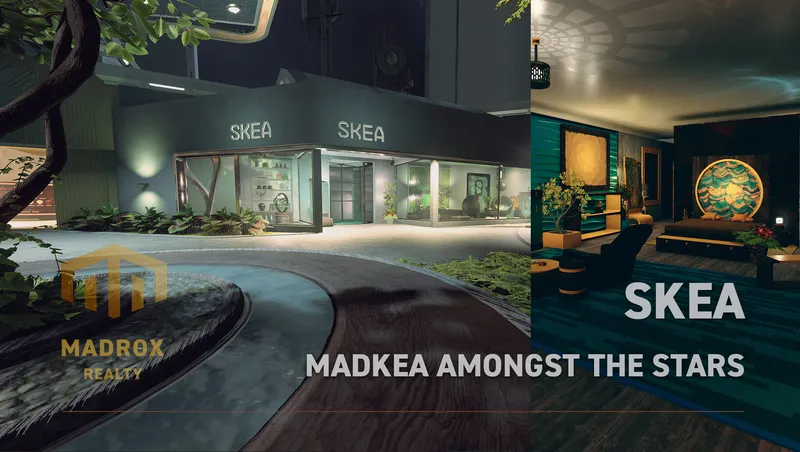
SKEA
SKEA is the place to be for your original decoration needs. More then 8.000 unique buildables are waiting for you to use in your ships, outposts and homes.
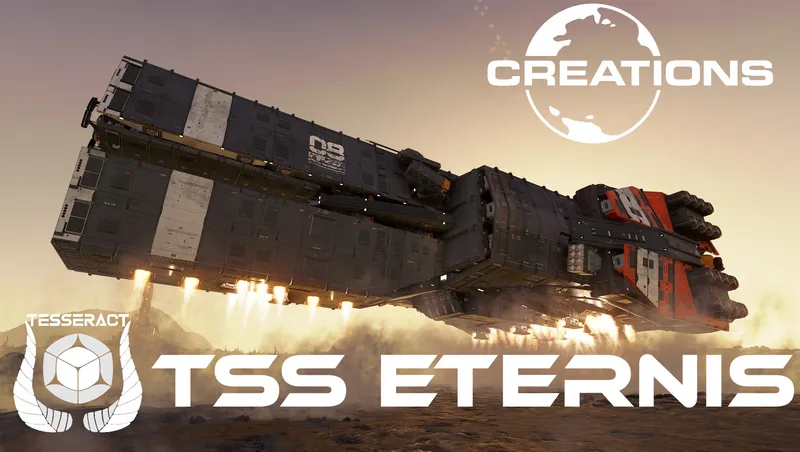
TSS Eternis - Va'Ruun Covert Ops Frigate (Ship Vendor Framework)
Introducing the "TSS Eternis" a covert ops frigate built by the Va'Ruun to hunt down heretics who escaped into the Settled Systems.
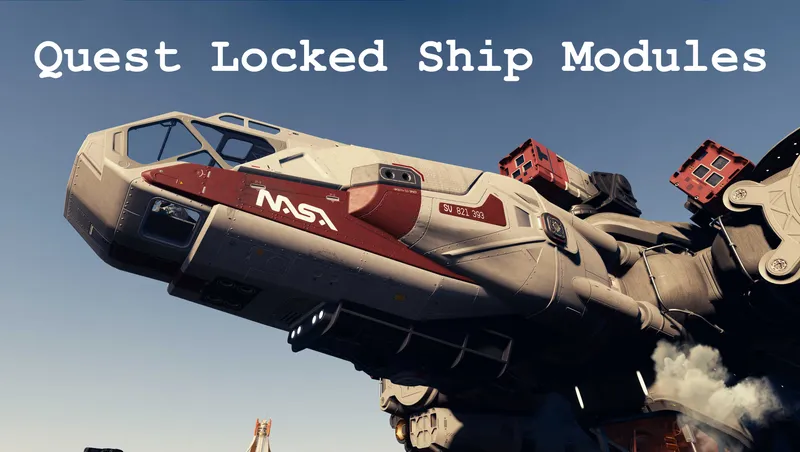
Quest Locked Ship Modules
Makes available various ship parts that are locked behind quests
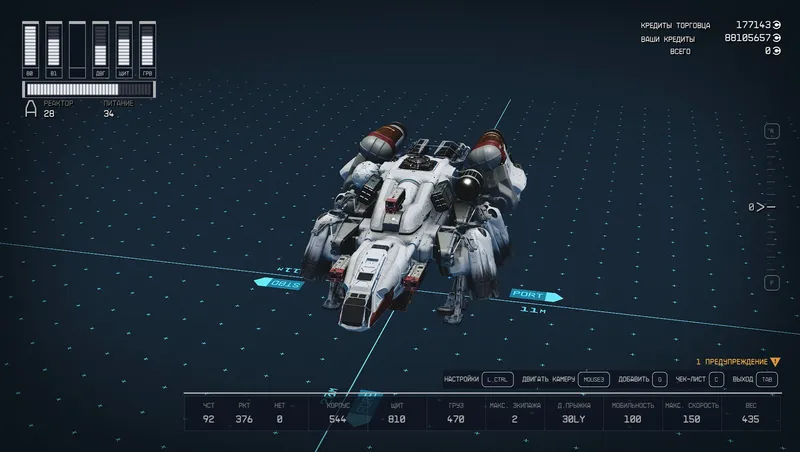
Upgraded Frontier
Simply an upgraded standard start ship Frontier. More powerfull ship from start.
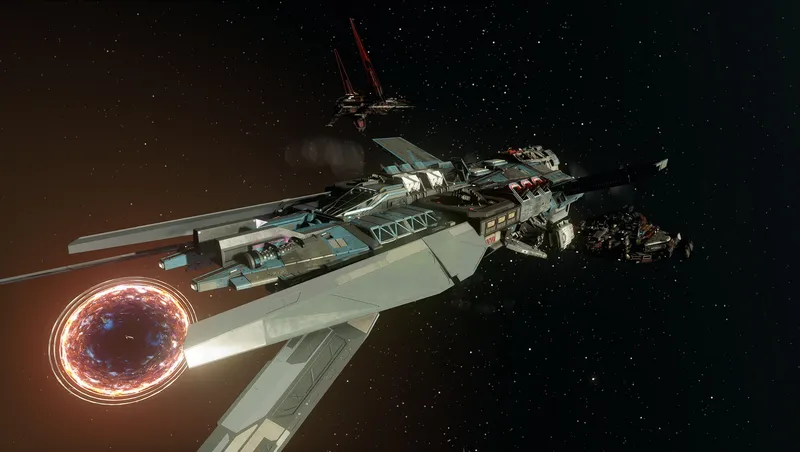
TN's Class Warfare
Class Warfare aims to add meaningful changes to the different ship classes so that M and C class ships are much more tanky and slow, while A class ships are much more nimble.

Mercury Atelier Ship Habs Vol.2
Mercury Atelier Themed Ship Habs are designed by an Old-Earth designer group from parallel universe “Mercurius”, who brings creative visual language for spaceship modules.
Explore more Starfield creations for Homes. Browse all Homes mods →
SKEA
SKEA is the place to be for your original decoration needs. More then 8.000 unique buildables are waiting for you to use in your ships, outposts and homes.
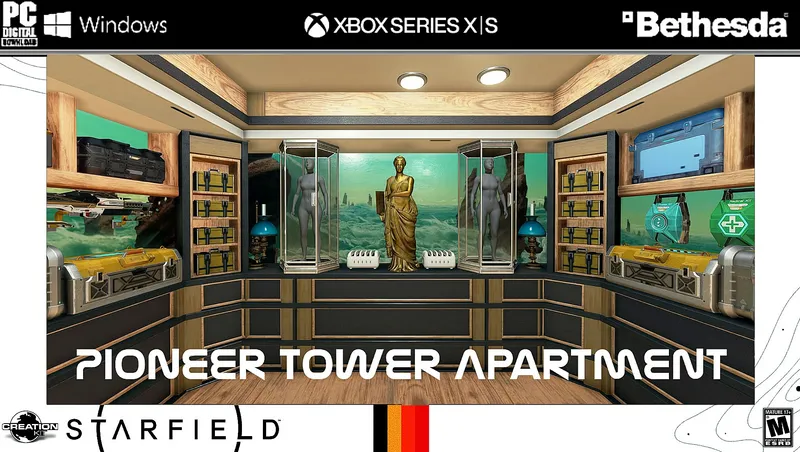
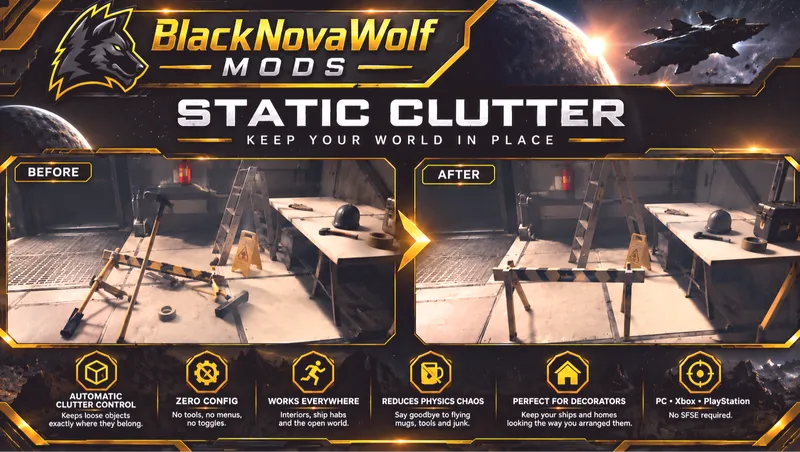
BNW Static Clutter
BNW Static Clutter automatically prevents ordinary loose clutter and miscellaneous world objects from being knocked around by physics.
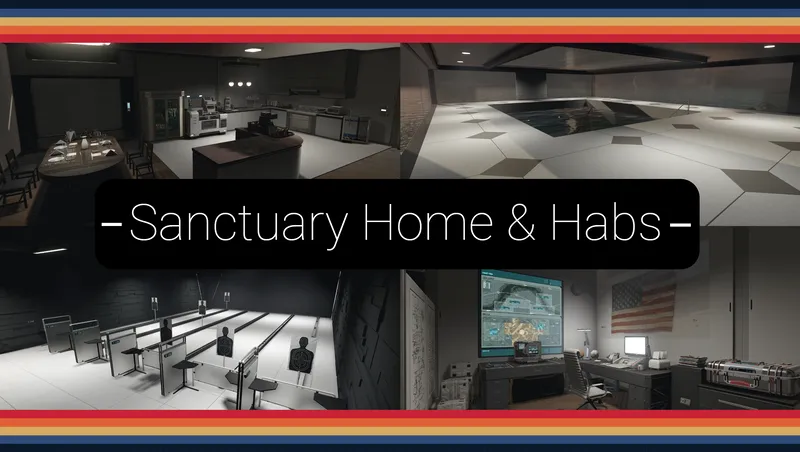
Sanctuary - Home and Outpost Habs.
A F04 lightly inspired player home and outpost hab set; with working/animated features: Showers, Bathtub, Jukebox, Kitchen Appliances, Auto-Doc, Shooting Range, Pool House, ect.

Parenthood: Child Adoption
Adopt one or both of two fully-voiced kids and welcome them aboard your ship. Travel the Settled Systems together, share stories from your adventures, and grow closer over time.
Explore more Starfield creations for Outpost. Browse all Outpost mods →
SKEA
SKEA is the place to be for your original decoration needs. More then 8.000 unique buildables are waiting for you to use in your ships, outposts and homes.
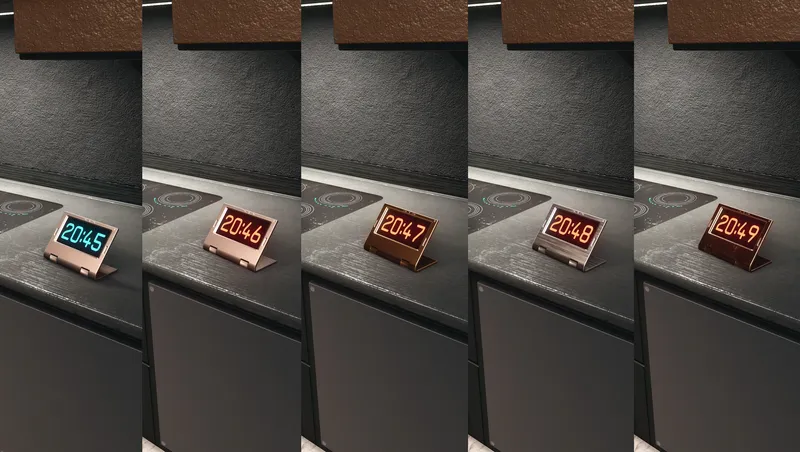
Digital Clocks & Widget
Buildable, customizable decoration items that can show Local Time and Universal Time (UT).
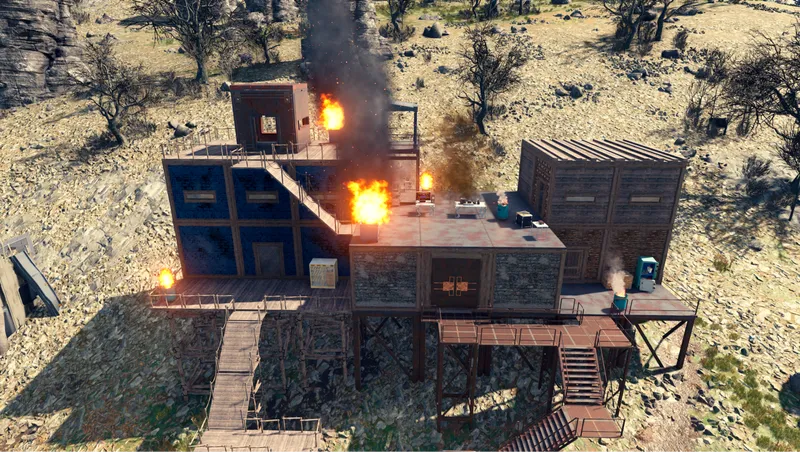
Shantytowns
This mod adds a snapping build kit that allows the player to make anything from a post-apocalyptic shanty town to a pre-apocalyptic slum.
Mercury Atelier Ship Habs Vol.2
Mercury Atelier Themed Ship Habs are designed by an Old-Earth designer group from parallel universe “Mercurius”, who brings creative visual language for spaceship modules.
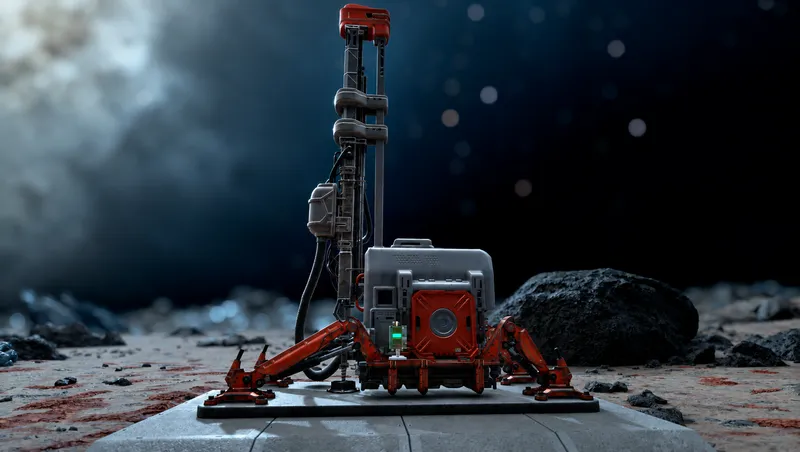
Modulated Harvesters
Selectable 1x, 2x, 5x, 10x, and 20x outpost harvester rates with matching power scaling, optional outpost calibration, and persistent increased-rate production accounting.