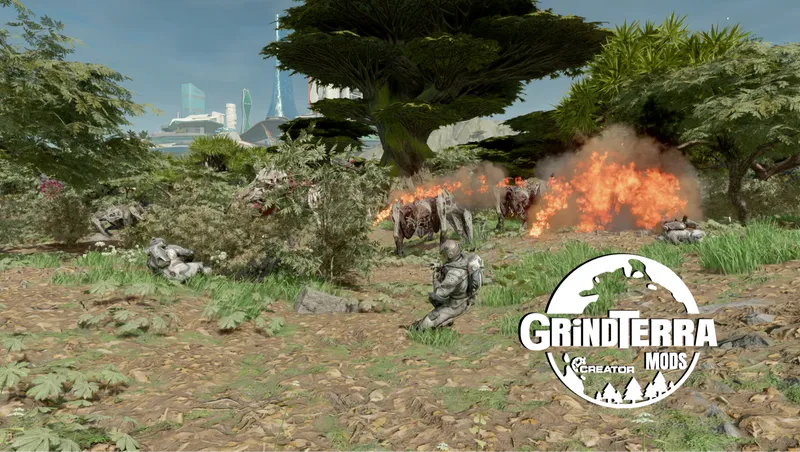
Mercenaries and Mayhem - a GRiNDTerra Outpost Expansion
By ItsmePaulieB
Community Rating
ALL DLC Expansion now available!
New Outpost Category “GRiNDTerra NPCs”
Outpost Raid Spawners- Trigger Outpost raids whenever you want! Choose between 5 different styles of raids or place a randomizer to choose a random enemy type for you! These do not count towards the Outpost Attack Cooldown!
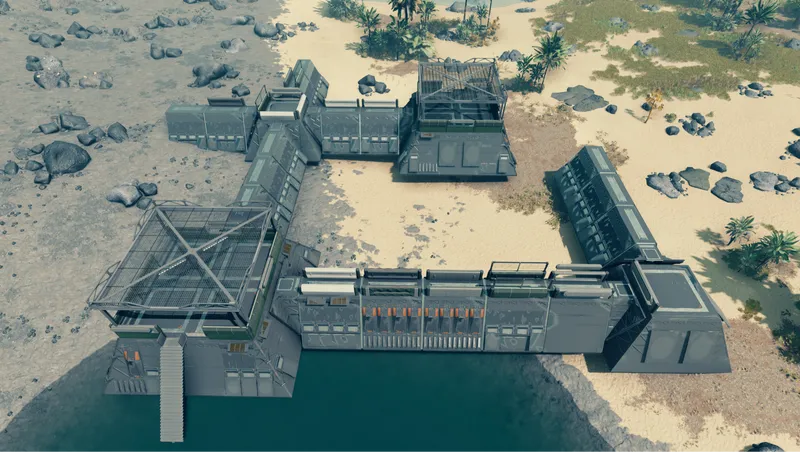
Fortifications- Build 13 defensible structures. Some have NPC interaction markers or foundation variations!
Building Blocks Fortification items that can be placed in mid-air. They are placed using the two click build method.
NPC Interaction Markers- 60 placeable markers to tell your companions and friendly NPCs to do things! Includes Creatures. (Placeable in spaceships!)
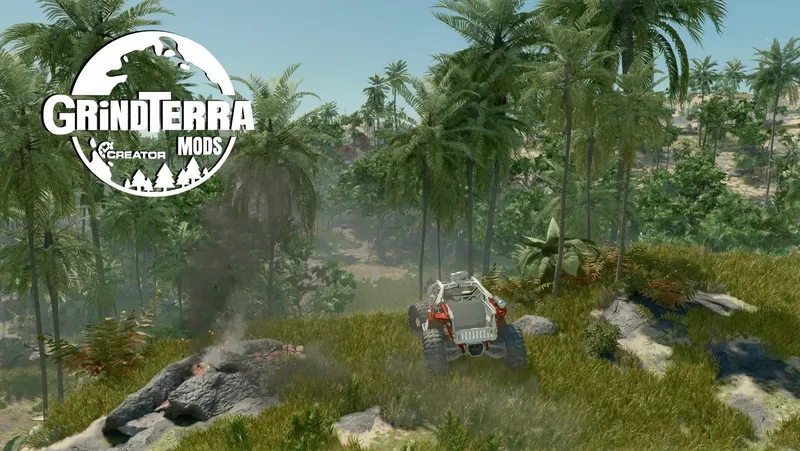
Landscaping Tools- 23 unique tools! Place paths, Biome Specific Rocks, Biome Specific Shrubs or even Biome Specific Trees.
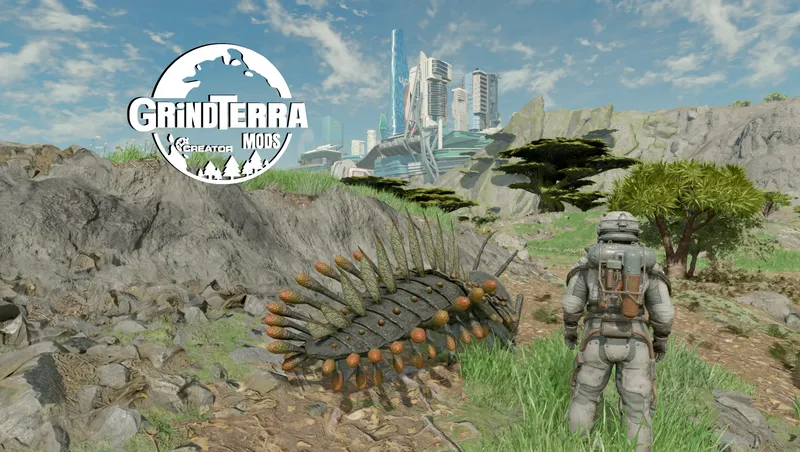
Assault Groups- Spawn a possible of 19 enemy NPC raid groups. These can be NPCs, Biome Specific Predators, or Terrormorphs! No bounties from faction NPCs!
Mercenaries- Hire 23 different types of NPCs. They will stay around your Outpost and use interaction markers.
Warnings!
Please practice placing the items before using in your actual save. It is very hard to undo a mistake. BACK UP YOUR SAVE GAME AND SAVE OFTEN!
You must save and reload placing trees, rocks and shrubs because you are actually placing a random marker, not the object itself. When you reload your game it places the object that the marker tells the game what it is supposed to be. This is how the flora and rocks will match the biome your outpost is placed in.
Outpost Raids are time consuming! If you leave the planet or are too far away from your outpost the Raid may get cancelled.
Please Try to place your raid spawner near the outpost beacon for best practice.
Paths and interactive markers are hard to delete! make sure you know what you are doing before using Interactive markers or Landscape tools.
There is a very specific way to place Biome items!
When you are ready, place the landscape items where you want them. Save your game. Reload your game. All items will appear where you placed them! (YOU MUST RELOAD FOR ITEMS TO APPEAR)
(Most of the time they will appear invisible in the editor.)
NPC Assault Groups
Sometimes you will get an error that the item is floating. (Even when it is not.) Don't worry, all groups work! Usually restarting your game, reloading, or even just leaving and coming back can refresh the placement error.
If you successfully repel your enemy assault group, make sure you delete the flag that spawns the NPCs! I put in a limit to force you to do your own clean up! Deleting the flag will delete the entire raid group. Make sure you loot the bodies before you delete!
Recommended Mods
Liga of Followers- Iggdrasil7
- Liga will give you full control over your mercenaries!
- possibly other companion mods! (Mercenaries count as CREW)
Tips:
Fortifications:
- Rotate Items to be farthest away from you and forward facing. NPC Markers are where your cursor is.
Interactive Markers:
- You can see a little box that contains the arrow when placing. It should be to the RIGHT of your cursor, which will have the arrow facing North. (Forward Facing)
- The Lean on Wall the arrow points to the direction the NPC is LOOKING. Place with arrow facing away from wall.
- Sit on Ledge can be used on chair furniture that doesn't already have it.
Friendly NPCs:
- They can die! Place Interactive markers BEFORE you place NPCs for best effect. They will move to a somewhat random interaction marker when placed!
Enemy NPCs:
- Place while in overhead mode for best effect. rotation doesn't matter except just to get them to place.
- DELETE FLAG WHEN DONE. It's a super nice and convenient way to clean everything up.
- Delete flag BEFORE saving!
Landscaping:
- CREATE A BACKUP SAVE BEFORE USING ANYTHING IN THIS LIST!
- Paths are hard to delete, and it is usually one will overwrite the other. Practice before using as they are hard to delete.
Biome landscape items will work! BEWARE of the large rock, it is really hard to guess its size.
- Recommend using small, or medium as the large.
- Randomly Rotate them yourself for best effect.
Sometimes but almost never you will be able to see the Biome Object.
- This is to be expected as you are actually placing a marker, not the item itself.
- YOU MUST SAVE. THEN RELOAD for them to appear.
- If you are happy, save again! if you are not, Delete and try again!
- You may have to go to BACKUP not MOST RECENT save.
Big thanks to JonathanOstrus for helping me get the raids working!
To learn more about GRiNDTerra Mods visit my Homepage https://www.nexusmods.com/starfield/mods/12307
Buy me a coffee! https://ko-fi.com/itsmepaulieb
0% use of AI. 100% Human labor and ideals!

Release notes
Xbox
-
3.6Just some QoL fixes. Outpost Crew can now be assigned to other outposts (Wont take affect on any already created crew), as well as removed some un used references.
-
3.5New Building Blocks items! a lot of cleaning and attempts to make placement easier. Cleaned up descriptions.
-
1.00== Describe this release ==
-
2.1Updated some descriptions for clarity. Nothing important.
-
2.01Hopefully solving a technical issue with uploading data. Scripts may not have worked on console, but hopefully these new uploads solves the issue.
The outpost raid spawners when you activate are supposed to show a message.
If this message doesnt show for you and you are on console please reach out to me on reddit or BGS official discord at @GRiNDTerra_Mods.
Updated description of biome objects and page. When placing a tree, shrub, or rock you are actually placing a marker, not the object. When you save and reload the game will display the object not the marker.
Why sometimes they display in the build menu and sometimes they dont is a great mystery. -
1.00== Describe this release ==
MAJESTIC!
Playstation
-
3.6Just some QoL fixes. Outpost Crew can now be assigned to other outposts (Wont take affect on any already created crew), as well as removed some un used references.
-
3.5New Building Blocks items! a lot of cleaning and attempts to make placement easier. Cleaned up descriptions.
-
1.00== Describe this release ==
-
2.1Updated some descriptions for clarity. Nothing important.
-
2.01Hopefully solving a technical issue with uploading data. Scripts may not have worked on console, but hopefully these new uploads solves the issue.
The outpost raid spawners when you activate are supposed to show a message.
If this message doesnt show for you and you are on console please reach out to me on reddit or BGS official discord at @GRiNDTerra_Mods.
Updated description of biome objects and page. When placing a tree, shrub, or rock you are actually placing a marker, not the object. When you save and reload the game will display the object not the marker.
Why sometimes they display in the build menu and sometimes they dont is a great mystery. -
1.00== Describe this release ==
MAJESTIC!
PC
-
3.6Just some QoL fixes. Outpost Crew can now be assigned to other outposts (Wont take affect on any already created crew), as well as removed some un used references.
-
3.5New Building Blocks items! a lot of cleaning and attempts to make placement easier. Cleaned up descriptions.
-
1.00== Describe this release ==
-
2.1Updated some descriptions for clarity. Nothing important.
-
2.01Hopefully solving a technical issue with uploading data. Scripts may not have worked on console, but hopefully these new uploads solves the issue.
The outpost raid spawners when you activate are supposed to show a message.
If this message doesnt show for you and you are on console please reach out to me on reddit or BGS official discord at @GRiNDTerra_Mods.
Updated description of biome objects and page. When placing a tree, shrub, or rock you are actually placing a marker, not the object. When you save and reload the game will display the object not the marker.
Why sometimes they display in the build menu and sometimes they dont is a great mystery. -
1.00== Describe this release ==
MAJESTIC!
Spawn Guards And Raids At Your Outpost | Starfield Mercenaries And Mayhem Review
Quick Actions
Your Rating
Sign in to rate and review this mod - your vote helps the community.
- Published
- Apr 24, 2026
- Last Updated
- Jun 30, 2026
- Platforms
- Playstation, PC, Xbox
Explore more Starfield creations for Gameplay. Browse all Gameplay mods →
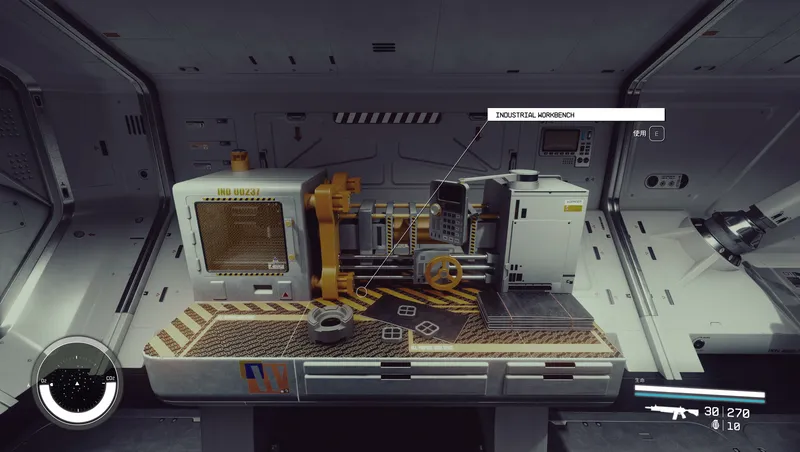
Craftable Gear Upgrade Modules
Build upgrade modules for ranged weapons, melee weapons and spacesuit defenses at the industrial workbench.

Dead Man's Slate
Rare slates on hostile humans reveal level-aware cache routes. Tune drop frequency and reward rarity in Gameplay Options.
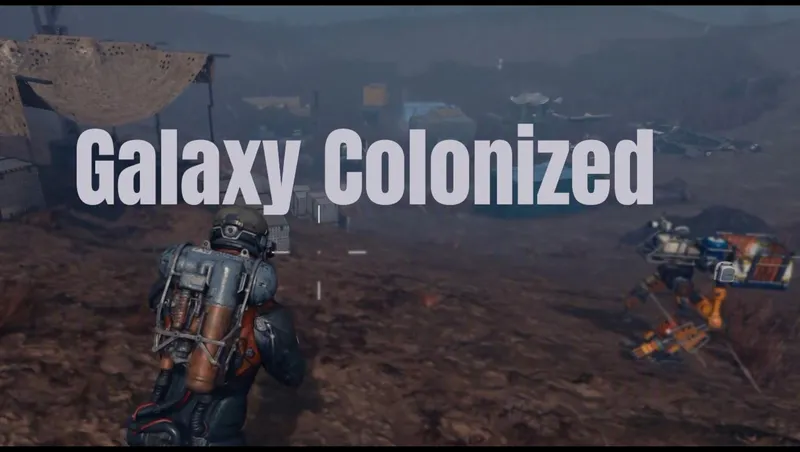
Galaxy Colonized
Galaxy Colonized overhauls planetary surface POI density and adds new Cave Encounters.
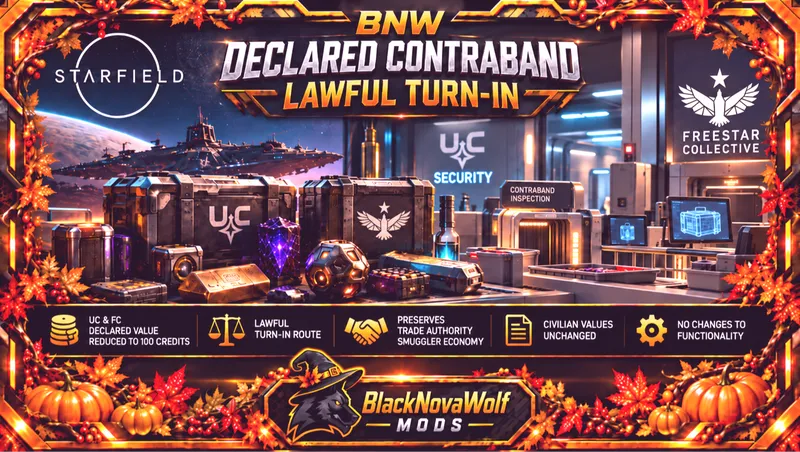
BNW Declared Contraband - Lawful Turn-In
Changes UC and Freestar Collective declared contraband from a base value of 5,000 credits to 100 credits.
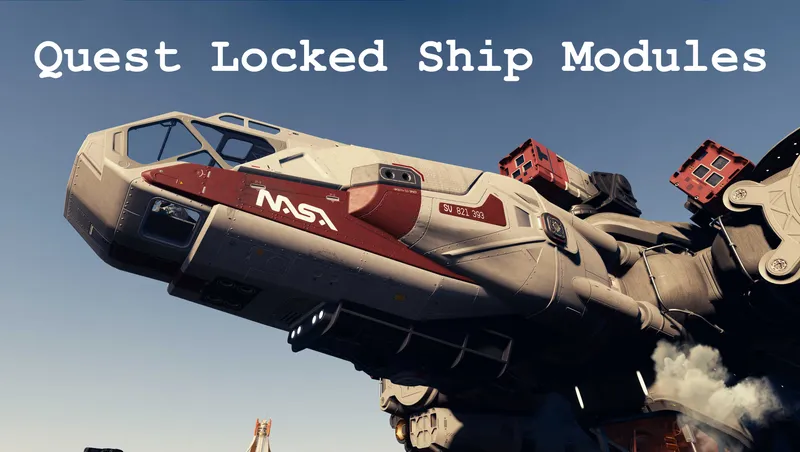
Quest Locked Ship Modules
Makes available various ship parts that are locked behind quests

Explore more Starfield creations for Outpost. Browse all Outpost mods →
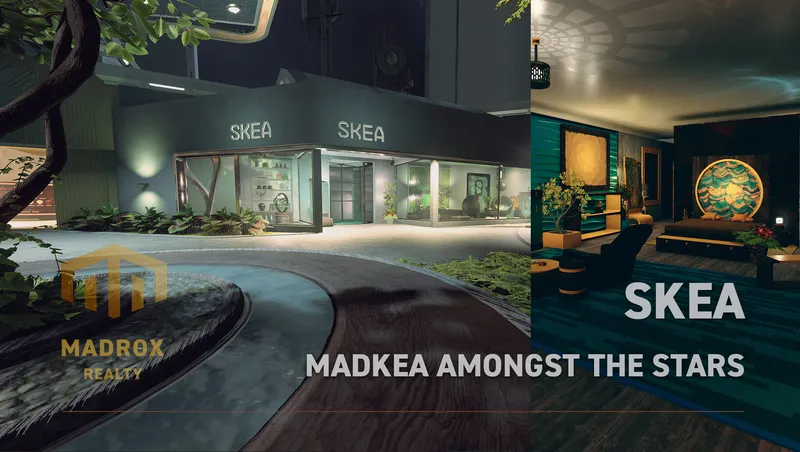
SKEA
SKEA is the place to be for your original decoration needs. More then 8.000 unique buildables are waiting for you to use in your ships, outposts and homes.
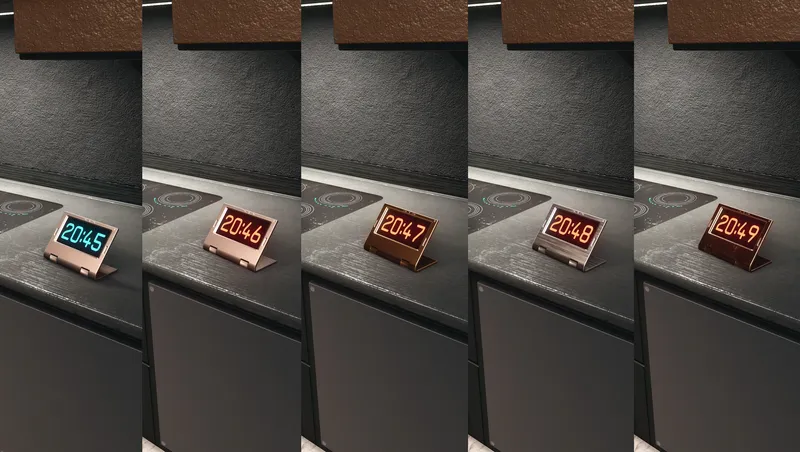
Digital Clocks & Widget
Buildable, customizable decoration items that can show Local Time and Universal Time (UT).
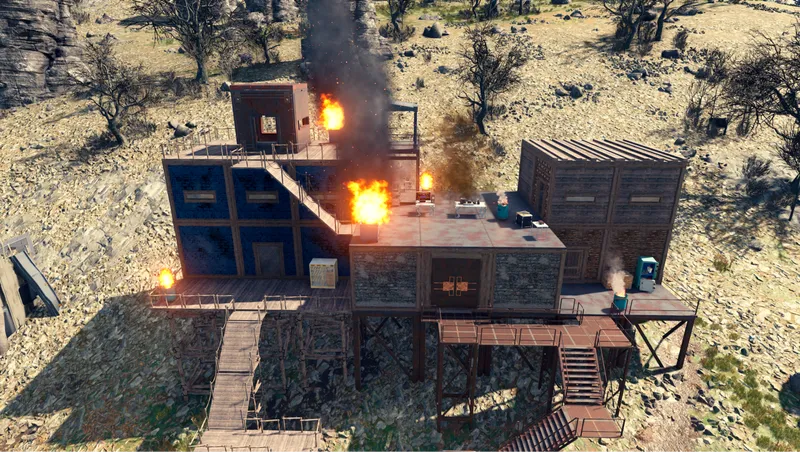
Shantytowns
This mod adds a snapping build kit that allows the player to make anything from a post-apocalyptic shanty town to a pre-apocalyptic slum.

Mercury Atelier Ship Habs Vol.2
Mercury Atelier Themed Ship Habs are designed by an Old-Earth designer group from parallel universe “Mercurius”, who brings creative visual language for spaceship modules.
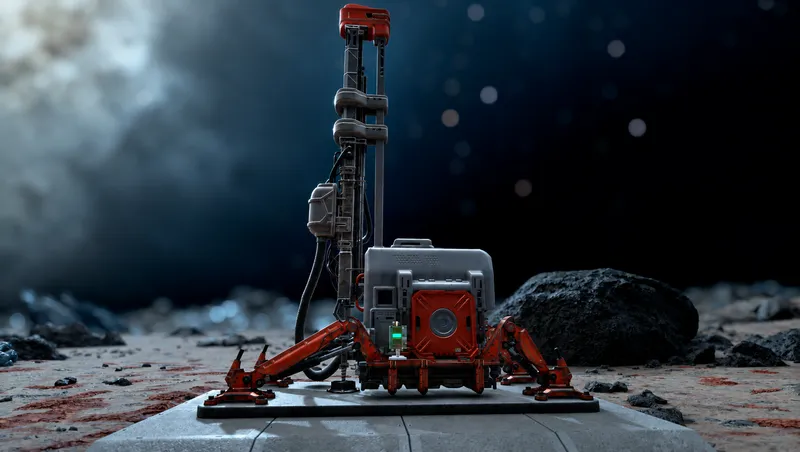
Modulated Harvesters
Selectable 1x, 2x, 5x, 10x, and 20x outpost harvester rates with matching power scaling, optional outpost calibration, and persistent increased-rate production accounting.
Explore more Starfield creations for Followers. Browse all Followers mods →
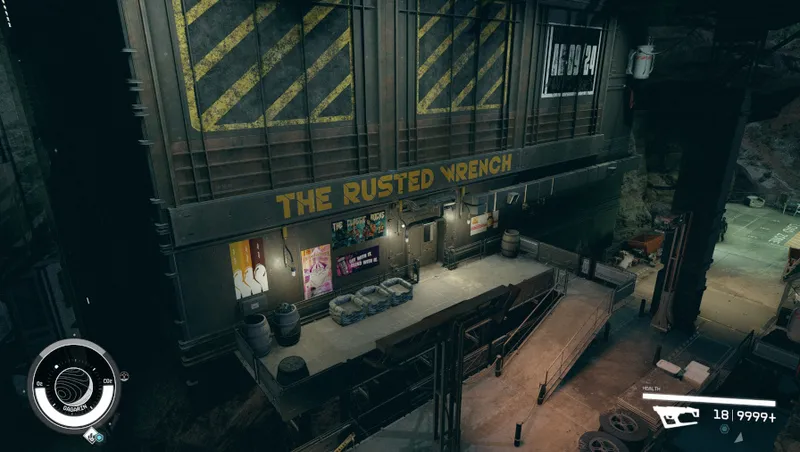
The Rusted Wrench
Get involved in the lives of the people at The Rusted Wrench, complete quests, earn rewards, hire powerful companions, and enjoy its unique industrial atmosphere and music.

Robot Legion
Allows players to build 25 new types of robots at Outposts, Homes, and Ships.